Use a Surface Pro as a Second Monitor for Your Mac
A Surface Pro's high-resolution 3:2 touchscreen makes a good second display for a Mac, but cables, Sidecar and Miracast won't do it. Here's the setup that works.
Use a Surface Pro as a Second Monitor for Your Mac
A Surface Pro is one of the best spare laptops to use as a Mac's second monitor: the screen is high-resolution, it is 3:2 so it fits a lot of document height, and it is a touchscreen. The catch is that Microsoft's own tools won't help. This guide shows what does work. For the general version covering any Windows or Linux laptop, see the main guide to using a laptop as a second monitor for Mac.
Why the built-in options don't work with a Mac
- Sidecar is Apple's second-screen feature and works with iPad only.
- A cable doesn't work. A Surface can send video out but it can't take video in, so you can't plug a Mac into it and use it as a display.
- "Projecting to this PC" in Windows uses Miracast, and Macs don't support Miracast.
So you need an app on both. We use CommandDesk: $19 one time for the Mac, free on the Surface.
Why a Surface Pro looks good as a second display
The Surface Pro 8 and Surface Pro 9 have a 13 inch, 2880 x 1920 screen, and the Surface Pro 7 has a 12.3 inch, 2736 x 1824 screen. All are 3:2 and about 267 pixels per inch (figures from spec comparison sites; check your exact model's spec page). That density is the point.
CommandDesk adds the virtual display on the Mac at the Surface screen's own resolution. On a Surface Pro 8 that means a 2880 x 1920 display, so text and UI on it come out sharp, not like a 1080p picture stretched across a small panel. In this mode the Surface just shows the Mac's display full screen, so what appears on it is set by the Mac, not by Windows' own display scaling. CommandDesk sizes the display to the panel for you, so there's nothing to set up.
Because the aspect ratio is 3:2, it is taller than a typical 16:9 monitor. That is useful for a document, a chat column, an email list, or a long web page next to your main Mac window.
Set it up
- Install CommandDesk on the Mac from smartinggoods.com/commanddesk. It needs macOS 13 Ventura or later.
- On the Surface, download the free PC app from smartinggoods.com/commanddesk/pc. It needs Windows 10 (version 2004 or later) or Windows 11. Surface Pro 7 and newer models that came with Windows 10 or 11 fit this; if yours is on an older Windows 10 build, update it first in Windows Update.
- Connect both to the same Wi-Fi (5 GHz is best) or the same wired network.
- In the CommandDesk menu on the Mac, pick your Surface from the list.
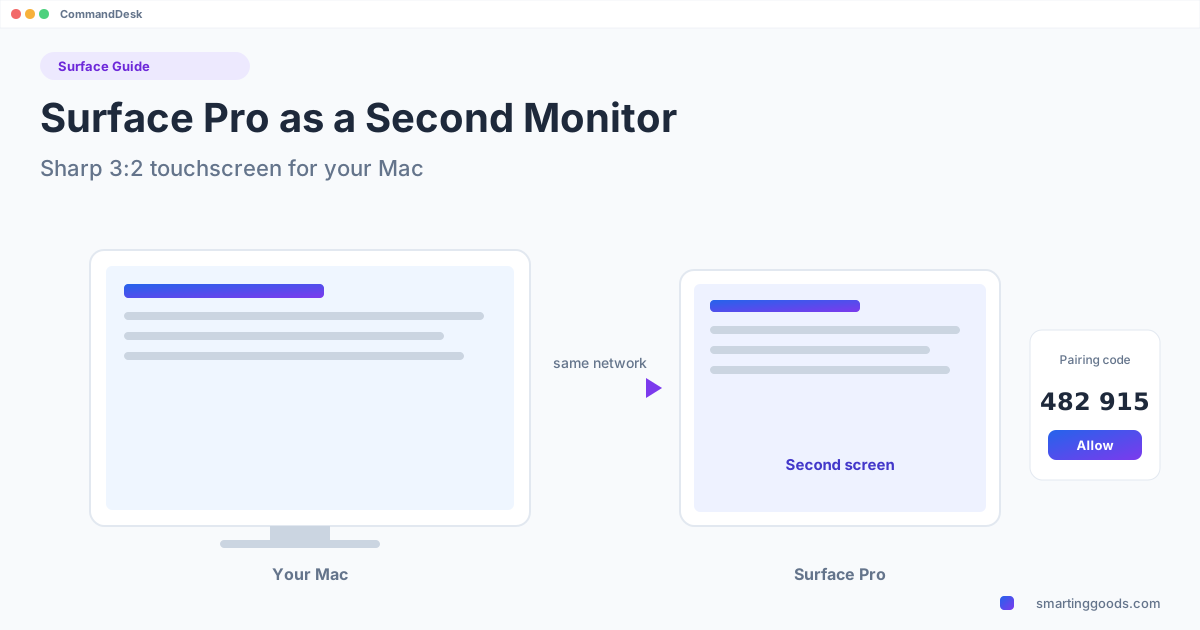
- Both screens show a 6-digit code. If they match, tap Allow on the Surface.
- Choose Use [your Surface] as a Second Screen and set whether it sits left or right of the Mac.
Touch works
On touchscreen PCs such as the Surface, you can tap to click, double-tap, drag, and scroll with two fingers. That makes the Surface handy as a side panel you poke at while the Mac stays on the keyboard: scrolling a long document, tapping a link, dragging a window back to the main screen. The pointer itself is drawn directly on the Surface, so it moves smoothly.
Make it smooth
- Wired beats Wi-Fi. The Surface has no Ethernet port; if you want a wired connection, use a USB Ethernet adapter. Otherwise use 5 GHz Wi-Fi close to the router.
- Keep the Surface on power. It will be showing video full screen for as long as you work.
- Work, not games. It is built for documents, chat, browser and charts.
Other things to know
- It is one PC at a time. While the Surface is your second screen, controlling it with the Mac's keyboard and mouse (the other CommandDesk mode) is paused. If you want that mode instead, see one keyboard and mouse for Mac and PC.
- Connection is encrypted. No account, no IP addresses.
- The refund covers the case where it can't connect to your PC: 14 days.
FAQ
Can I use a Surface Pro as a second monitor for a Mac with a USB-C cable? No. USB-C on a Surface doesn't accept video input. You need software over the network.
Does it work with a Surface Pro 7, 8 or 9? It works on Windows 10 (version 2004 or later) or Windows 11. The Pro 8 is the model we have tested with (2880 x 1920).
Is the image sharp? The Mac creates the display at the Surface screen's own resolution, so yes.
Does touch work? Yes: tap, double-tap, drag and two-finger scroll.
Does an ARM Surface (like the Pro X) work? We haven't tested CommandDesk on an ARM Surface yet. If it can't connect to your PC, the 14-day refund covers it.
Get it
CommandDesk is $19 for the Mac and the PC app is free. Back to the general guide for other laptops.