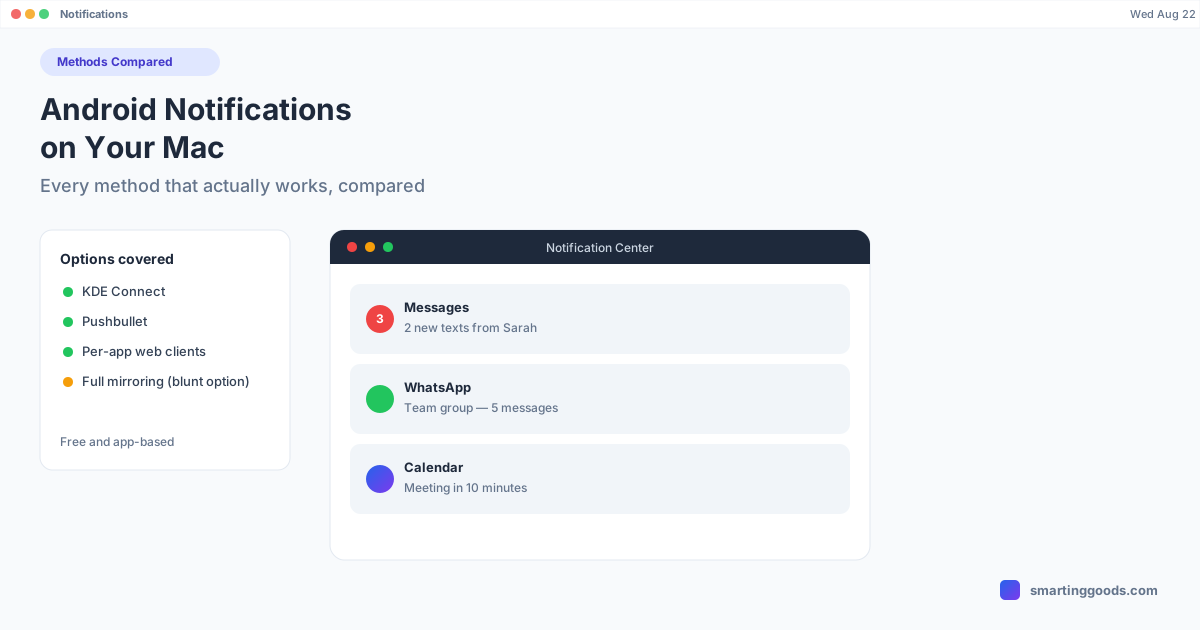
Get Android Notifications on Your Mac: Methods Compared
Android doesn't mirror notifications to Mac the way iPhone does. Here's every real method — Google Messages, KDE Connect, Pushbullet, and screen mirroring — compared honestly.
Get Android Notifications on Your Mac: Every Method Compared
Apple users get every iPhone notification mirrored on their Mac automatically — texts, calls, app alerts, all of it, no setup. Android users get nothing built in. If you've ever missed a call because your phone was buried in another room while you were heads-down at your Mac, you already know why this matters.
There isn't one official "Android notifications on Mac" feature the way there is for iPhone. Instead there are several tools that each solve a slice of the problem — some do texts only, some do calls, some mirror everything because they're not really notification tools at all. Here's what each one actually covers, and where each one falls short.
Why Android Doesn't "Just Work" With a Mac
Apple controls both the phone OS and the laptop OS, so Continuity features like notification mirroring, Handoff, and Universal Clipboard are built at the system level with no third-party involvement. Google and Apple don't have that relationship — Android and macOS are built by two companies with no incentive to wire their notification systems together. Every solution you'll find is either a narrow first-party tool (Google Messages for web handles texts, nothing else) or a third-party workaround that has to reverse-engineer or approximate what Apple gets for free.
That means the right tool depends on what you actually need notified about — just texts, just calls, everything, or literally your whole phone screen.
Method 1: Google Messages for Web (Texts Only)
What it covers: SMS and RCS text notifications, nothing else.
Google Messages for web (messages.google.com/web) pairs with your phone via QR code and mirrors your text conversations in a browser tab, including desktop notifications for new messages when the tab is open. It's free, official, and takes two minutes to set up. The catch is it's scoped to texting — it won't tell you about a missed call, a calendar reminder, or a notification from any other app.
Full walkthrough: Google Messages for Mac.
Method 2: KDE Connect (Broadest Free Coverage)
What it covers: Notification mirroring for most apps, plus clipboard sync, file sharing, and phone-locate/ring features.
KDE Connect started as a Linux project but has a legitimate, actively maintained macOS client. Once paired over the same Wi-Fi network, it forwards Android notification banners to macOS's native Notification Center — so alerts from WhatsApp, Slack, your bank app, whatever, show up as real Mac notifications, not just texts. It's free and open-source, which is rare for something this useful.
The tradeoffs: setup is slightly more involved than a browser tab (you install an app on both ends and grant Android notification-access permissions, which Android makes you confirm through a slightly buried settings screen), and because it isn't backed by a company with App Store polish, notification forwarding can be a little inconsistent — a lock/unlock cycle on either device sometimes required to re-establish the connection.
Method 3: Pushbullet (Paid Tiers, Polished UI)
What it covers: Notification mirroring, universal copy-paste, SMS from desktop.
Pushbullet was one of the original "mirror your phone notifications to desktop" apps and still works well. The free tier is heavily rate-limited (a small monthly cap on mirrored notifications), and the features people actually want — unlimited notification mirroring, SMS sending from desktop — sit behind a paid Pro subscription. If you want a more polished, company-supported alternative to KDE Connect and don't mind paying, it's a reasonable pick; if you don't want another subscription, it's a harder sell than the free options.
Method 4: Manufacturer Apps (Samsung, others)
What it covers: Varies — some phones ship with a companion app that offers partial notification mirroring to Windows, with weaker or no macOS support.
Samsung's "Link to Windows" / Phone Link integration is genuinely good — but it's a Windows feature, built with Microsoft, and there is no Mac equivalent from Samsung. If you searched for this hoping your Galaxy phone has a built-in Mac notification bridge, it doesn't. Other manufacturers are similar: notification-sync partnerships exist mostly on the Windows side of the industry, not macOS.
Method 5: Mirror the Whole Phone Screen
What it covers: Everything — because you're looking at the actual phone screen, not a filtered notification feed.
This is a blunter tool than the options above, and it's not really a "notification" app at all — but it solves the underlying problem completely. If your Android screen is already running in a window on your Mac, every notification banner that would appear on the phone appears right there, because you're looking at the real device. No permission to configure, no app-by-app allow list, no risk of a sync service missing an alert — if it would show up on your phone, you'll see it.
PhoneDesk does this as one of its core features: it puts your Android phone's screen — including Samsung DEX or Pixel desktop mode — in a real, resizable window on your Mac. It wasn't built as a notification tool specifically, and if all you want is text alerts, it's overkill compared to Google Messages for web. But if you're already running your phone's screen in a window for other reasons (desktop mode, checking an app, moving a file over), you get every notification for free as a side effect of the screen being visible — no separate sync service required. It's a legitimately different approach from the dedicated notification-mirroring apps above: those apps forward a message about a notification; PhoneDesk shows you the notification itself, because you're looking at the actual phone.
Which Method Should You Actually Use?
- Just want texts on your Mac, free, official, zero risk: Google Messages for web.
- Want most app notifications forwarded, free, don't mind a bit of setup: KDE Connect.
- Want a polished paid tool with SMS-from-desktop: Pushbullet Pro.
- Already mirroring your phone's screen for desktop mode or file transfer, and want notifications as a bonus rather than a separate app: that's already covered if you're using something like PhoneDesk — no extra setup needed.
Most people end up combining two of these — Google Messages for web for texting, plus one broader tool (KDE Connect or a screen mirror) for everything else — rather than finding one app that does it all, because nothing currently does.
Frequently Asked Questions
Q: Is there an official Google tool for Android notifications on Mac, like Apple's Continuity? A: No. Google Messages for web covers texts specifically, but there's no first-party Google tool that mirrors all Android app notifications to macOS the way Apple's Continuity does for iPhone.
Q: Does KDE Connect work reliably on macOS? A: It works, and it's actively maintained, but expect occasional reconnect hiccups — locking and unlocking either device usually re-establishes the link if notifications stop coming through.
Q: Can I get just phone call notifications on my Mac without full screen mirroring? A: KDE Connect and Pushbullet both forward call notifications along with other app alerts. If you only want calls specifically, there isn't a call-only dedicated tool — you'd use one of the general notification-mirroring apps.
Q: Does PhoneDesk mirror notifications specifically, or is that just a side effect? A: It's a side effect, and it's worth being clear about that — PhoneDesk's core features are desktop mode, second-monitor use, and file transfer, not notification syncing. But because it shows your actual phone screen in a window, any notification that appears on the phone is visible there too, with no extra configuration.
Q: What's the cheapest way to get Android notifications on a Mac? A: Free: Google Messages for web (texts only) and KDE Connect (broader coverage) cost nothing. Paid options like Pushbullet Pro add polish but aren't necessary for most people.
Bottom Line
There's no single "Android notifications on Mac" switch to flip — you're choosing between narrow, free, official tools (Google Messages for web) and broader third-party ones (KDE Connect, Pushbullet) with their own tradeoffs in reliability and cost. If you're already mirroring your phone's screen for another reason, you've effectively solved notifications too, without adding another app.
If that's the direction you're leaning — one tool that shows your whole phone, handles desktop mode, and doubles as a way to never miss a notification — PhoneDesk is $25 one-time, no subscription, with a 14-day no-questions refund if it's not the fit you expected.