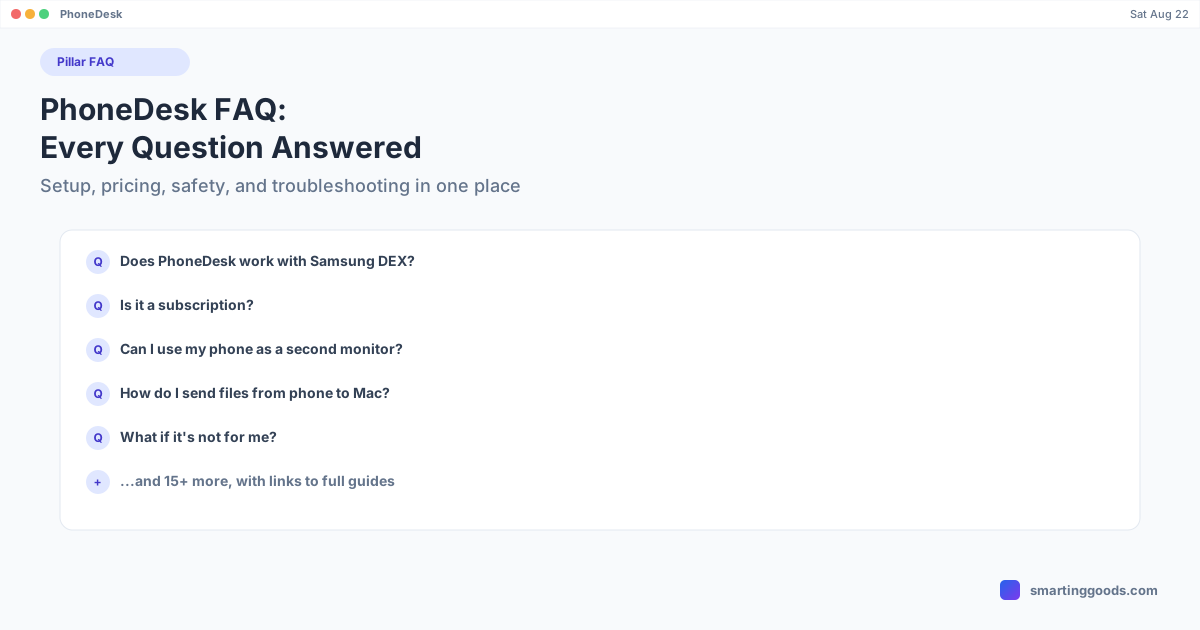
PhoneDesk FAQ: Every Common Question Answered
Setup, pricing, safety, licensing, and troubleshooting — every common PhoneDesk question in one place, with links to the full guide for anything that needs more detail.
PhoneDesk FAQ: Every Common Question Answered
This is the single-page version of everything people ask about PhoneDesk — pulled from the app's own FAQ section plus the questions covered across this blog. Short answers here; linked guides where a topic deserves more depth.
Setup & Compatibility
Does PhoneDesk work with Samsung DEX? Yes — PhoneDesk drives Samsung DEX as a resizable window on your Mac, confirmed on the Galaxy Z Fold 6. It's the same DEX session your phone already supports; PhoneDesk puts it in a proper macOS window instead of requiring a separate monitor or dock. See the Galaxy S24 Ultra setup guide or Galaxy S25 Ultra guide for device-specific steps.
Which phones does PhoneDesk support? Any Android phone with "desk-eligible" desktop mode built in — confirmed on Samsung DEX (Galaxy Z Fold 6) and the Pixel 9 Pro. Other phones with USB debugging enabled will still connect for screen mirroring even without native desktop mode. Full breakdown: PhoneDesk system requirements.
Do I need to install anything else, like adb or scrcpy separately? No — PhoneDesk bundles adb and scrcpy, so there's nothing extra to install on the Mac. USB debugging just needs to be turned on in the phone's Developer options. If you haven't done that yet: enable Developer options, then enable USB debugging.
What's the difference between Samsung DEX, Pixel desktop mode, and Android 16 desktop windowing? They're related but distinct — DEX is Samsung's own desktop environment, Pixel desktop mode is Google's Pixel-specific implementation, and Android 16 desktop windowing is the newer, cross-manufacturer framework both are increasingly built on. Full explainer: Android 16 desktop windowing and One UI 7 desktop mode changes.
Features
Can I use my phone as a second monitor for my Mac? Yes — pick "Use as Second Display" and PhoneDesk creates a real, arrangeable macOS display and streams it to your phone over USB or Wi-Fi. It shows up in Displays settings like any other monitor, and you can drag windows onto it.
How do I send files from my phone to my Mac? Share from any app on your phone (PhoneDesk shows up as a "Send to Mac" share target), pick files in the companion app, or drag and drop them onto its window during a desktop session. Files land straight in your Mac's Downloads folder; shared text or links land on your clipboard.
What's the difference between Desktop Mode and the invisible variant? Regular Desktop Mode shows a small overlay on the phone screen during the session — that's the trade-off Android requires for desk-eligible display. The invisible virtual-display variant skips that (needs one root device property flipped), so the phone screen stays off.
Does Wi-Fi mode survive a phone reboot? No — Android drops the Wi-Fi adb connection on reboot, so you'll reconnect over USB once (or re-pair wirelessly) after restarting the phone.
Pricing & Licensing
Is this a subscription? No. $25 once, yours for life, including future updates via the built-in auto-updater.
Does one license cover multiple Macs? The documented terms cover "unlimited devices, one Mac" — meaning you can connect as many Android phones as you want to your one licensed Mac. Coverage for a second Mac isn't explicitly published; see can you use PhoneDesk on multiple Macs for the full honest answer.
What if it's not for me? 14-day no-questions refund — request it yourself from the manage-order page, or reply to your license email. Full details: PhoneDesk refund policy.
Safety & Requirements
Is PhoneDesk safe to use? PhoneDesk connects to your phone over a direct USB or local Wi-Fi connection using adb and scrcpy — not a cloud relay for screen data — and the Mac app is signed and notarized by Apple. Full breakdown: is PhoneDesk safe.
What Mac and Android setup do I need? macOS 13 or later on the Mac side; USB debugging enabled and a USB cable or shared Wi-Fi network on the Android side. Full reference: PhoneDesk system requirements.
Comparisons
How does PhoneDesk compare to scrcpy, Vysor, AirDroid, or spacedesk directly? Those are covered in dedicated comparisons: scrcpy vs PhoneDesk, Vysor vs PhoneDesk, AirDroid vs PhoneDesk, and spacedesk vs PhoneDesk.
What about Samsung DEX not working, or connection issues? See Samsung DEX not working and Samsung DEX not connecting for troubleshooting steps.
Frequently Asked Questions (Quick Reference)
Q: Is there a free trial? A: No — PhoneDesk is fully gated behind license activation, with a 14-day refund as the alternative safety net instead of a trial.
Q: Do I need a Samsung or Google phone specifically for full desktop mode? A: For the full windowed Desktop Mode feature, confirmed support is on Samsung DEX (Galaxy Z Fold 6) and Pixel 9 Pro. Other phones with USB debugging still work for mirroring and file transfer.
Q: Does PhoneDesk require a cable, or is it fully wireless? A: Both are supported — start over USB, then switch to Wi-Fi with one click, or skip cables entirely with QR-code wireless pairing.
Q: Where do I get support if my question isn't answered here? A: Reply to your license email, or use the manage-order page linked in your purchase receipt — both are documented contact paths for account and licensing questions.
Still Have a Question?
This page covers the common ones — for anything specific to your setup, the fastest path is checking the linked guides above or reaching out through your purchase email. See the full feature list and demo video →
PhoneDesk is a $25 one-time license — no subscription, 14-day no-questions refund.