Can You Use PhoneDesk on Multiple Macs?
PhoneDesk's pricing page documents unlimited devices on one Mac — here's what that means in practice, and what's genuinely unclear if you're thinking about a second Mac.
Can You Use PhoneDesk on Multiple Macs?
If you own more than one Mac — a desktop and a laptop, say — it's a fair question whether a single $25 PhoneDesk license covers both. Here's what's actually documented, and where the honest answer is "check with support" rather than a confident yes or no.
What's Documented: One Mac, Unlimited Devices
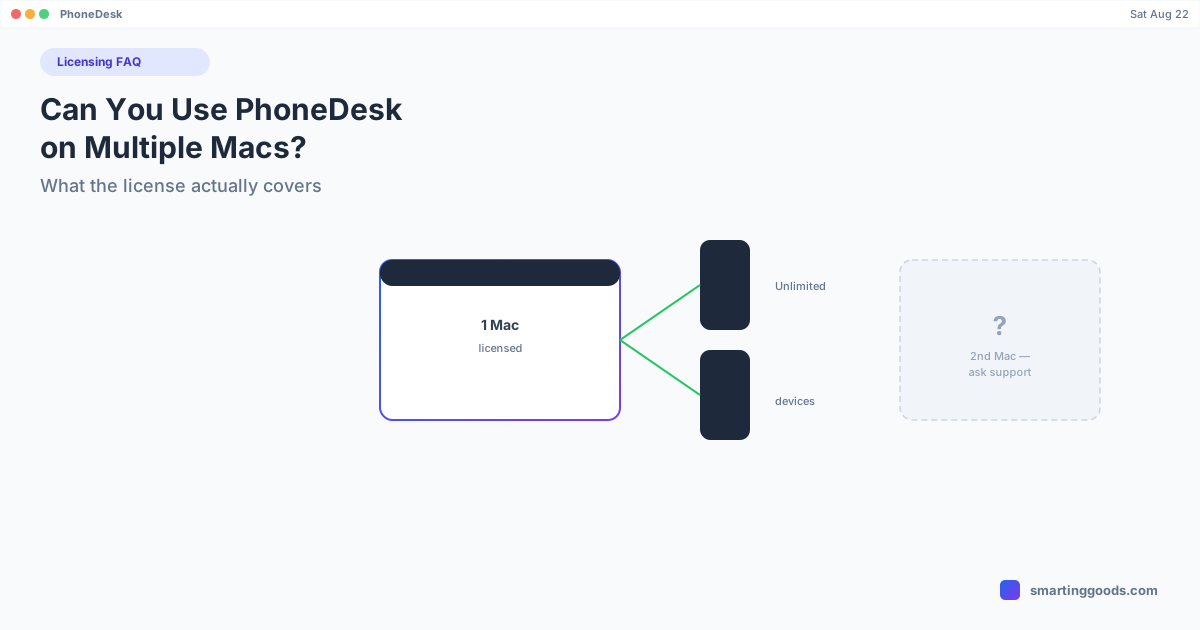
PhoneDesk's pricing page lists the license terms explicitly, and the relevant line is: "Unlimited devices, one Mac." That's the clearest documented statement of scope. It means:
- The license covers one Mac. That's the unit the $25 purchase is scoped to.
- On that one Mac, you can connect as many Android phones as you want. The "unlimited devices" part refers to the number of phones you can pair and use with PhoneDesk on your licensed Mac — not the number of Macs the license activates on.
So if you have one Mac and switch between two or three different Android phones, that's explicitly covered — no per-device limit. What's scoped and limited is the Mac itself.
What's Not Explicitly Documented: A Second Mac
What isn't spelled out anywhere in the pricing terms, FAQ, or landing page is what happens if you want to install and activate PhoneDesk on a second Mac — whether that requires a second $25 license, whether there's a transfer process if you retire your old Mac for a new one, or whether there's any flexibility built in for that scenario.
Rather than guess at a policy that isn't published, the honest answer is: if you need PhoneDesk on more than one Mac, contact support and ask directly before assuming either way. Guessing wrong here — assuming it's either freely allowed or completely blocked — isn't fair to you as a buyer, so we're not going to invent an answer that isn't backed by anything documented.
What Probably Applies if You're Replacing a Mac
A common real-world scenario isn't "I want two Macs simultaneously" but "I'm upgrading from an old Mac to a new one." Many one-time-purchase Mac apps handle this reasonably (deactivate old, activate new) even without a formal published policy, since the underlying architecture uses a signed license key tied to your purchase rather than a hardware-locked activation. If this is your situation, the same advice applies: reach out to support with your purchase details before or after the switch, rather than assuming a specific behavior.
Frequently Asked Questions
Q: Does one PhoneDesk license cover multiple Android phones? A: Yes — this is explicitly documented. "Unlimited devices, one Mac" means you can connect as many Android phones as you want to your one licensed Mac.
Q: Does one PhoneDesk license cover multiple Macs? A: Not documented either way. The published terms scope the license to "one Mac" — if you need it on a second Mac, contact support directly rather than assuming a policy that isn't published.
Q: What if I switch from an old Mac to a new one? A: This isn't explicitly addressed in PhoneDesk's public documentation either. Reach out to support with your purchase details if you're planning a Mac upgrade and want clarity before or after the switch.
Q: Is there a family or team plan for multiple Macs? A: Not one that's documented on the current pricing page — the only listed option is the single $25 one-time license scoped to one Mac with unlimited connected devices.
Questions About Your Setup?
If your situation involves more than one Mac, the safest move is asking support before buying, rather than guessing. For everything else — connecting multiple phones to one Mac, desktop mode, second-monitor use, file transfer — see the full feature list →
PhoneDesk is a $25 one-time license — no subscription, 14-day no-questions refund if it's not the right fit.