The One-Bag Travel Setup: Phone, Mac, and Nothing Else
A packing-light approach for travelers: how pairing your Android phone with your Mac replaces a portable monitor, a tablet, and a separate transfer cable, with an honest look at what it doesn't replace.
The One-Bag Travel Setup: Phone, Mac, and Nothing Else
Every extra device you pack is another charger, another cable, another thing that can go missing in a hotel room. If you're already traveling with an Android phone and a MacBook, the honest question is how much of the rest of your bag — a second monitor, a tablet, a dedicated e-reader, a separate GPS unit — is actually earning its space.
One-bag travel isn't about owning less stuff in general. It's about consolidating what you already carry so two devices do the work of four. Your phone and your Mac, paired properly, cover more ground than most people realize.
What You're Actually Trying to Cut
The instinct when packing for a trip is to bring a backup for everything: a tablet in case the laptop feels like overkill, a second charger in case the first one gets left at the airport lounge, maybe a portable monitor because working from a laptop screen alone for two weeks sounds miserable. Each of those solves a real problem — but each is also a device with its own charging cable, its own charge state to manage, its own thing to lose.
The alternative is deciding your phone is not just a communication device on this trip, it's your second screen, your note-taking device, and in some cases your file-transfer hub between "things I captured on the road" and "the Mac I'm actually working from." That's a different way of thinking about the phone than most people default to, and it only works if there's software making the connection between phone and Mac actually usable.
What a Phone-as-Desktop Setup Replaces on the Road
A second monitor. Editing a document while referencing a PDF, or writing while a spreadsheet is open next to you, doesn't require carrying a portable USB monitor if your phone can be used as an actual second display. It's a smaller screen than a 14" portable monitor, but it's a screen you're already carrying regardless — no extra weight.
A dedicated notes device. Instead of a tablet you bring specifically for "distraction-free" writing, running a notes app in phone desktop mode next to your Mac gives you the same effect without an extra device charging overnight.
Cable-based file transfer. Photos from the day, screenshots, boarding passes, PDFs — normally these require either emailing yourself things, using a cloud service that needs Wi-Fi to sync, or plugging in a cable and dealing with MTP mounting on the Mac. If your phone can send files to your Mac wirelessly with a share-sheet tap, that's one less friction point at the end of a travel day when you just want things off your phone and onto your laptop.
What It Doesn't Replace — Be Realistic
This setup does not replace your laptop's keyboard and trackpad for serious writing or editing sessions, and it doesn't turn your phone into a full desktop OS. If your work on the road involves heavy multitasking, large files, or apps that only exist on macOS, the Mac is still doing that work — the phone is a supporting screen, not a second laptop.
It also doesn't replace a proper external battery if your trip involves long stretches without outlets. Running your phone in desktop mode for hours uses more battery than the phone sitting in your pocket, so if you're relying on the phone as a display for a full workday on a train, you'll want it plugged in, or you'll want to accept shorter sessions. A portable battery pack is still worth packing — it's just one item instead of a second screen's worth of dedicated hardware.
Packing List: Phone + Mac Setup
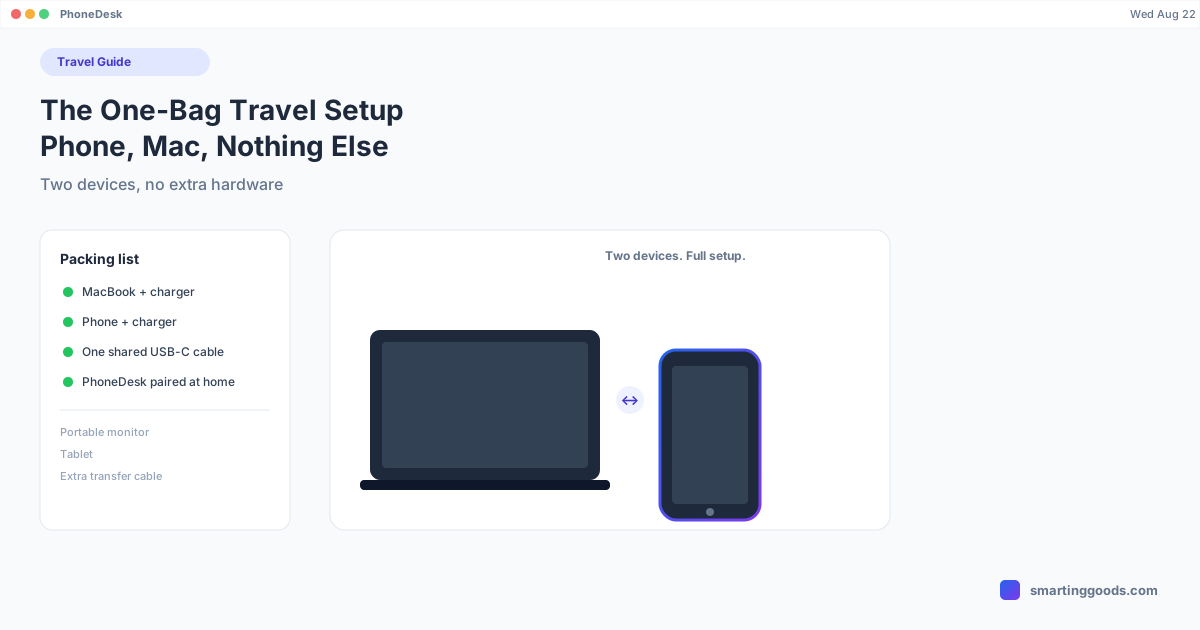
- MacBook + charger
- Android phone + charger (the same cable you already need for the phone)
- One USB-C cable that works for both (many modern setups let phone and Mac share a cable standard)
- PhoneDesk installed on the Mac before you leave — set up the pairing once at home over Wi-Fi so you're not doing first-time developer-options setup from a hotel room
That's the whole list for the "extra screen and file transfer" problem that would otherwise mean packing a portable monitor, a separate transfer cable, or relying on spotty hotel Wi-Fi to sync photos through a cloud service.
How PhoneDesk Fits Into One-Bag Travel
PhoneDesk is a macOS menu bar app that turns your Android phone into a real second display for your Mac, or drives the phone's own desktop mode (Samsung DEX or Pixel) as a window — your choice depending on what you need in the moment. It also handles file transfer in the other direction: share a photo or document from your phone and it lands in your Mac's Downloads folder or clipboard, no cable required once you're paired over Wi-Fi.
The setup itself takes a few minutes and only needs to happen once, ideally before you leave — turn on USB debugging on the phone, pair with the Mac over USB the first time, and from then on it's a one-click connection from the menu bar, USB or wireless. Nothing extra to install on the Mac side; adb and scrcpy are bundled in.
See the full feature list on the PhoneDesk homepage, or go straight to the phone-as-second-monitor guide or file transfer guide depending on which part of this setup you want first. For the broader workflow, see the phone-as-desktop starter guide.
Frequently Asked Questions
Q: Does this actually save weight, or just complexity? A: Mostly complexity and charging overhead, not dramatic weight savings — your phone and Mac already have weight and volume regardless. What you're cutting is the extra charger, extra cable, and extra device to keep charged and track through airport security when a portable monitor or tablet would otherwise fill that role.
Q: What if I need Wi-Fi to pair the phone and Mac, and my hotel Wi-Fi is unreliable? A: Pair once at home before your trip, over your own Wi-Fi or USB — the connection persists as a known device, so you're not setting this up from scratch in a hotel room. You can always fall back to a USB cable connection anywhere, which needs no network at all.
Q: Is a phone screen really usable as a second monitor while traveling? A: It's smaller than a dedicated portable monitor, so it's better suited to reference material, chat, notes, or a browser tab than to detailed spreadsheet or design work. For the kind of secondary-screen tasks most travelers actually need — keeping an eye on a doc while writing, or having messaging open next to your main work — it holds up fine.
Q: Does PhoneDesk work without a data or Wi-Fi connection at all, like on a plane? A: Yes, over USB — the connection between phone and Mac runs locally through the cable and doesn't need internet access. Wireless mode needs both devices on the same local network, which won't exist on a plane, but USB works anywhere.
The Bottom Line
The gear you don't pack is the gear you never have to charge, track, or replace when it goes missing on day four of a trip. If your phone and Mac can cover the second-screen and file-transfer roles that used to require separate hardware, that's real bag space back — and it's software, not more stuff, that makes the difference.
See the full feature list and get started → — $25 one-time, no subscription, 14-day refund if it's not for you.