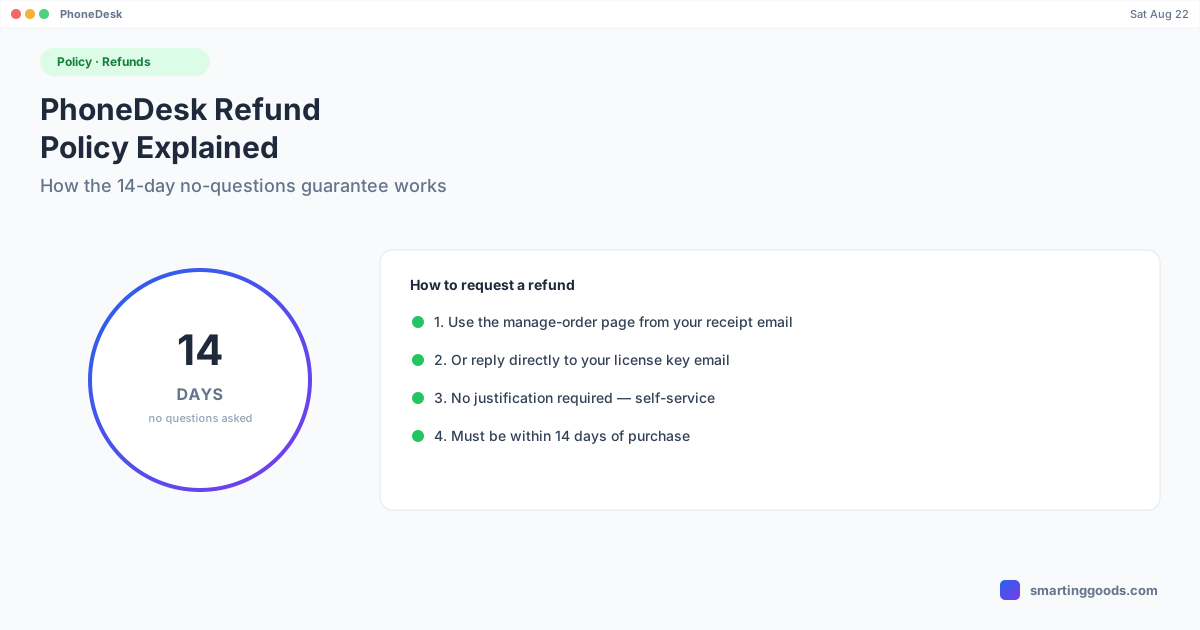
PhoneDesk Refund Policy: How the 14-Day Guarantee Works
PhoneDesk's refund policy in plain terms: 14 days, no questions, self-service. Here's exactly how to request one and what to expect.
PhoneDesk Refund Policy: How the 14-Day Guarantee Works
PhoneDesk is a $25 one-time purchase, and it comes with a 14-day, no-questions-asked refund. This post explains exactly what that means and how to actually use it, based on what's documented on the PhoneDesk pricing and FAQ sections.
The Policy, Plainly
- Window: 14 days from your purchase date.
- No questions asked — you don't need to justify the refund or explain why PhoneDesk didn't work out for you.
- Self-service — you can request it yourself rather than needing to wait on a support reply to approve it.
How to Request a Refund
There are two documented ways to request a refund:
- From the manage-order page — the link to manage your order is included in the email you received at purchase.
- By replying to your license email — the same email that delivered your license key is a valid channel to request a refund directly.
Either path works; use whichever is easier to find in your inbox.
What Happens After a Refund
Based on how the licensing system is built, a refund is processed by marking your license record as revoked. In-app enforcement of that revocation (meaning the app actively checking and disabling itself upon revocation) is something the underlying architecture leaves room for as a future hook, rather than something documented as instantly and automatically enforced today — if you have a specific question about what happens to an already-activated license after refund, that's worth confirming directly with support at the time you request one, rather than assuming a behavior that isn't explicitly published.
Why a Refund Window Instead of a Free Trial
PhoneDesk is fully gated behind license activation — there's no free trial version to test drive before paying. The 14-day refund exists as the alternative to a trial: you pay once, try it against your actual phone and Mac setup, and if it doesn't work for your specific hardware or workflow, you get the money back within that window rather than being stuck evaluating a limited demo first.
When a Refund Makes Sense
Common, reasonable reasons people use the window:
- Your specific Android phone doesn't support the desktop-mode feature the way you expected (confirmed devices are the Galaxy Z Fold 6 for Samsung DEX and the Pixel 9 Pro for Pixel desktop mode — other phones may vary).
- Your Mac doesn't meet the macOS 13+ requirement and upgrading isn't practical right now.
- You bought it for a specific workflow that, after actually using it, doesn't fit how you work.
None of these require an explanation when you request the refund — that's the point of "no questions asked."
Frequently Asked Questions
Q: How long do I have to request a refund? A: 14 days from the date of purchase.
Q: Do I need to explain why I want a refund? A: No — the policy is explicitly no-questions-asked.
Q: How do I actually submit the request? A: Either through the manage-order page linked in your purchase email, or by replying directly to the email that contains your license key.
Q: Is there a subscription to cancel instead? A: No — PhoneDesk is a one-time $25 purchase with no subscription, so there's nothing to "cancel"; a refund is the only relevant action if you change your mind.
Q: What if I already installed and used the app before requesting a refund? A: The policy doesn't list usage-based exclusions — it's framed as a straightforward 14-day window, not a "must be unused" condition. If you have edge-case questions, ask support directly when you submit the request.
Try PhoneDesk Without the Risk
The 14-day window exists so you can actually test PhoneDesk against your own phone and Mac before deciding it's worth keeping. See the full feature list →
PhoneDesk is a $25 one-time license — no subscription, 14-day no-questions refund.