DeX Labs Explained: Samsung's Experimental DeX Features
DeX Labs is a Good Lock module that pushes Samsung DeX past its defaults — more open apps, forced resolution, auto-launch. Here's what it does and how to get it.
DeX Labs Explained: Samsung's Experimental DeX Features
DeX Labs is a Good Lock module for Samsung's DeX desktop mode — and unlike some Good Lock modules that quietly disappear between updates, it's still active in 2026, currently at Good Lock version 3.0.16.6. If you've hit a wall with what stock DeX lets you do — five open apps, a fixed resolution, no auto-launch — DeX Labs is where Samsung lets you push past the defaults.
What Is DeX Labs?
DeX Labs is one of the modules inside the Good Lock app, Samsung's official customization suite for One UI. Where most Good Lock modules tweak lock screen, notification, or home screen behavior, DeX Labs is specifically about extending Samsung DeX — the desktop-style mode that runs when you connect a compatible Galaxy device to an external display.
It's built and maintained by Samsung's own Good Lock team, distributed through the Galaxy Store rather than the Play Store, and requires the base Good Lock app to be installed first (DeX Labs is a module within it, not a standalone download).
What DeX Labs Currently Lets You Do
Based on the feature set available through Good Lock's DeX Labs module:
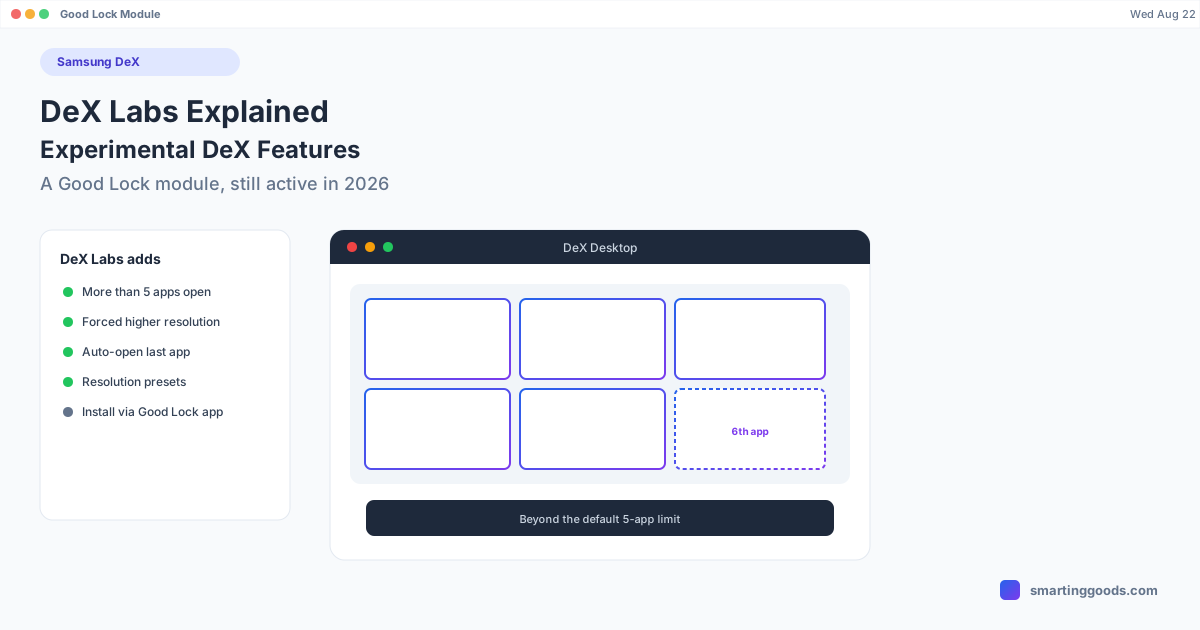
- Raise the multi-app limit. Standard DeX caps you at 5 open apps at once — open a 6th and the oldest one minimizes automatically. DeX Labs lets you push past that default limit.
- Force higher DeX resolution. Run DeX at a higher output resolution than your device would normally default to on a given display, useful for higher-res external monitors where stock DeX under-uses the screen.
- Auto-open your last-used app. Have DeX automatically relaunch whatever app you were last using on your phone when you enter DeX mode, instead of starting at the DeX home screen every time.
- Astro mode shortcut and custom resolution presets — added as part of recent updates, giving more direct control over how DeX renders on different displays without digging through nested settings.
These are genuinely useful if you're a heavy DeX user hitting the platform's default limits, but they're explicitly labeled "Labs" for a reason — features here are more experimental than the stable, first-party DeX settings and can behave inconsistently across different Galaxy devices and One UI versions.
How to Get DeX Labs
- Install Good Lock from the Galaxy Store (not the Play Store — Good Lock is Samsung's own distribution channel).
- Open Good Lock and look for the DeX Labs module in the module list.
- Install DeX Labs from within Good Lock.
- Open DeX Labs and toggle the individual features you want — they're not all on by default.
Availability can vary by region and device, since Good Lock modules occasionally roll out unevenly. If DeX Labs doesn't appear in your Good Lock module list, check that Good Lock itself is fully updated first.
Is DeX Labs Safe to Use?
Good Lock modules are Samsung's own software, not third-party hacks, so they're not a security risk in the way sideloaded tweak apps can be. That said, "Labs" branding is Samsung's own signal that these features are less polished than mainline DeX settings — expect the occasional bug, a feature that doesn't survive a One UI update, or inconsistent behavior between devices. If something in DeX Labs causes a problem, disabling the specific toggle (rather than uninstalling all of Good Lock) is usually enough to revert.
DeX Labs vs. Just Using Stock DeX
If you're a casual DeX user — plugging in occasionally to type a long email or watch something on a bigger screen — stock DeX is fine as-is and you probably won't miss what DeX Labs adds. DeX Labs earns its place once you're running DeX daily and specifically hitting one of its limits: needing more than 5 apps open, wanting a sharper resolution on a 4K monitor, or being tired of DeX starting at a blank home screen every session.
How PhoneDesk Fits In (If You're on a Mac)
DeX Labs extends what DeX can do on the phone's own external-display session — it doesn't change how DeX gets onto a Mac, which is a separate problem entirely. PhoneDesk is a macOS menu bar app that drives a real Samsung DeX session as a resizable window on your Mac, over USB or Wi-Fi, confirmed working on the Galaxy Z Fold 6. Any DeX Labs tweaks you've enabled — the higher app limit, forced resolution, auto-launch — carry over automatically, since PhoneDesk is just displaying your phone's actual DeX session, not a separate reimplementation of it.
If DeX itself isn't launching or connecting reliably in the first place, that's a different, more common problem worth ruling out before touching Labs features — see our Samsung DeX not working guide for the standard fixes.
Frequently Asked Questions
Q: Is DeX Labs a separate app from Good Lock? A: No — it's a module inside the Good Lock app, not a standalone download. You need Good Lock installed first, then install DeX Labs as a module within it.
Q: Does DeX Labs work on every Galaxy phone? A: It's built for DeX-capable Galaxy devices, but as an experimental "Labs" module, feature availability and stability can vary by device and One UI version. Some features may behave inconsistently or not appear on every model.
Q: What's the actual default app limit in DeX, and what does DeX Labs change? A: Standard DeX allows 5 apps open simultaneously before the oldest one auto-minimizes. DeX Labs includes an option to raise that limit beyond the default.
Q: Can I use DeX Labs features when running DeX on a Mac through PhoneDesk? A: Yes — PhoneDesk displays your phone's actual DeX session as a window on your Mac, so any DeX Labs settings you've enabled (higher app count, forced resolution, auto-launch) apply the same way they would on a physical external monitor.
The Bottom Line
DeX Labs is a legitimate, actively maintained way to push Samsung DeX past its default limits — more open apps, sharper resolution, less friction re-entering desktop mode. It's genuinely useful for heavy DeX users, just go in expecting occasional rough edges since it's explicitly experimental. If you want that same DeX session — Labs tweaks included — running as a window on your Mac instead of tied to a physical monitor, see how PhoneDesk handles Samsung DeX: $25 one-time, no subscription, 14-day refund.