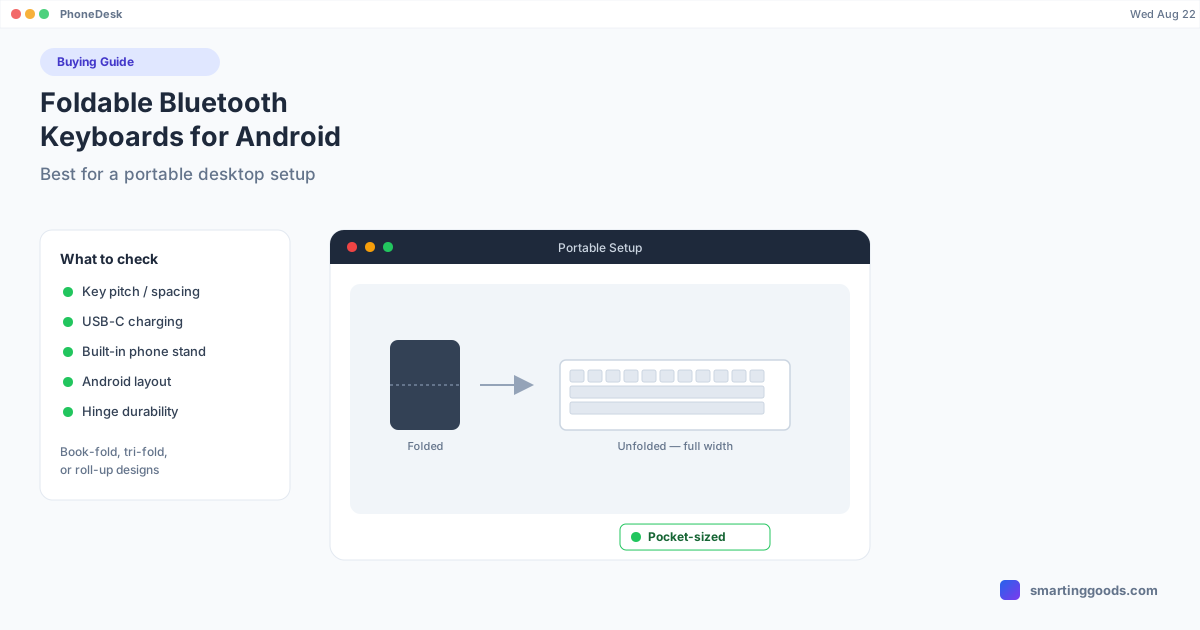
Foldable Bluetooth Keyboards for Android: Best for a Portable Desktop Setup
A foldable keyboard turns a phone-as-desktop setup into something that actually fits in a bag. Here's what to look for and the best picks for 2026.
Foldable Bluetooth Keyboards for Android: Best for a Portable Desktop Setup
A full-size Bluetooth keyboard is great at a desk and terrible in a bag. Foldable keyboards trade a bit of key feel for something that fits in a jacket pocket or the front sleeve of a backpack — which matters a lot if the plan is to turn an Android phone into a portable desktop replacement rather than a desk-bound one.
This guide covers what actually differs between foldable keyboard designs, the best picks, and where they fall short compared to a standard keyboard.
Why Go Foldable
The case for a foldable keyboard is entirely about portability. If your Android desktop-mode setup lives at one desk, a regular compact keyboard (like a Logitech K380) is objectively better — sturdier, better key feel, no moving parts to wear out. Foldables earn their place specifically when the setup needs to travel: working from a coffee shop, a co-working space, on a plane, or anywhere you don't want to carry a laptop-sized bag just to get a real keyboard.
The tradeoff is real, though — folding mechanisms add a hinge (a wear point), usually mean slightly mushier key travel, and the smallest foldables cut corners on key size that full-size keyboards don't need to.
Types of Foldable Keyboard Designs
Book-fold (two halves, hinge in the middle) — Folds like a small book, unfolds to roughly full keyboard width. Best key size and layout of the foldable designs, at the cost of being the biggest folded footprint.
Tri-fold — Folds into three panels, gets noticeably smaller folded but the middle panel usually houses a seam that runs right where your hands rest, which some people find distracting.
Roll-up (flexible silicone) — Rolls into a tube rather than folding flat. Extremely compact and water-resistant, but the mushy silicone key feel is a real downgrade for touch typists — better suited to occasional use than daily typing.
Best Foldable Bluetooth Keyboards for Android
iClever Foldable Bluetooth Keyboard (BK08) — The most commonly recommended pick in this category: book-fold design, reasonably good key feel for a foldable, Android-compatible layout, and a built-in stand slot for the folded case to prop up a phone. Reliable Bluetooth pairing, no dongle needed.
Jelly Comb Foldable Keyboard — Similar book-fold format at a lower price point, slightly smaller keys than the iClever. A reasonable budget pick if the keyboard is a backup/occasional-use item rather than a daily driver.
Samsung Galaxy Book Flex Keyboard (bundled with select Tab models) — Not sold standalone in most markets, but worth checking if you already own a compatible Galaxy Tab — it's designed to fold flush with the tablet and travel as one unit.
Logitech K380 (non-folding, for comparison) — Worth mentioning as the counter-pick: if the setup mostly stays at a desk and only occasionally travels, the K380's compact-but-rigid design is more durable long-term than any foldable, and it's not meaningfully bigger in a bag.
What to Check Before Buying a Foldable
- Key pitch (spacing). Some ultra-compact foldables shrink key spacing below the standard 19mm, which noticeably hurts typing speed and accuracy. Check reviews for "cramped" or "small keys" complaints specifically.
- Battery and charging port. USB-C, not micro-USB, in 2026 — check the listing photos, not just the description.
- Built-in phone stand. Many foldables double as a stand for the phone when folded — genuinely useful if you're not also carrying a separate stand or tripod.
- Android layout confirmation. Same caveat as any Bluetooth keyboard — look for "Android compatible" rather than "for iPad" specifically, since key placement (Search/Menu key) can differ.
Setting Up a Foldable Keyboard
Pairing is identical to any Bluetooth keyboard: unfold it, power it on, put it in pairing mode (usually a dedicated button), then on the phone go to Settings → Connected devices → Pair new device and select it from the list. The only foldable-specific step is making sure it's fully unfolded and flat before pairing — some models won't power on correctly while half-folded, which can look like a dead battery when it's really just the hinge sensor.
Foldable Keyboards and a Portable Desktop-Mode Kit
A foldable keyboard is the accessory that makes a genuinely portable "phone as desktop" setup possible — pair it with a lightweight phone stand and you have a kit that fits in a small bag but still gives you a full typing experience wherever you land. This matters most if you're regularly running desktop mode away from a fixed desk.
If the desktop session itself is running through PhoneDesk on a Mac — Samsung DEX or Pixel desktop mode in a real window — the foldable keyboard pairs to the phone exactly like any other Bluetooth keyboard and works inside the session without any extra setup. For the base keyboard picks and pairing walkthrough, see our Bluetooth keyboard for Android guide; for the complete accessory list including mouse and stand, see the full desktop-mode accessory kit.
Frequently Asked Questions
Q: Are foldable keyboards durable, or do the hinges wear out? A: Quality varies by brand — cheaper roll-up silicone keyboards tend to wear faster, while book-fold hinge designs from established brands (iClever, Logitech) are generally rated for tens of thousands of fold cycles, which is years of normal use.
Q: Do foldable keyboards work as well as regular compact keyboards? A: Typing feel is close but usually a step down — the hinge and folding mechanism limit how much key travel and stability the design can offer compared to a rigid compact keyboard like the Logitech K380.
Q: Can a foldable keyboard double as a phone stand? A: Many models include a slot or groove in the folded case specifically for propping up a phone — check the product listing, as this varies by model and isn't universal.
Q: Does PhoneDesk require a specific keyboard type? A: No — PhoneDesk puts your phone's desktop mode into a window on your Mac, and any Bluetooth or wired keyboard paired to the phone (foldable or otherwise) works normally inside that session.
The Bottom Line
A foldable keyboard trades some key feel for genuine pocketability — worth it if the plan is a desktop-mode setup that travels, not worth it if the setup mostly lives at one desk. The iClever BK08 is the safest starting pick if this is your first foldable.
Building the full kit? See the complete accessory guide and PhoneDesk — $25 one-time, no subscription.