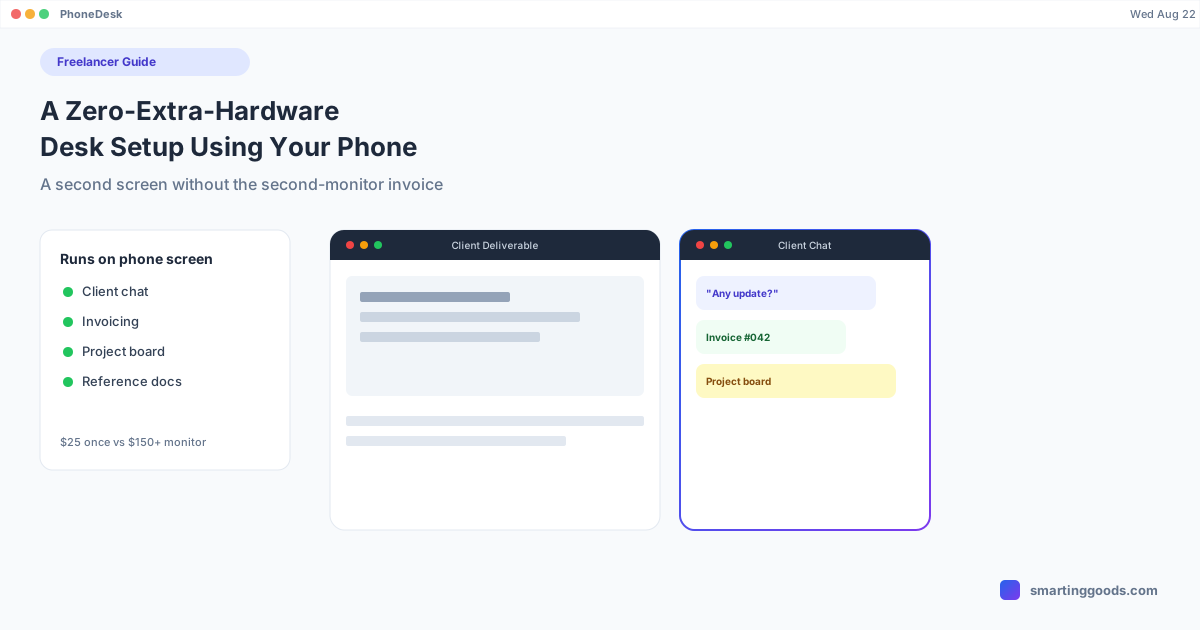
Freelancers: A Zero-Extra-Hardware Desk Setup Using Your Phone
A cost-conscious desk setup for freelancers: how an Android phone becomes a second screen for client comms and admin without buying a monitor.
Freelancers: A Zero-Extra-Hardware Desk Setup Using Your Phone
Freelancing means every tool you buy comes out of your own margin, not a company budget. A second monitor is one of the first things that gets put off — it's $150-300 you'd rather spend on client work or just keep in savings, so you end up running your entire business from one laptop screen: client emails, invoicing, the actual work, and whatever communication tool a client insists on, all stacked in overlapping windows.
If you already carry an Android phone, you have a second screen sitting in your pocket. The only thing missing is software that lets you actually use it as one next to your Mac.
The Real Cost of One-Screen Freelancing
Working from a single screen isn't just cramped — it's an actual productivity cost that's easy to underestimate. Every time a client message comes in while you're deep in billable work, you either ignore it (and forget to follow up) or you alt-tab out of your work to check it (and lose your place). Multiply that by however many times a day it happens, and a chunk of your day goes to context-switching rather than either the client comms or the actual work getting full attention.
A second screen doesn't eliminate interruptions, but it changes their cost. If client chat, email, or a project management tool is visible in a second window the whole time, you can glance at it without ever leaving your main work window. That's the entire value proposition of a second monitor — and it's also exactly what a phone running in desktop mode next to your Mac provides, at the cost of software instead of hardware.
Where a Phone-as-Second-Screen Setup Actually Helps a Freelancer
Client comms without losing focus. Keep Slack, email, or WhatsApp Business open in the phone window while your main work — writing, design, code, whatever your actual deliverable is — stays full-attention on the Mac.
Invoicing and admin on the side. Freelancing comes with unglamorous admin: tracking time, sending invoices, checking a project board. Running that in a phone window means it's there when you need it without eating into the screen space your billable work needs.
Reference material while you work. A brief, a style guide, a client's previous emails — anything you're referencing rather than editing fits naturally in a second window rather than a floating overlay on your one screen.
Keeping your phone number and business separate from your personal device use during work hours. If you already keep work messaging on your phone rather than the Mac, this setup surfaces it properly instead of forcing you to pick the phone up constantly.
What This Doesn't Solve
This isn't a substitute for a proper monitor if your actual work benefits from more screen real estate — video editing timelines, complex spreadsheets, multi-pane development environments all want more room than a phone window, resized or not, is going to give you. This setup solves the "I need to see two things at once and one of them is lightweight" problem. It doesn't solve the "I need 27 inches of 4K to do my job" problem.
It's also worth factoring in that running desktop mode for a full workday will draw down your phone's battery faster than normal use, so if you're at a desk with an outlet, plug in. If you're mobile between client sites, that's a real trade-off to plan around rather than ignore.
How PhoneDesk Fits a Freelancer's Setup
PhoneDesk is a macOS menu bar app that turns your Android phone into either a real second display for your Mac or a window running the phone's own desktop mode, whichever fits your workflow better. For most freelancers, using it as a second display — dragging Slack, email, or your invoicing tool onto the phone screen — is the simplest version of the "second monitor without buying one" setup.
It's a one-time $25 purchase, not a subscription, which matters when every recurring cost eats into freelance margin. Setup is a few minutes: enable USB debugging once, connect over USB the first time, then it's one click from the menu bar going forward, over USB or Wi-Fi. It also handles file transfer between phone and Mac directly — useful if a client sends you something over WhatsApp or texts you a photo of a signed contract and you need it on your laptop without emailing yourself a copy.
See the full feature list on the PhoneDesk homepage, or go straight to the phone-as-second-monitor guide to set this up, or the file transfer guide for the client-file-sharing side. For the broader phone-and-Mac workflow, see the phone-as-desktop starter guide.
Frequently Asked Questions
Q: Is this really a substitute for buying a monitor? A: For freelancers whose main need is "see client comms without losing my work window," yes, it covers that need at no hardware cost. For work that genuinely needs more screen real estate — design, video, complex dev work — a dedicated monitor still has more room than a phone screen will offer.
Q: How much does this cost compared to a cheap monitor? A: PhoneDesk is a one-time $25 purchase. A basic external monitor typically starts around $150 once you add a stand and cable, and that's before considering desk space you may not have. This isn't a total replacement for a monitor's screen area, but for the price gap it covers a real chunk of the same need.
Q: Will running this all day hurt my phone's battery, since I need my phone working too? A: Extended desktop-mode sessions do use more battery than normal phone use. If you're at a desk, keep the phone plugged in during the workday — see our battery guide for what actually affects drain and how to manage it without giving up the setup.
Q: Does this work if my client uses a specific tool I don't want cluttering my main screen? A: Yes — that's exactly the use case. Run the client's preferred chat or project tool in the phone window and keep your actual deliverable work in full focus on the Mac, glancing over instead of switching windows.
The Bottom Line
A second screen is a real productivity tool, not a luxury — but for a freelancer watching margin, spending on one isn't always the right call when you already own a phone that can do a version of the same job. PhoneDesk is the software that makes that pairing actually work.
See the full feature list and get started → — $25 one-time, no subscription, 14-day refund if it's not for you.