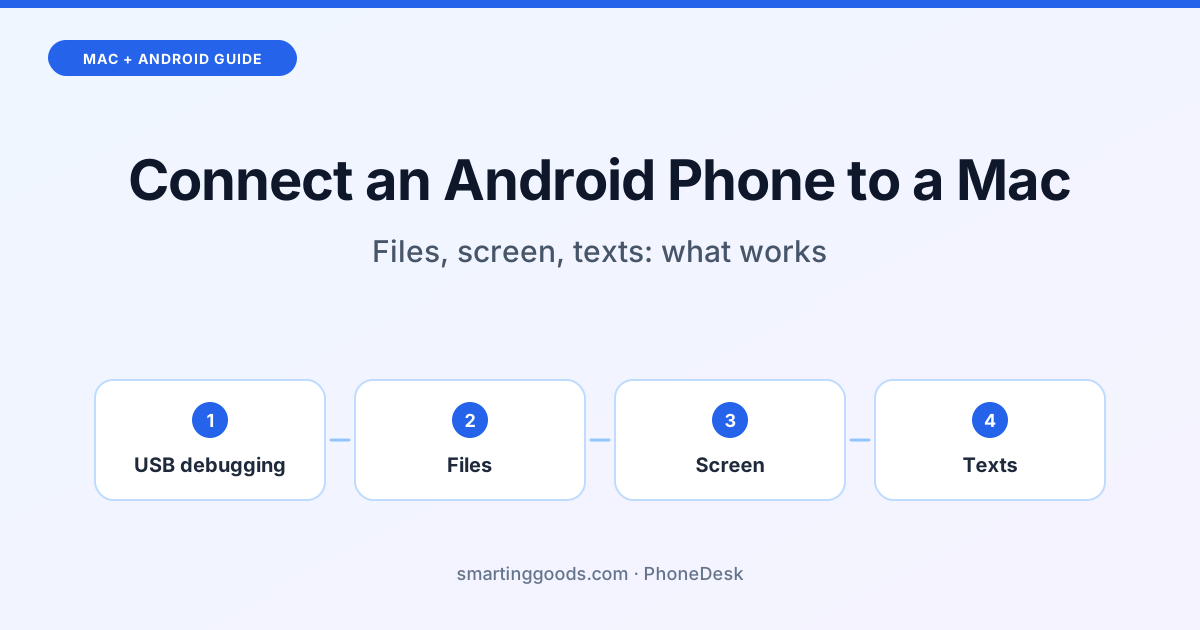
How to Connect an Android Phone to a Mac (and What Works)
Yes, an Android phone works with a Mac, just not like an iPhone. What works and what doesn't, and how to set up files, your screen, texts and more over USB or Wi-Fi.
Yes, an Android phone works with a Mac, but not the way an iPhone does. Apple's own connections, like AirDrop, Handoff, Universal Clipboard and iPhone Mirroring, are made for Apple devices (Apple). With an Android phone you connect the two yourself: a USB cable or Wi-Fi, plus the right app for each job. This guide shows what works, what doesn't, and how to set up each part: files, your screen, messages and more.
What works and what doesn't
| You want to… | With an Android phone and a Mac |
|---|---|
| Copy photos and files | Yes, with an app (Finder won't do it on its own) or a cloud service |
| See and use your phone's screen on the Mac | Yes, with a mirroring app |
| Read and send texts on the Mac | Yes, in a browser with Google Messages for web |
| See notifications on the Mac | Partly, with third-party apps |
| AirDrop, Handoff, iMessage, iPhone Mirroring | No: these are Apple-only |
| Microsoft's Phone Link | No: it's for Windows PCs (Microsoft) |
So the honest picture: everything you need day to day is possible, but it takes one or two apps instead of being built in.
Step 1: Turn on USB debugging (for most Mac apps)
Most apps that connect an Android phone to a Mac use Android's developer connection, called adb. It's built into every Android phone; you just switch it on once:
- On the phone, open Settings › About phone and tap Build number seven times. You'll see "You are now a developer".
- Open Settings › System › Developer options and turn on USB debugging.
- Plug the phone into your Mac and tap Allow on the "Allow USB debugging?" prompt.
On some phones the menus are named slightly differently (Samsung puts Build number under Software information), but the steps are the same.
After the first USB connection, many apps can switch to Wi-Fi, using Android's Wireless debugging. Android drops that Wi-Fi connection when the phone restarts, so expect to reconnect once after a reboot.
Copy photos and files
Plug an Android phone into a Mac and Finder doesn't show it the way it shows an iPhone or a USB stick. You have three ways around that:
- A cloud service. Google Photos or Google Drive on the phone, then open them in a browser on the Mac. Simple, but it goes through the internet, and big videos take a while.
- A file browser app for the Mac. These show your phone's storage in a window on the Mac. PhoneDesk's Browse Files shows photo and video thumbnails, plays videos straight from the phone, and lets you drag and drop to and from Finder, over USB or Wi-Fi.
- Send from the phone. With PhoneDesk, your Mac appears as a "Send to Mac" option in your phone's share menu, and files land in your Mac's Downloads folder.
See and use your phone's screen on the Mac
Mirroring puts your phone's screen in a window on your Mac, and you control it with the Mac's keyboard and trackpad. It's handy for answering a chat app without picking up the phone, demoing an app, or using an app that only exists on Android.
- Free: scrcpy is a free, open-source tool you install and run from Terminal. It works well if you're comfortable with commands.
- One click: PhoneDesk puts the same thing in your Mac's menu bar, over USB or Wi-Fi, with nothing else to install.
On a Samsung phone with DeX, or a Pixel with desktop mode, you can go further: open the phone's desktop, with resizable app windows and a taskbar, as a window on your Mac. See Samsung DeX for Mac and Pixel desktop mode on a Mac. For the full comparison of mirroring tools, see how to mirror Android to a Mac, and to control the phone from your Mac's keyboard, see control your Android phone from your Mac.
Texts, notifications and the clipboard
- Texts: Google Messages for web shows your phone's messages in a browser on your Mac. Open messages.google.com/web in Chrome, Firefox, Safari or Edge and pair it with your phone. Your phone sends the texts, so carrier fees apply as usual (Google). More in Google Messages on a Mac.
- Notifications: there's no built-in way. See Android notifications on a Mac for the options.
- Clipboard: Universal Clipboard is Apple-only; see syncing your clipboard between Android and a Mac.
- WhatsApp: see WhatsApp on a Mac with an Android phone.
Use your phone as a second screen or webcam
Two more things an Android phone can do for a Mac:
- A second monitor. PhoneDesk can turn your phone into a real, arrangeable second display for your Mac that you drag windows onto (Android 9 or later). See Android phone as a second monitor.
- A webcam. See use an Android phone as a webcam on a Mac.
Where PhoneDesk fits
PhoneDesk is a Mac menu bar app we make, for exactly this setup: an Android phone and a Mac. In one app:
- Mirror and control any Android phone with USB debugging on, in a window on your Mac
- Samsung DeX or Pixel desktop mode as a Mac window (tested on a Galaxy Z Fold 6 and a Pixel 9 Pro)
- Browse your phone's files with thumbnails and drag and drop
- Send files and text from the phone to the Mac
- Your phone as a second monitor
- USB or Wi-Fi; it bundles adb and scrcpy, so nothing else to install
It runs on any Mac with macOS 13 Ventura or later and costs $25 once, with no subscription and a 14-day refund you can request yourself. See everything PhoneDesk does.
Frequently Asked Questions
Can I connect an Android phone to a MacBook?
Yes, with a USB cable or over Wi-Fi. A MacBook doesn't have Android support built in, so you use an app for each job: files, mirroring, messages.
Why doesn't my Android phone show up on my Mac when I plug it in?
Finder doesn't show Android phones the way it shows iPhones. Use a file browser app for the Mac, or a cloud service. If you're using an app that needs adb, check that USB debugging is on and that you tapped Allow on the phone. Some cables only charge, so try another.
Can I use AirDrop or iMessage with an Android phone?
No. AirDrop, iMessage and Apple's other Continuity features work between Apple devices. For files use an app or cloud service; for texts, Google Messages for web works in a browser on the Mac.
Can I connect an Android phone to a Mac without a cable?
Yes. After the first USB connection, apps that use adb can switch to Wi-Fi with Android's Wireless debugging. Cloud services and Google Messages for web don't need a cable at all.
Does Microsoft Phone Link work on a Mac?
No. Phone Link needs a Windows PC.