Guides for Android on Mac
Desktop mode, mirroring, second-monitor setups, and file transfer — everything for getting your Android phone and your Mac to work together.
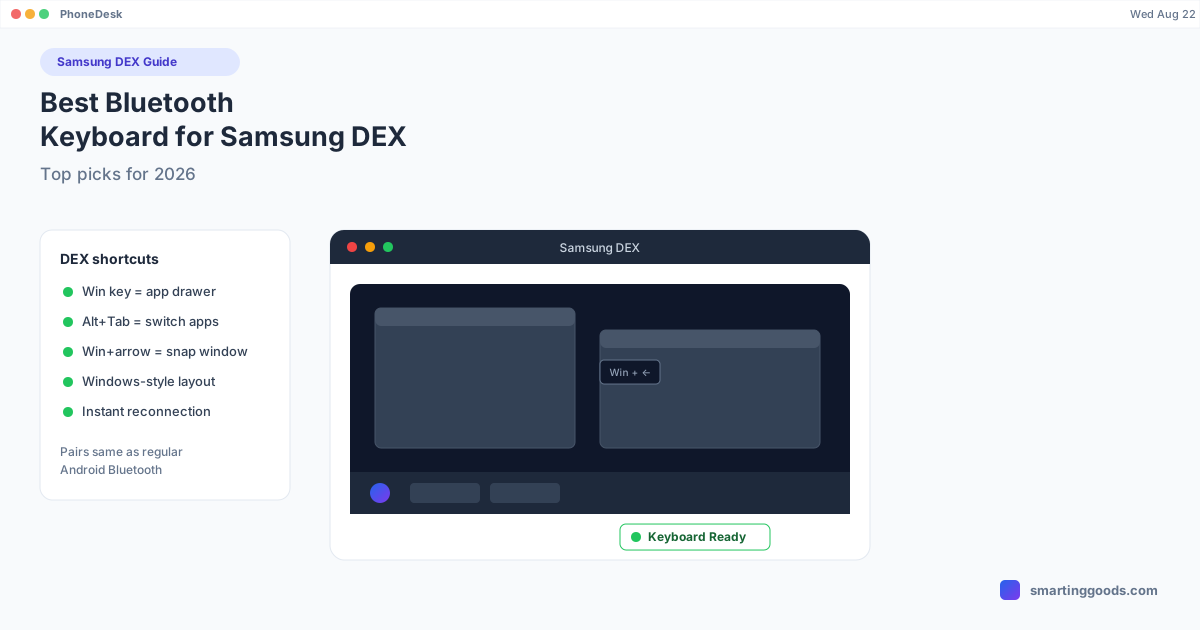
Best Bluetooth Keyboard for Samsung DEX in 2026
Samsung DEX is built around keyboard shortcuts. Here are the Bluetooth keyboards that actually work with DEX's Windows-style layout and window-snapping shortcuts.
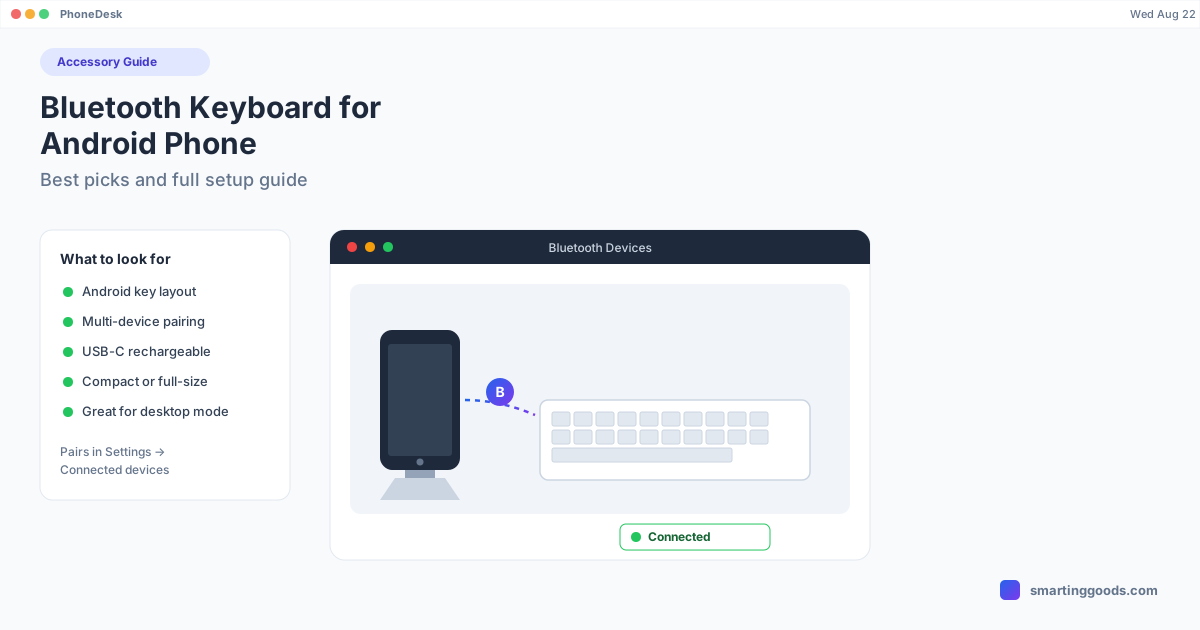
Bluetooth Keyboard for Android Phone: Best Picks and Full Setup
Typing on glass gets old fast. Here are the best Bluetooth keyboards for Android phones, exact pairing steps, and how a keyboard turns desktop mode into something you can actually work in.
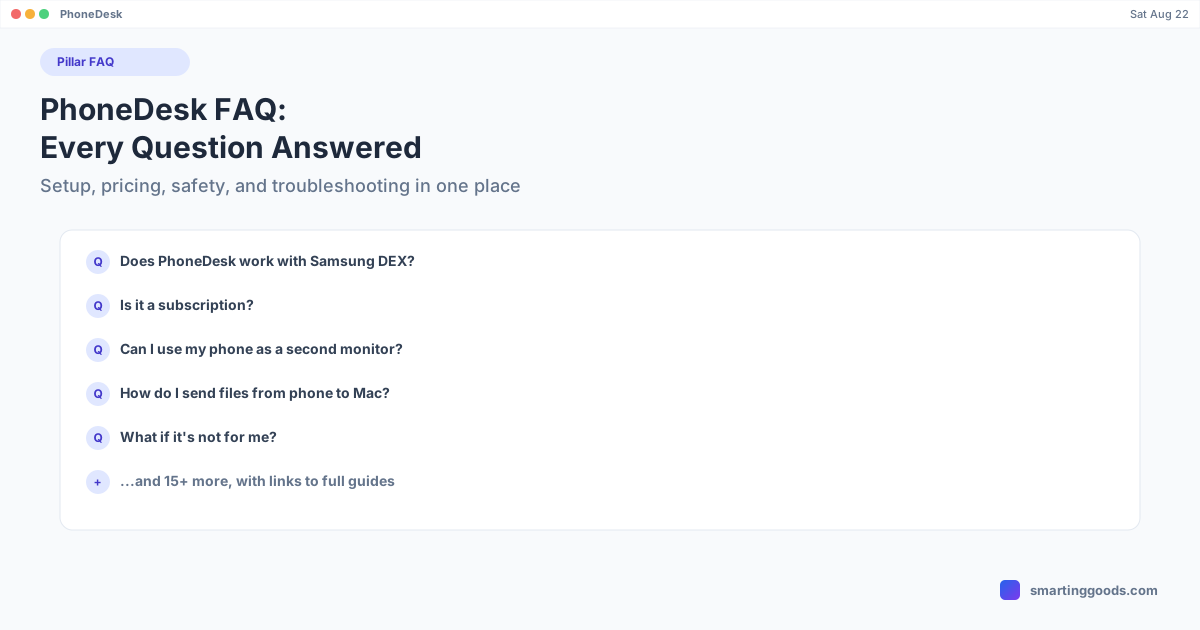
PhoneDesk FAQ: Every Common Question Answered
Setup, pricing, safety, licensing, and troubleshooting — every common PhoneDesk question in one place, with links to the full guide for anything that needs more detail.
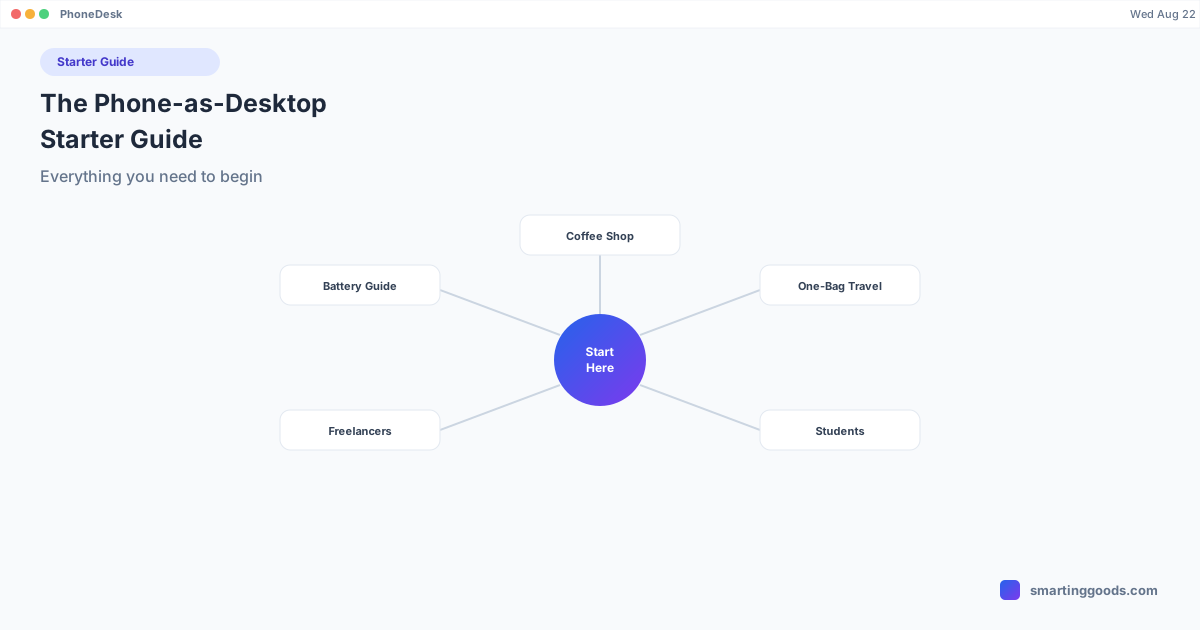
The Phone-as-Desktop Starter Guide: Everything to Begin
The starting point for using your Android phone as a second screen or desktop workstation next to your Mac — what it covers, which setup fits your situation, and where to go next.
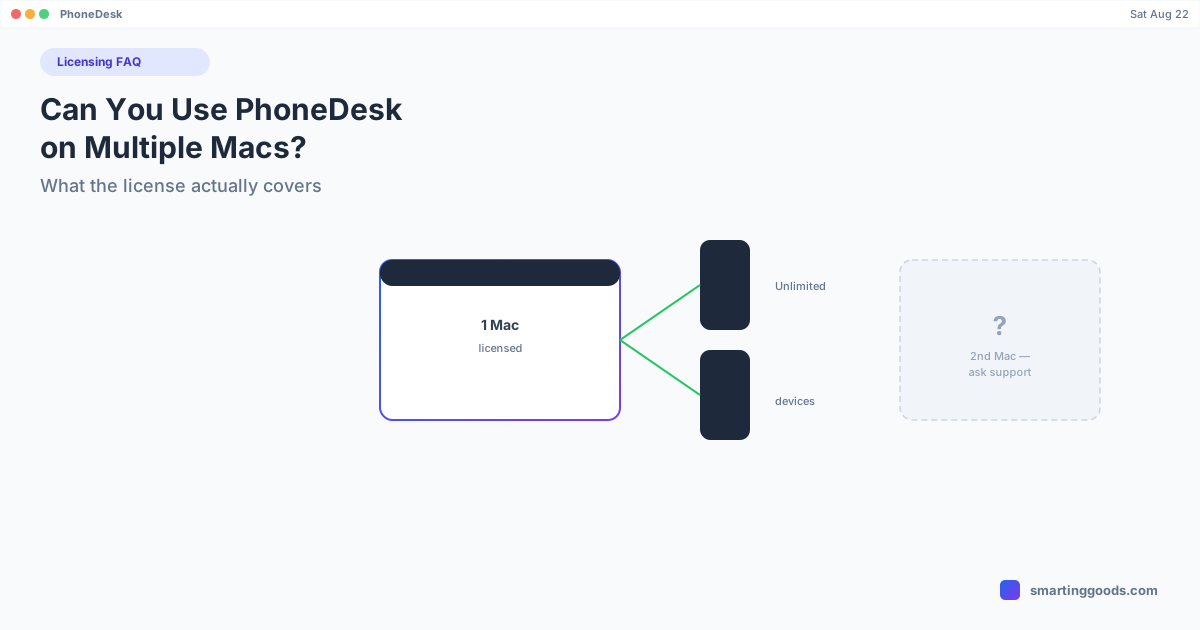
Can You Use PhoneDesk on Multiple Macs?
PhoneDesk's pricing page documents unlimited devices on one Mac — here's what that means in practice, and what's genuinely unclear if you're thinking about a second Mac.
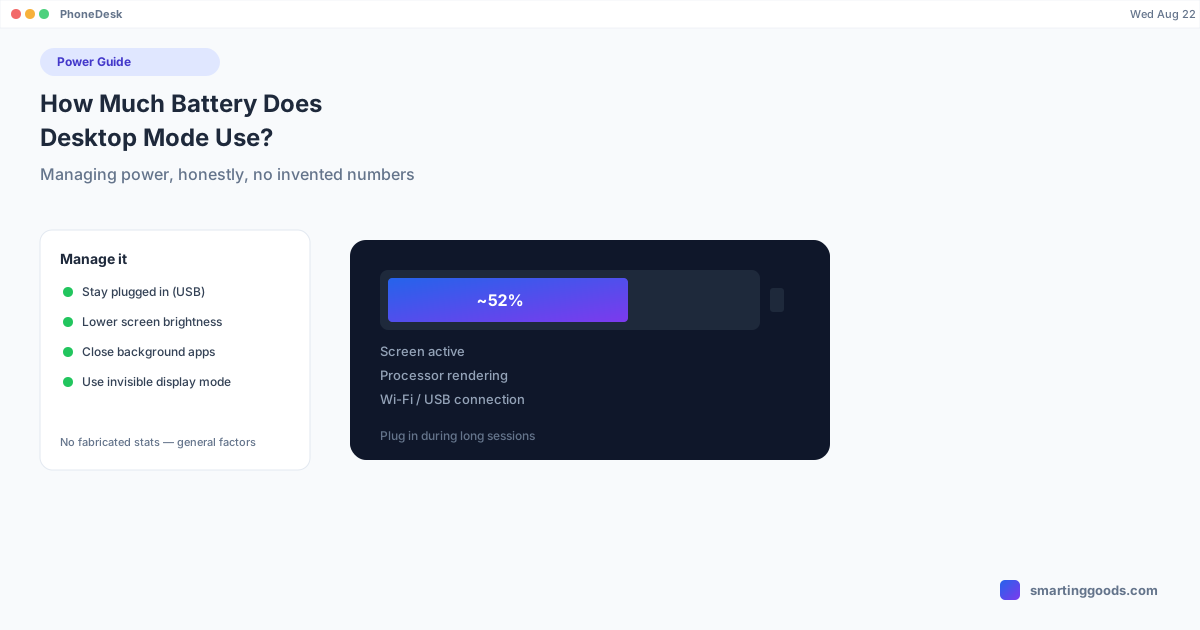
How Much Battery Does Desktop Mode Use? Managing Power
An honest look at what drains battery during extended Samsung DEX or Pixel desktop mode sessions, and practical ways to manage power without giving up the phone-as-desktop setup.
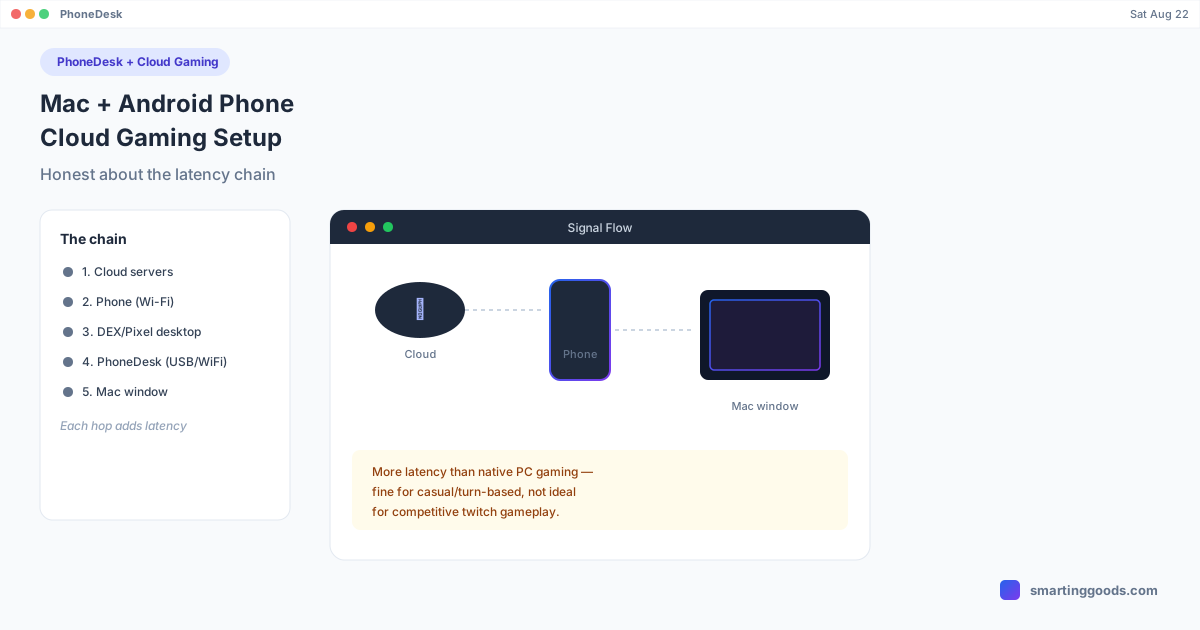
Mac + Android Phone as a Cloud Gaming Setup
Use PhoneDesk to put a phone's cloud gaming session (GeForce NOW, Xbox Cloud) in a window on your Mac. Here's the real setup and the latency tradeoffs to expect.
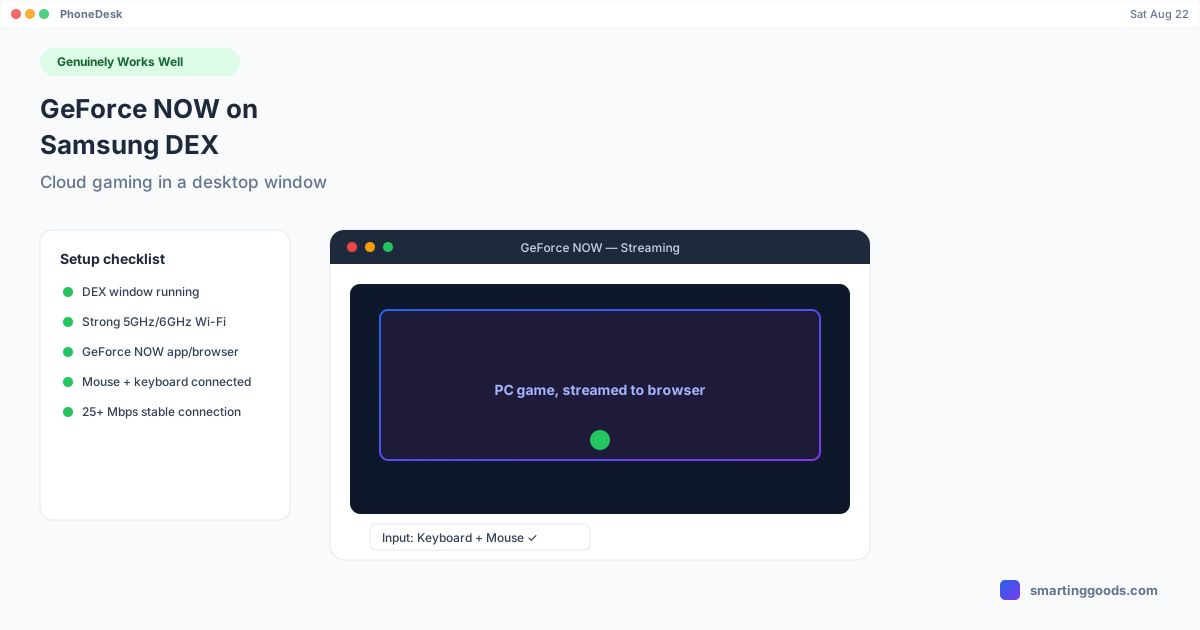
GeForce NOW on Samsung DEX: Cloud Gaming in a Desktop Window
GeForce NOW is the one gaming scenario where Samsung DEX genuinely delivers full keyboard and mouse support — here's the real setup and its actual limitations.
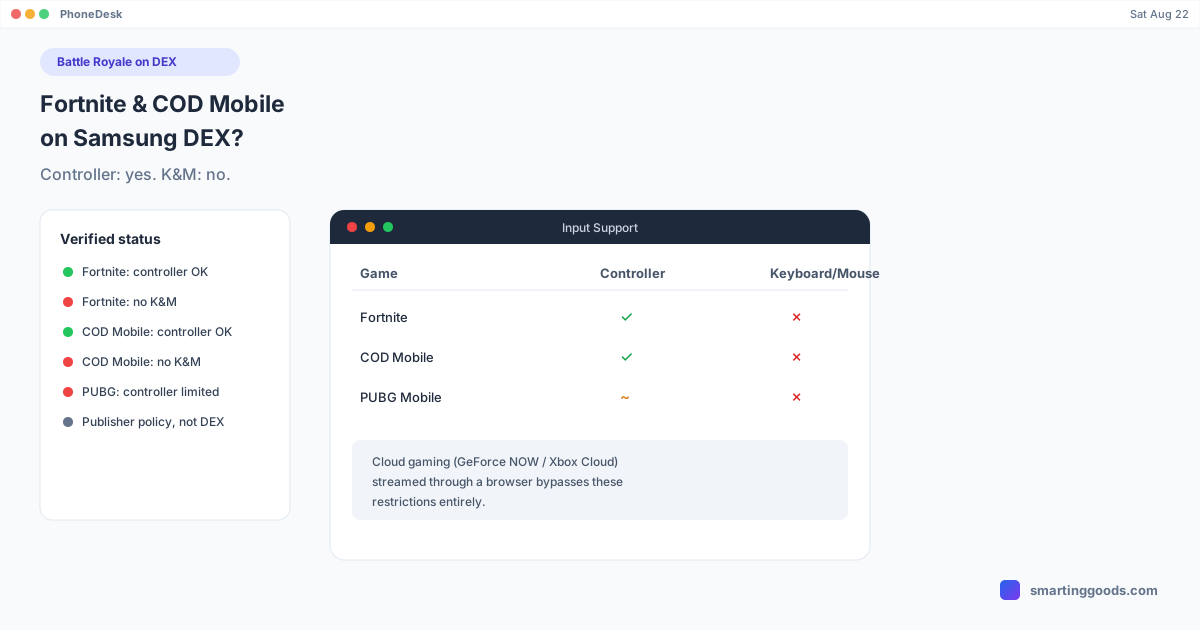
Can You Play Fortnite or Call of Duty Mobile on Samsung DEX?
Fortnite and COD Mobile officially support Bluetooth controllers on DEX, but not keyboard and mouse. PUBG Mobile restricts even controller input. Here's the verified breakdown.
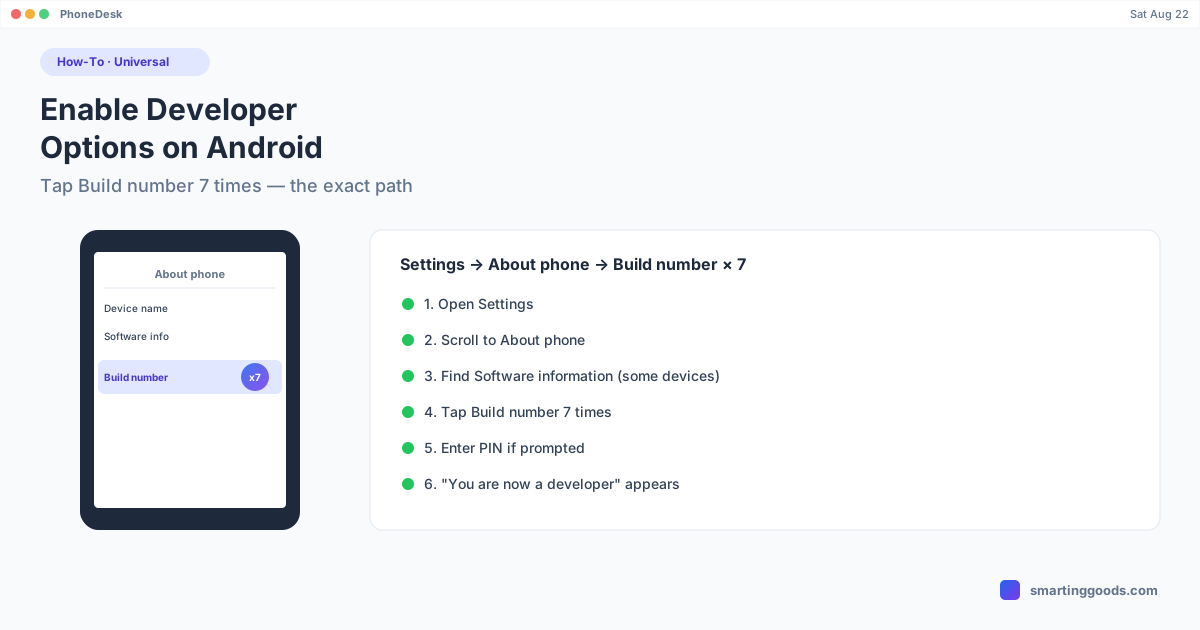
How to Enable Developer Options on Android
Every Android phone hides Developer options behind the same trick — tap Build number seven times. Here's the exact menu path, why it varies slightly by phone, and what to do once it's on.
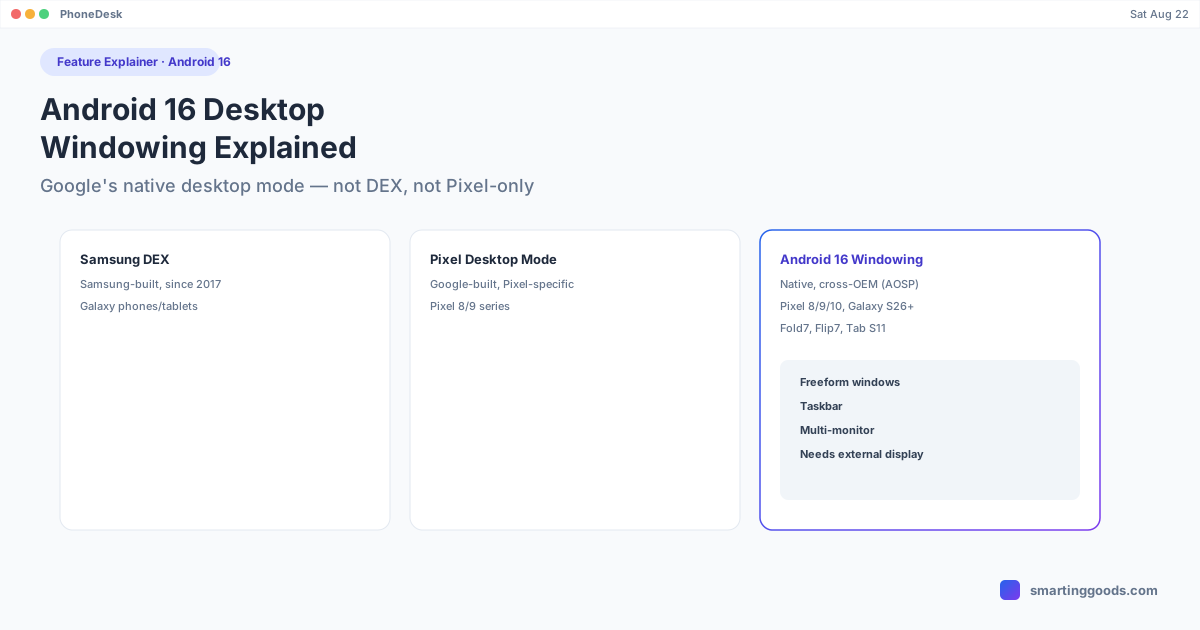
Android 16 Desktop Windowing: The Feature Explained
Android 16 added a native desktop mode built by Google, not Samsung and not Pixel-exclusive. Here's what it actually is, which devices support it, and how it differs from DEX and Pixel desktop mode.
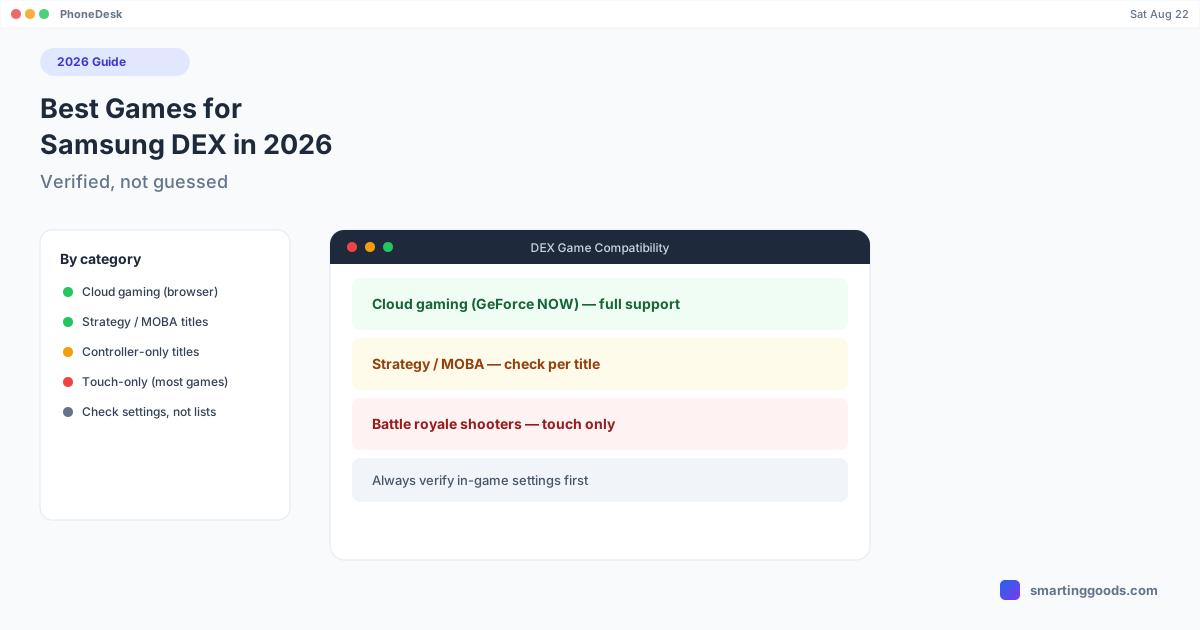
Best Games for Samsung DEX in 2026
Skip the recycled listicles. Here's what's actually verified about game compatibility on Samsung DEX, organized by category instead of a guessed top-10.
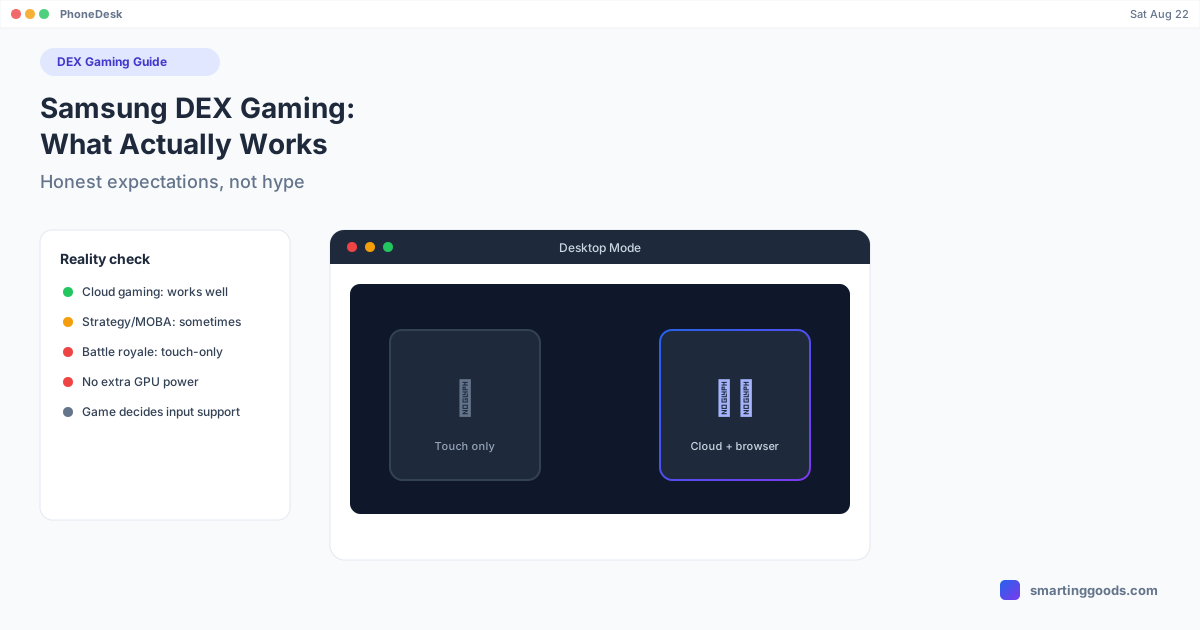
Samsung DEX Gaming: What Actually Works and What Doesn't
DEX doesn't add gaming power or unlock keyboard/mouse support games don't already have. Here's the honest breakdown of what works, what doesn't, and why.
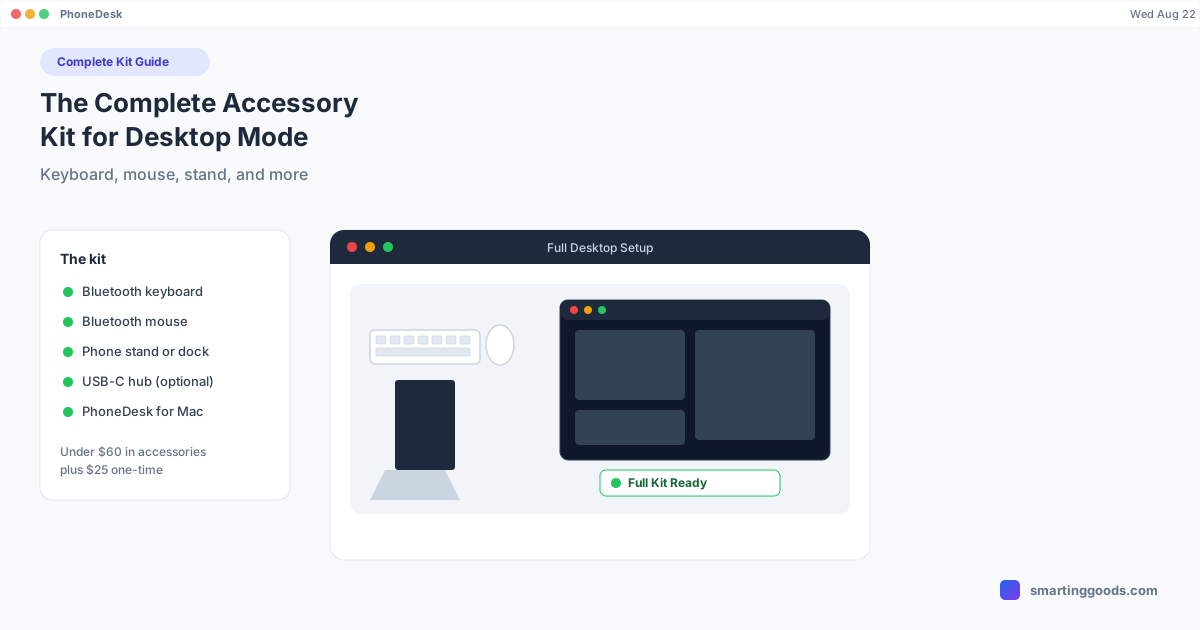
The Complete Accessory Kit for Android Desktop Mode: Keyboard, Mouse, Stand, and More
Desktop mode needs more than just your phone. Here's the full accessory kit — keyboard, mouse, stand, and PhoneDesk on the Mac side — that makes it a real desktop replacement.
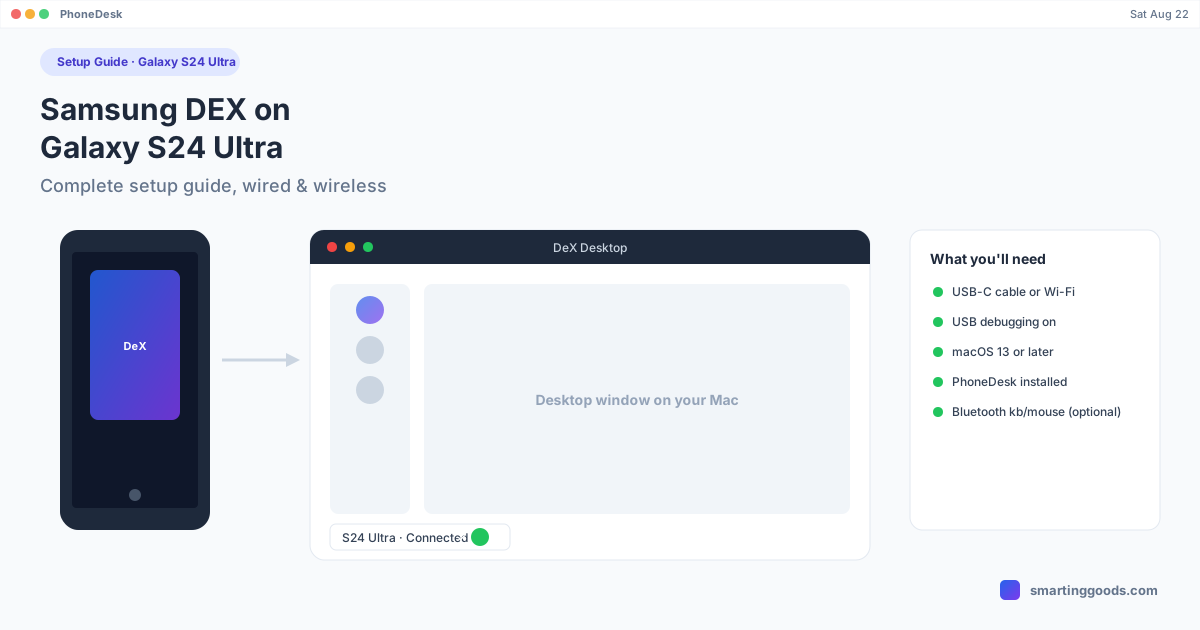
Samsung DEX on Galaxy S24 Ultra: Complete Setup Guide
Everything you need to run Samsung DEX on a Galaxy S24 Ultra — wired, wireless, and as a real window on your Mac — without hunting through five different support pages.
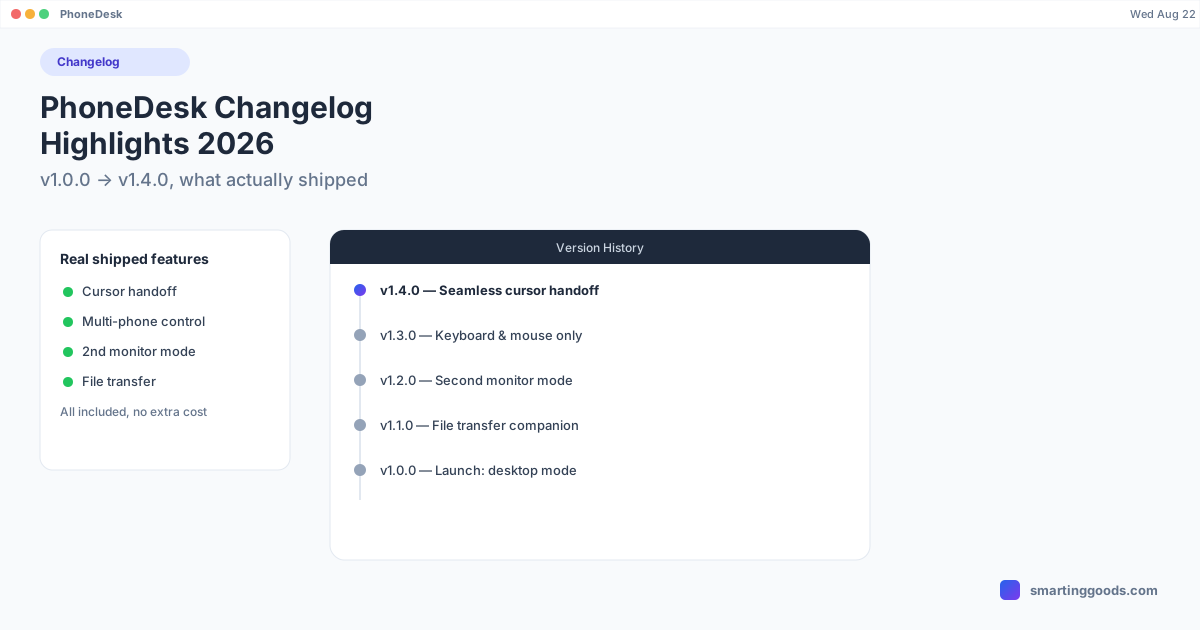
PhoneDesk Changelog Highlights: What's New in 2026
From v1.0.0's launch to v1.4.0's seamless cursor handoff between Mac and phone — a real walkthrough of everything PhoneDesk has shipped since July 2026, pulled straight from the version history.
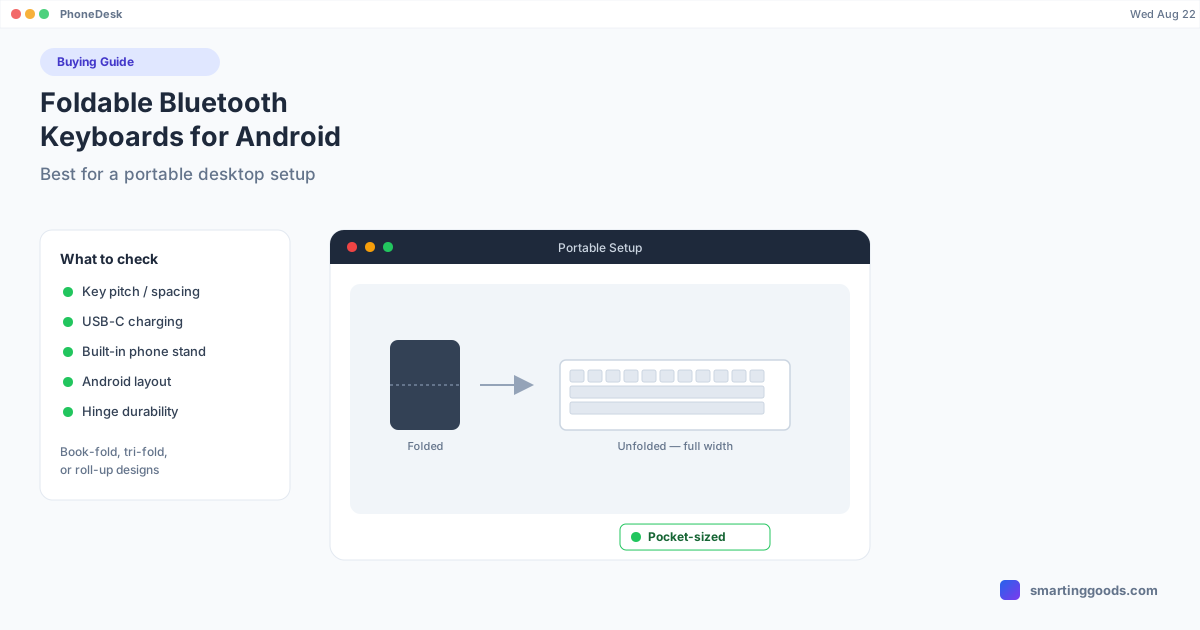
Foldable Bluetooth Keyboards for Android: Best for a Portable Desktop Setup
A foldable keyboard turns a phone-as-desktop setup into something that actually fits in a bag. Here's what to look for and the best picks for 2026.
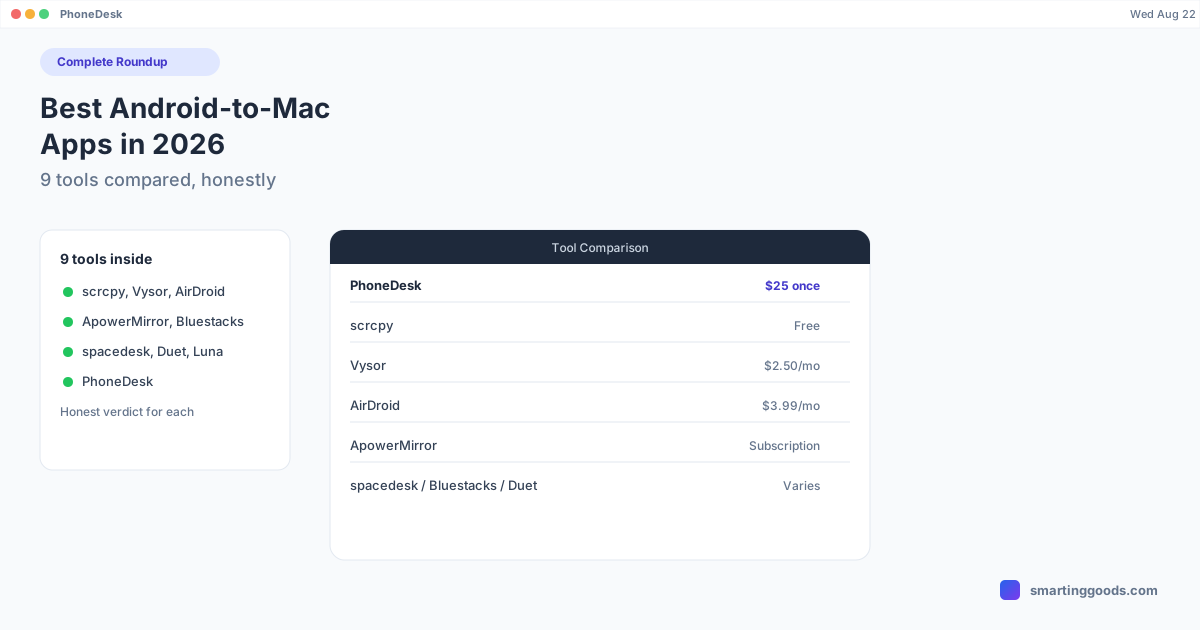
Best Android-to-Mac Apps in 2026: The Complete Roundup
Nine Android-to-Mac tools compared honestly — scrcpy, Vysor, AirDroid, ApowerMirror, spacedesk, Duet Display, Luna Display, Bluestacks, and PhoneDesk — with a real answer for when each one is actually the right pick.
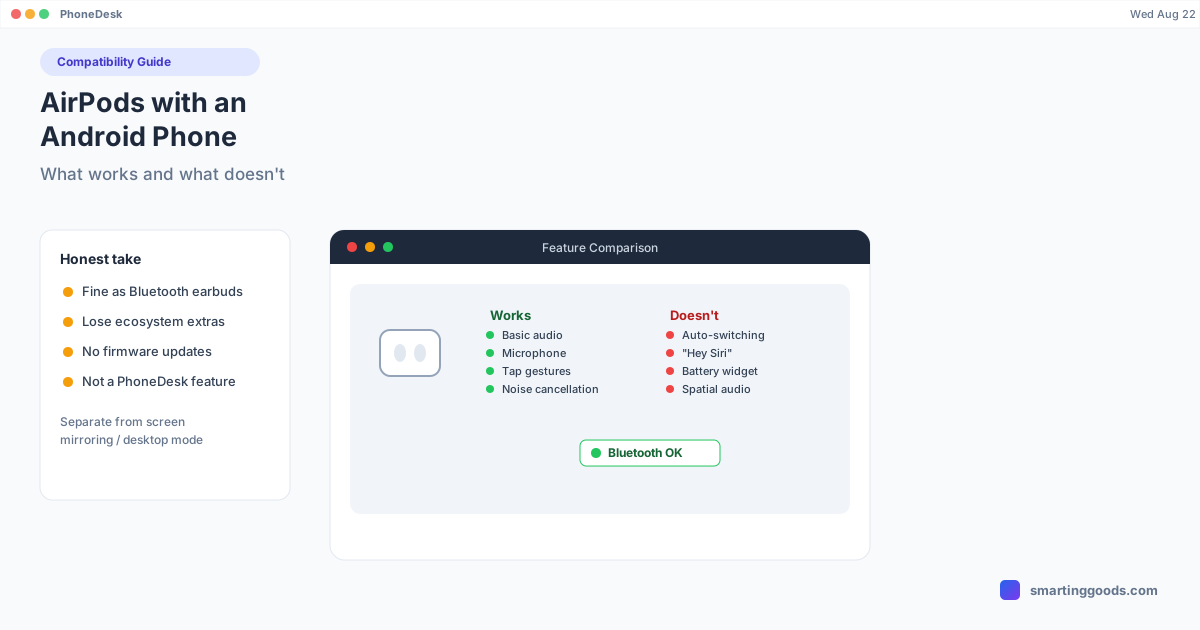
AirPods with an Android Phone: What Works and What Doesn't
AirPods pair fine with Android over Bluetooth, but most of the Apple-exclusive magic disappears. Here's an honest breakdown of what still works and what quietly breaks.
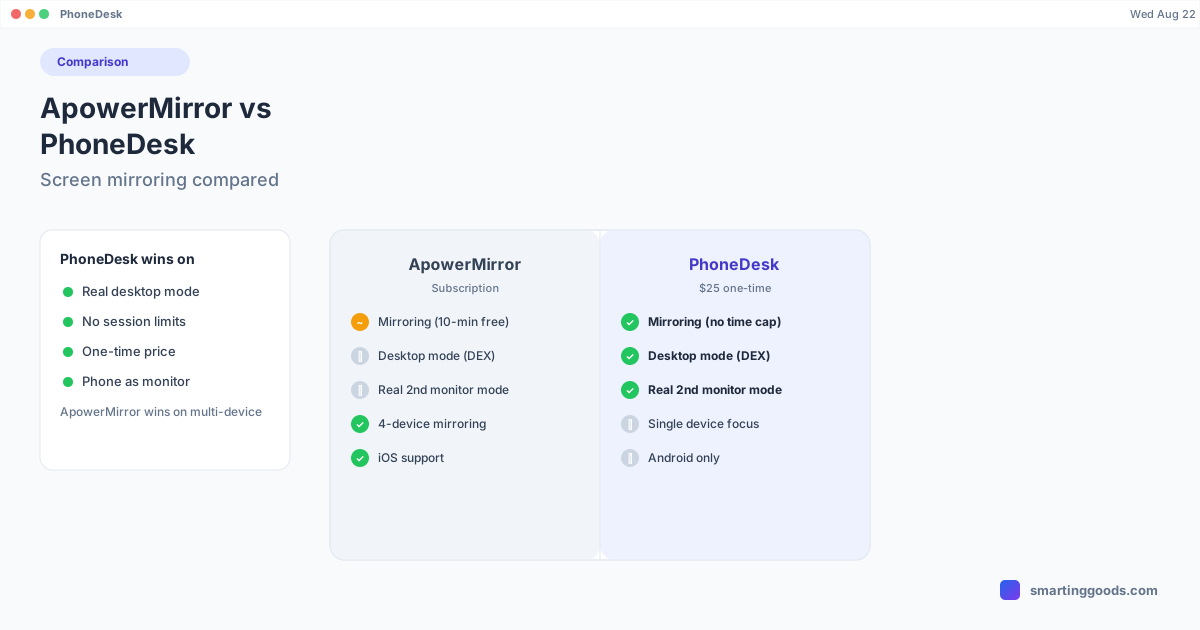
ApowerMirror vs PhoneDesk: Screen Mirroring Compared
ApowerMirror mirrors up to 4 devices at once with a 10-minute free session cap and a subscription. PhoneDesk drives real desktop mode and second-monitor use for a $25 one-time price. Here's the honest breakdown.
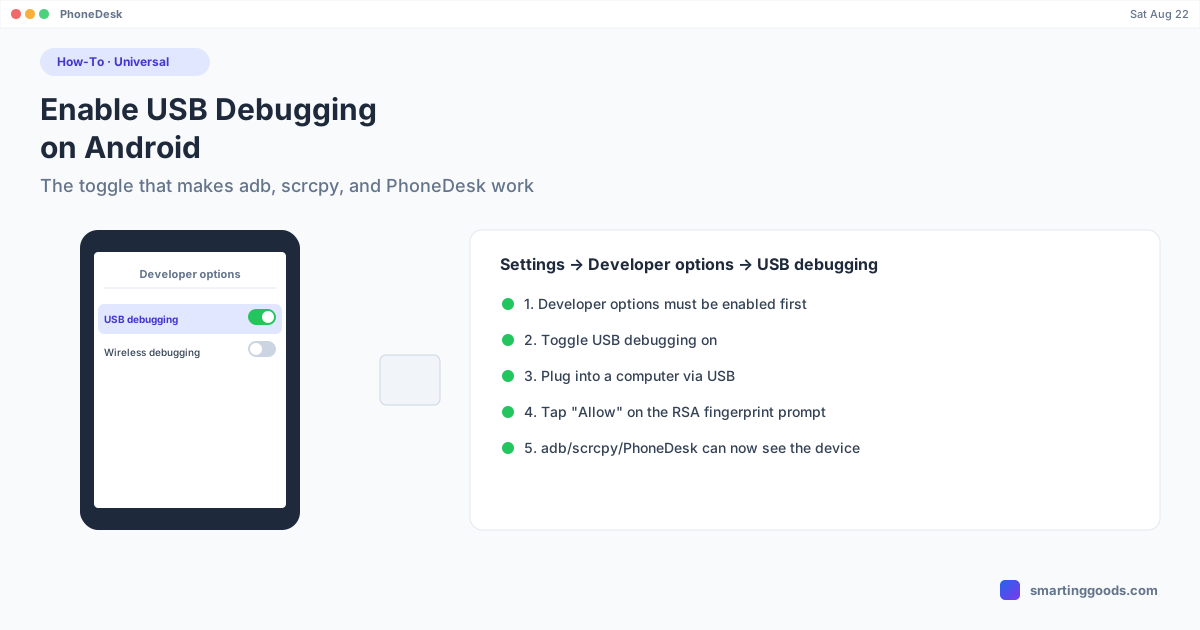
How to Enable USB Debugging on Android
USB debugging is the single toggle that lets adb, scrcpy, and PhoneDesk actually talk to your Android phone. Here's exactly where to find it and what the fingerprint prompt means.
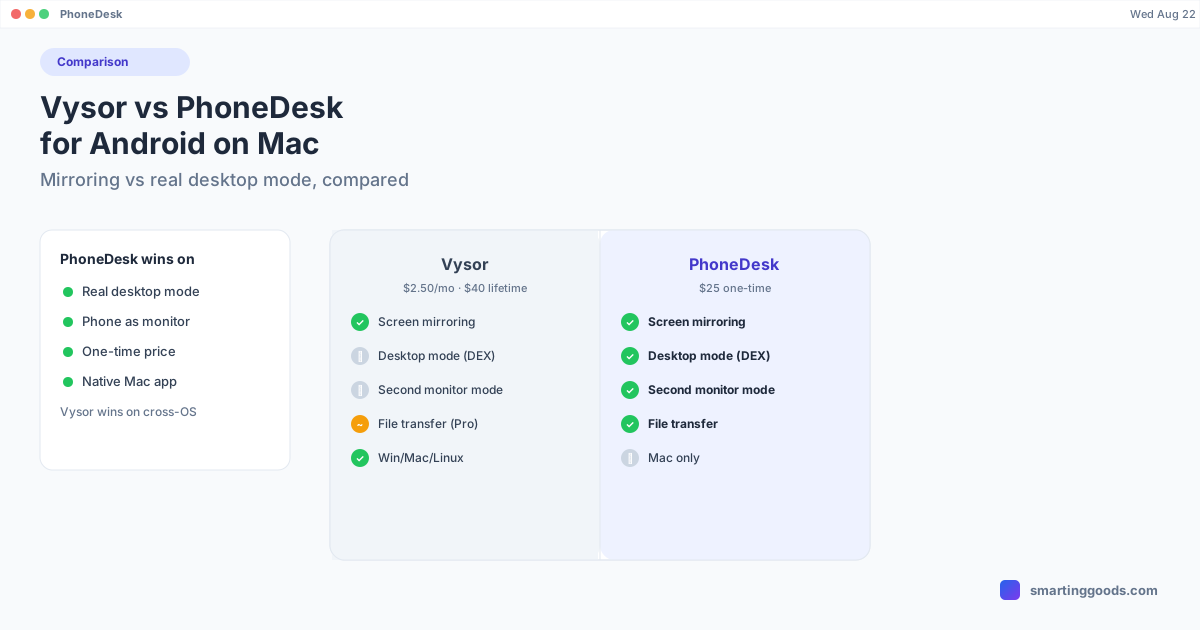
Vysor vs PhoneDesk: Which Is Better for Android on Mac in 2026
Vysor mirrors your Android screen to a Mac window for $2.50/mo or $40 lifetime. PhoneDesk drives real desktop mode, second-monitor mode, and file transfer for a $25 one-time price. Here's the honest comparison.
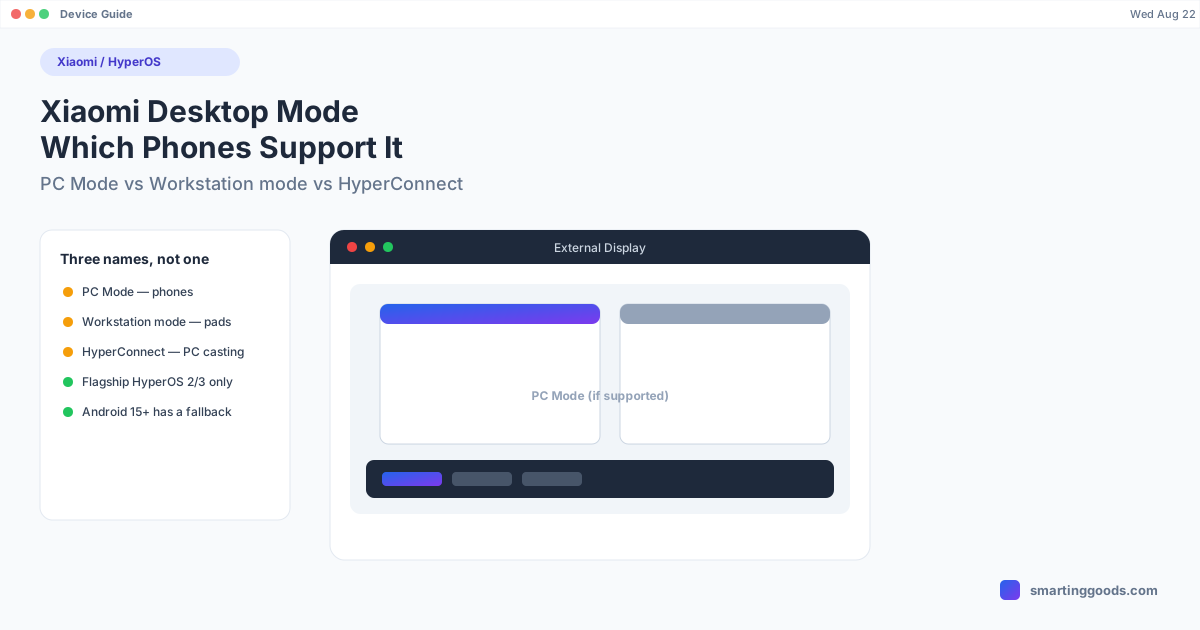
Xiaomi Desktop Mode (MIUI PC Mode): Which Phones Support It
Xiaomi's desktop-mode features go by three different names across phones and tablets. Here's what PC Mode, Workstation mode, and HyperConnect actually do — and which devices support each.
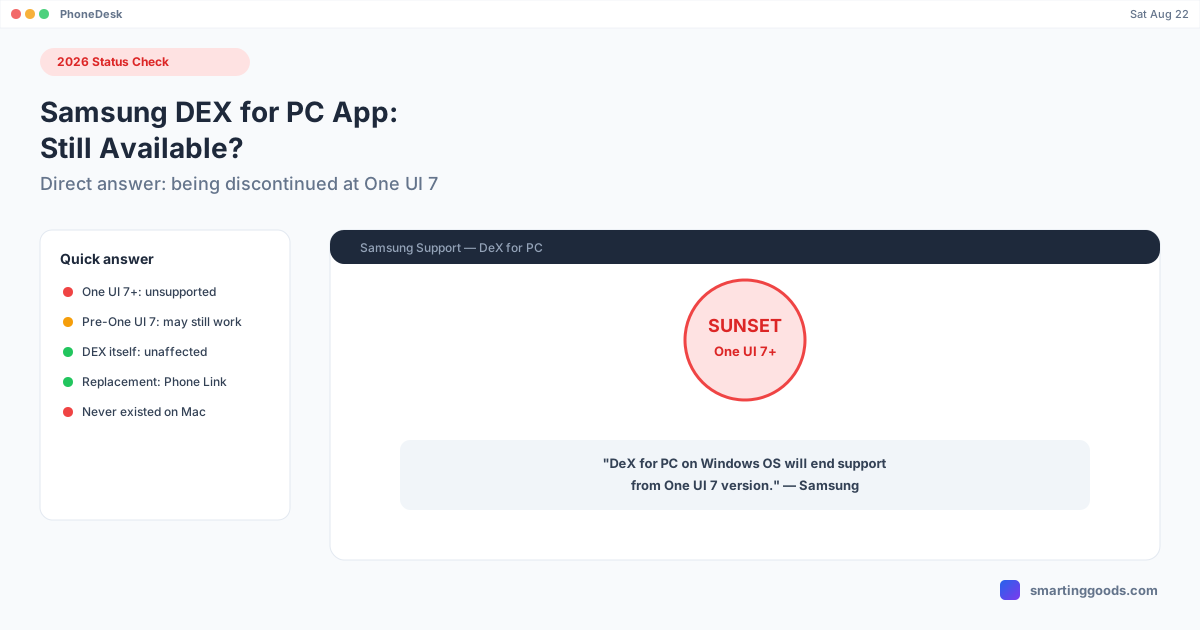
Samsung DEX for PC App: Is It Still Available? (2026)
Samsung confirmed DEX for PC on Windows ends support at One UI 7. Here's the direct status, what still works, and Samsung's official replacement.
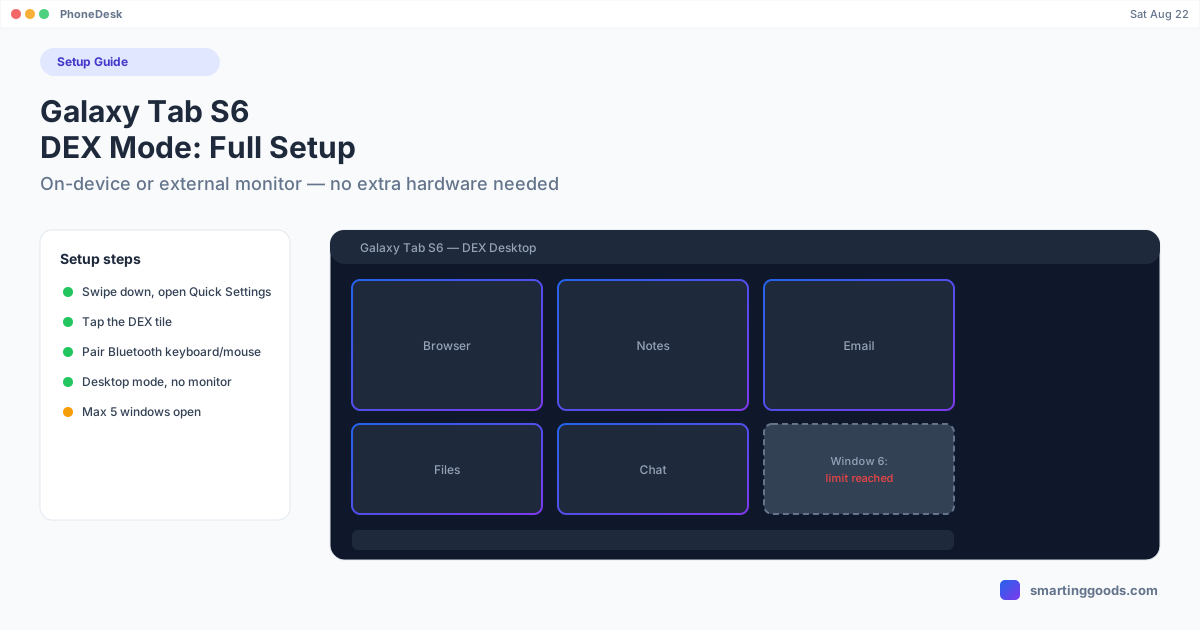
Galaxy Tab S6 DEX Mode: Complete Setup Guide
The Tab S6 runs on-device DEX with no monitor required. Here's the full setup — on-device and external display — plus the 5-window limit and common fixes.
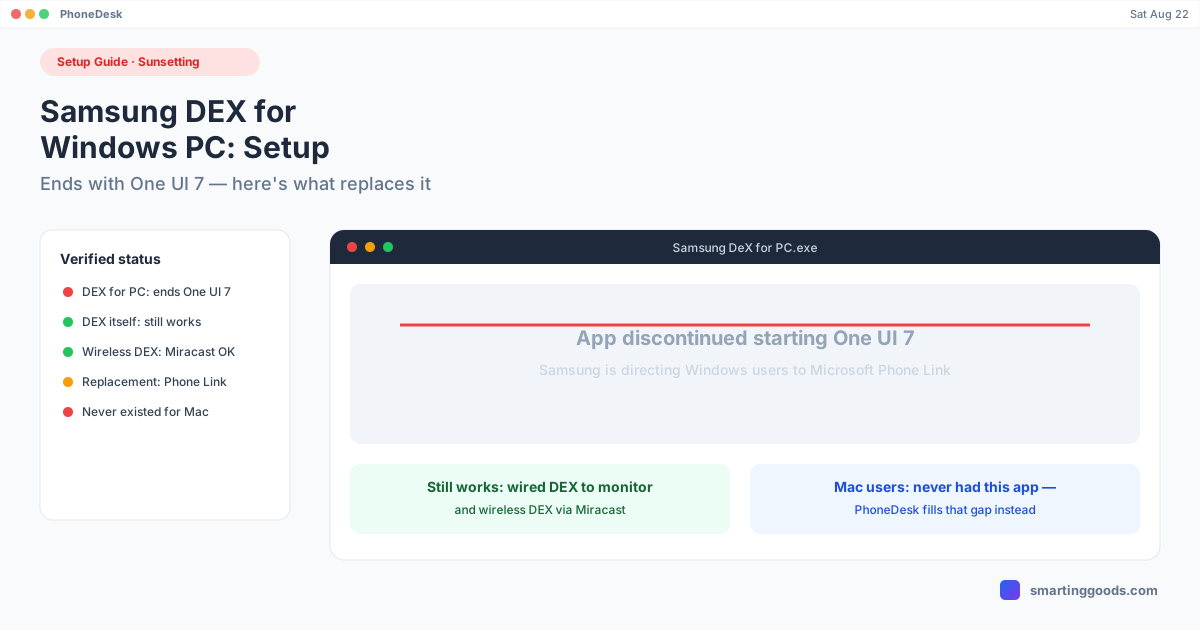
Samsung DEX for Windows PC: Setup Guide (2026 Status)
Samsung is discontinuing DEX for PC on Windows starting with One UI 7. Here's the setup, the verified sunset timeline, and what Samsung recommends instead.
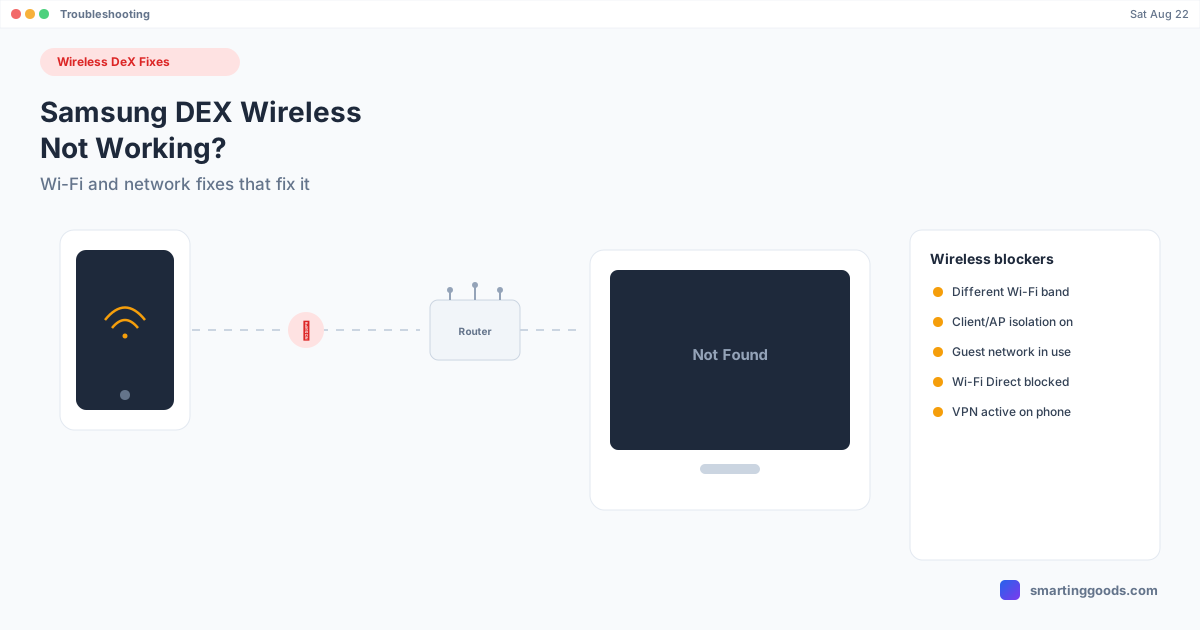
Samsung DEX Wireless Not Working: Fixes for Wireless DeX
Wireless DeX not finding your TV, or connecting and then dropping? This is almost always a network configuration issue, not a phone or TV bug — here's how to fix it.
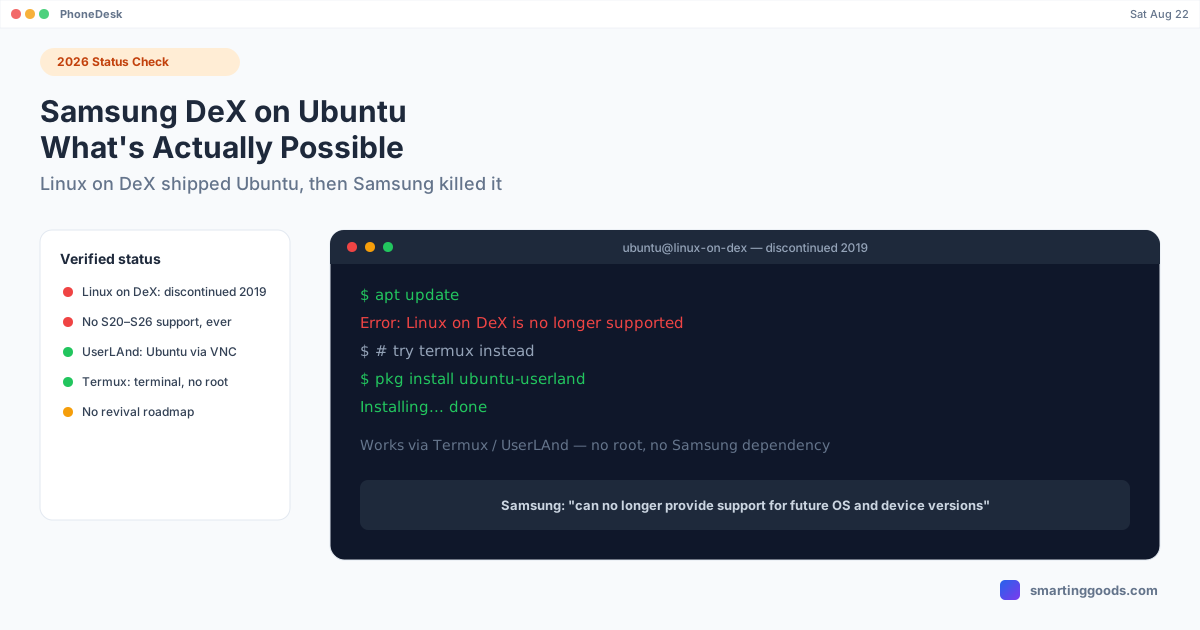
Samsung DeX on Ubuntu: What's Actually Possible in 2026
Linux on DeX literally ran Ubuntu on Galaxy phones — then Samsung discontinued it in 2019. Here's the verified status, what still works, and what doesn't.
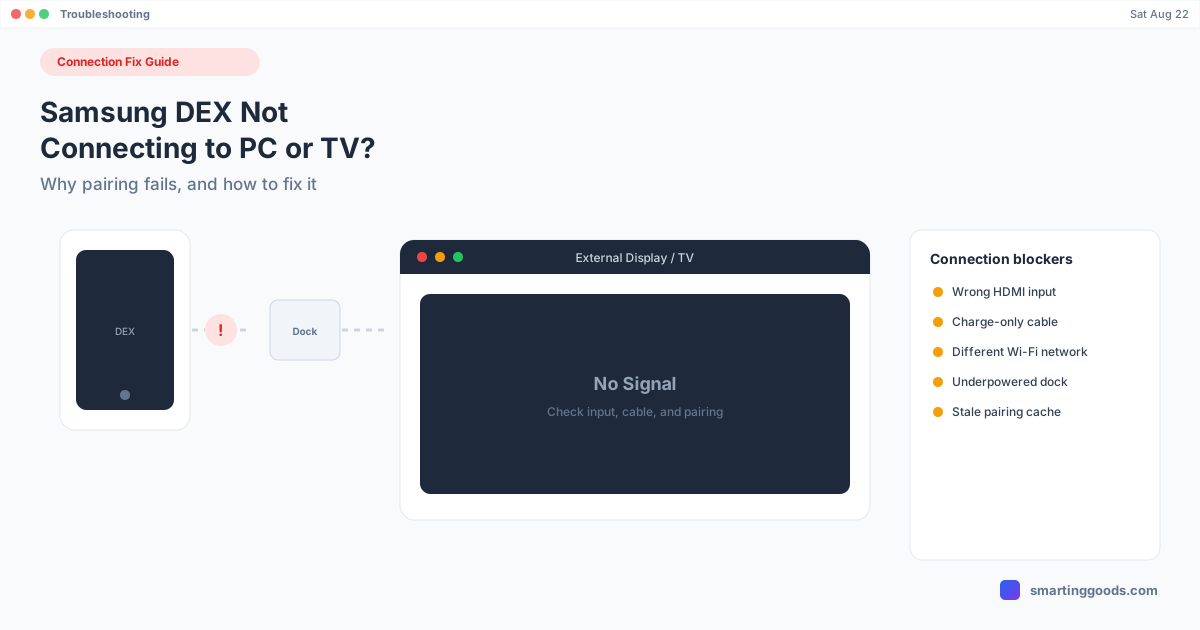
Samsung DEX Not Connecting to PC or TV? Here's Why
DEX not detecting your PC, dock, or TV at all? This is the pairing and connection-detection failure specifically — not a DEX session that's already running and broken.
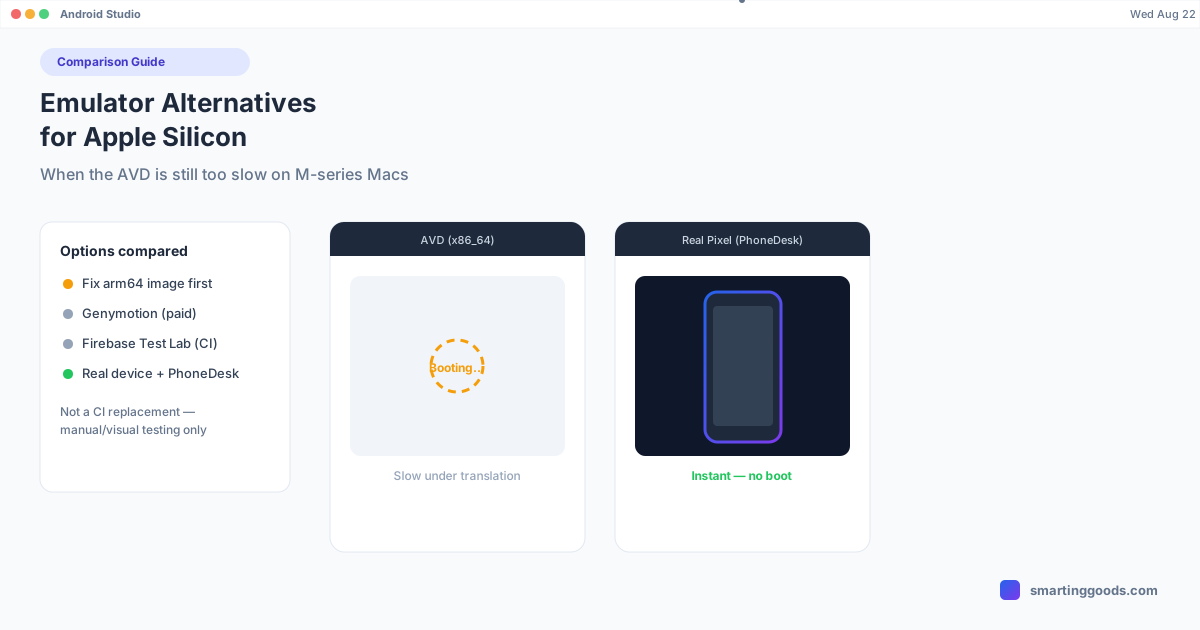
Android Emulator Alternatives for Apple Silicon Macs
The Android emulator still lags on some M-series setups. Here's what actually helps — fixing your system image, real alternatives, and when testing on a real device beats the AVD entirely.
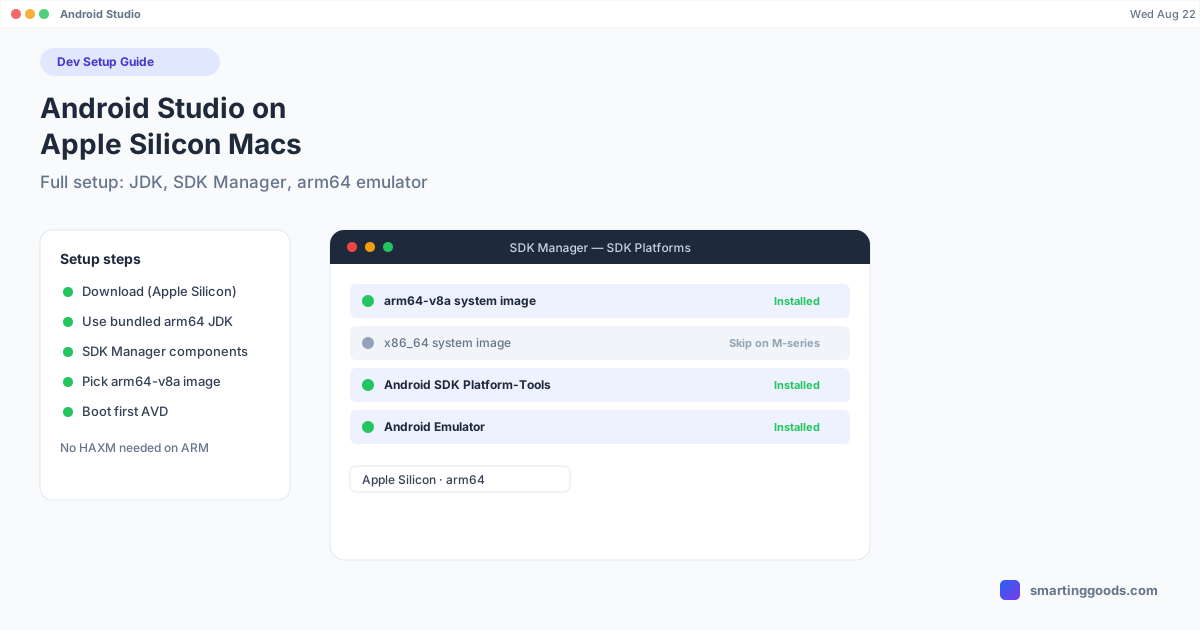
Installing Android Studio on an M-Series Mac: Full Setup Guide
A complete, current walkthrough for installing Android Studio on Apple Silicon — the right JDK, SDK Manager components, and picking arm64 system images so your emulator actually runs fast.
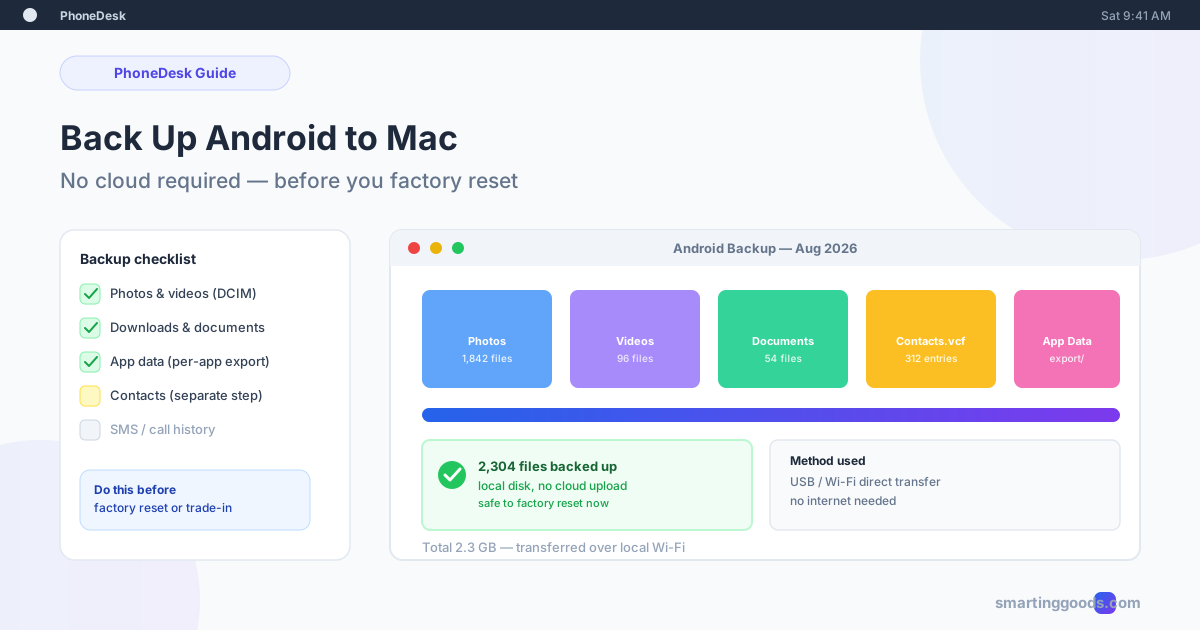
How to Back Up an Android Phone to a Mac (No Cloud Required)
About to factory reset or trade in your Android phone? Here is how to back up photos, files, and contacts straight to your Mac — no cloud upload, no waiting on sync.

Testing Android Apps on a Physical Device From Your Mac (Without the Emulator)
Why the emulator misses real touch, GPU, and performance bugs — and how to test on an actual Android device from your Mac without picking the phone up every time.
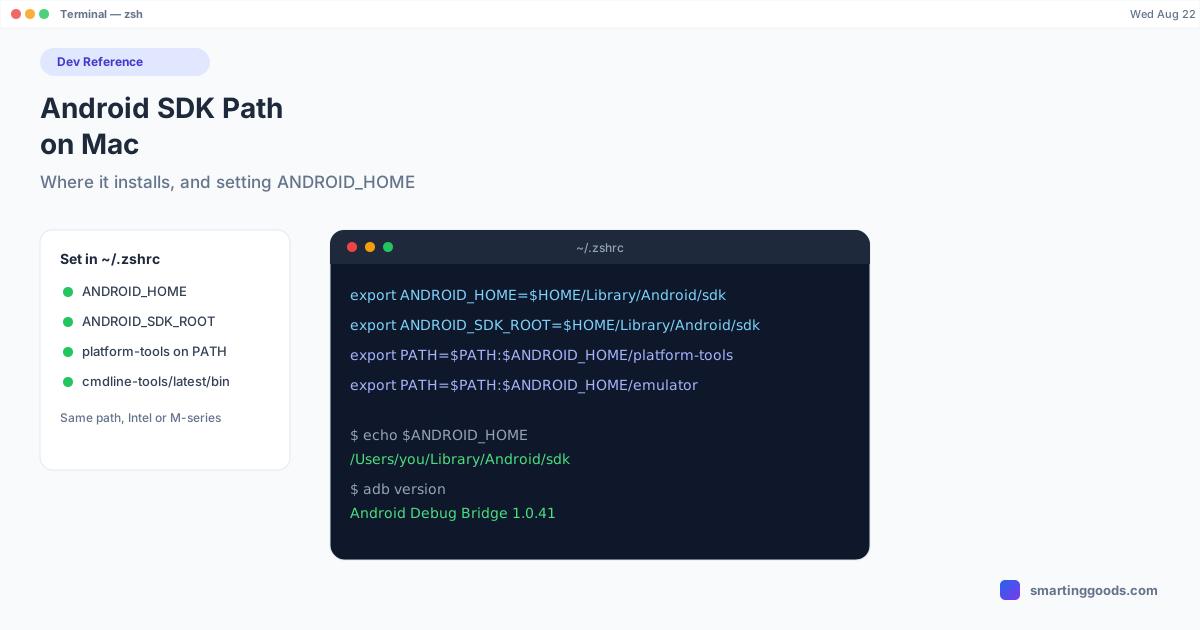
Android SDK on Mac: Where It Installs and How to Set the Path
Fix ANDROID_HOME and command-not-found errors for good: the exact default Android SDK location on Mac, and the ANDROID_HOME / ANDROID_SDK_ROOT setup that actually works.
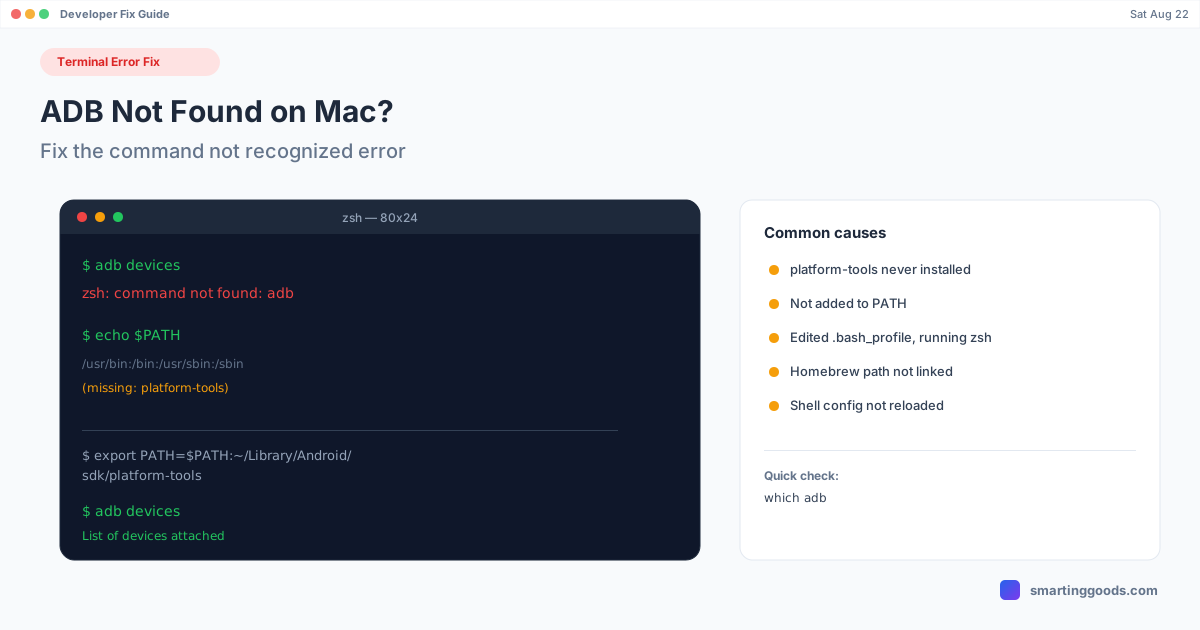
ADB Not Found on Mac? Fix the Command Not Recognized Error
"zsh: command not found: adb" — here's exactly why your Mac can't find adb, and how to fix the PATH issue for good instead of re-exporting it every session.
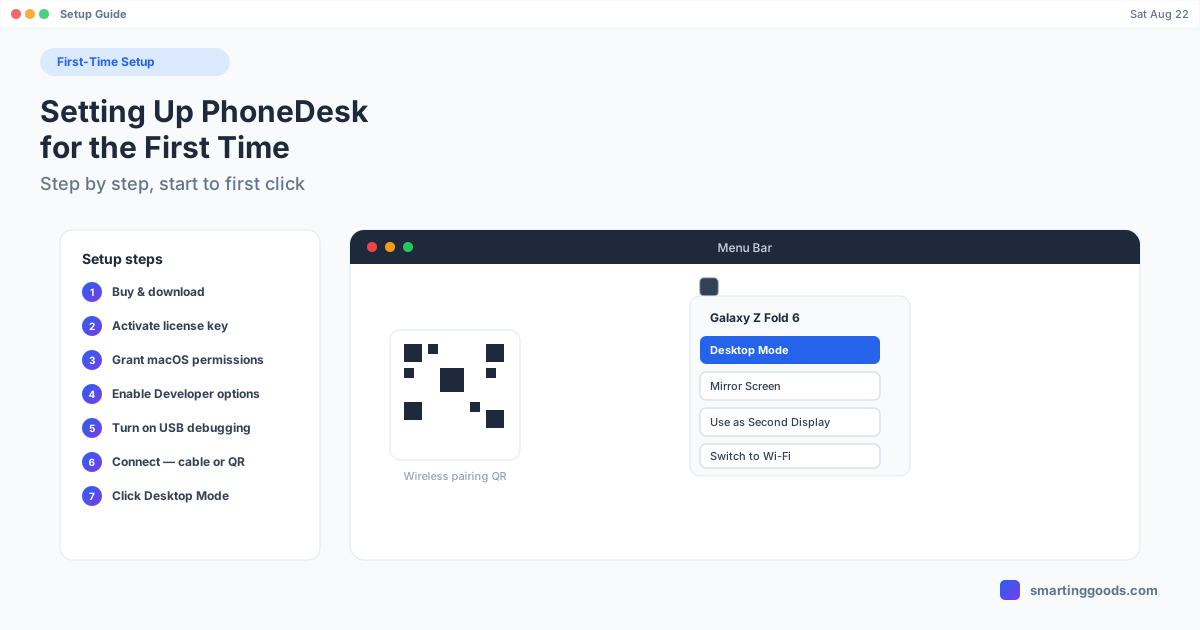
Setting Up PhoneDesk for the First Time: A Walkthrough
A clear, accurate walkthrough of PhoneDesk's real setup flow — purchase, license activation, macOS permissions, and connecting your phone — no invented screenshots.
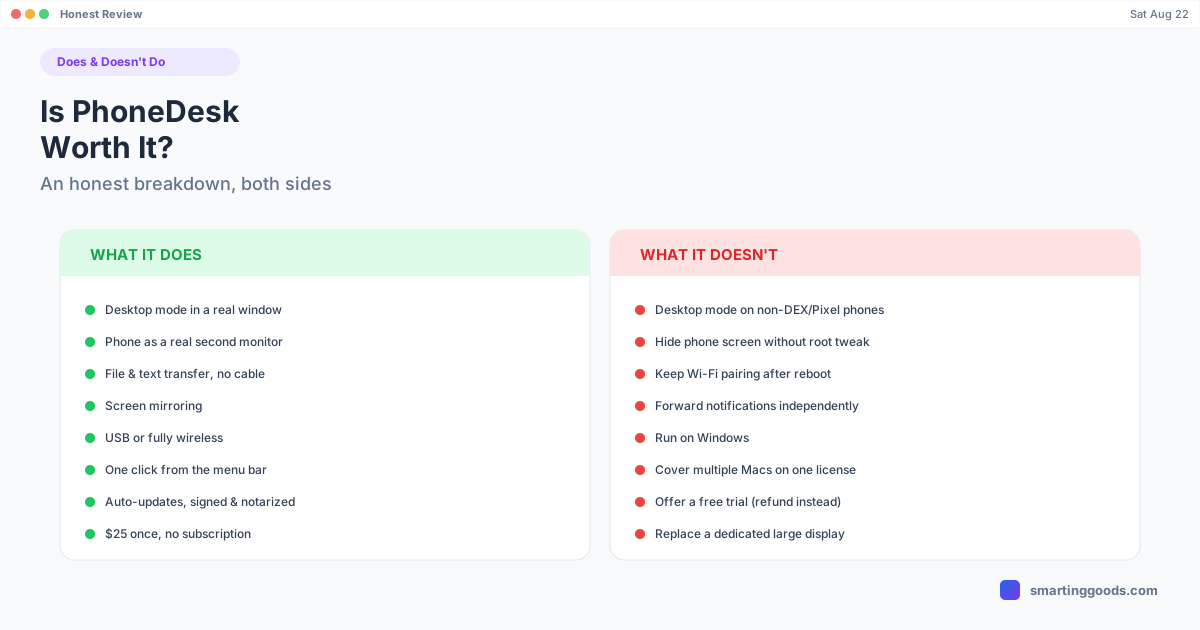
Is PhoneDesk Worth It? An Honest Breakdown
An honest, no-hype breakdown of what PhoneDesk does and doesn't do — real limitations included — so you can decide if the $25 license is worth it for your phone.
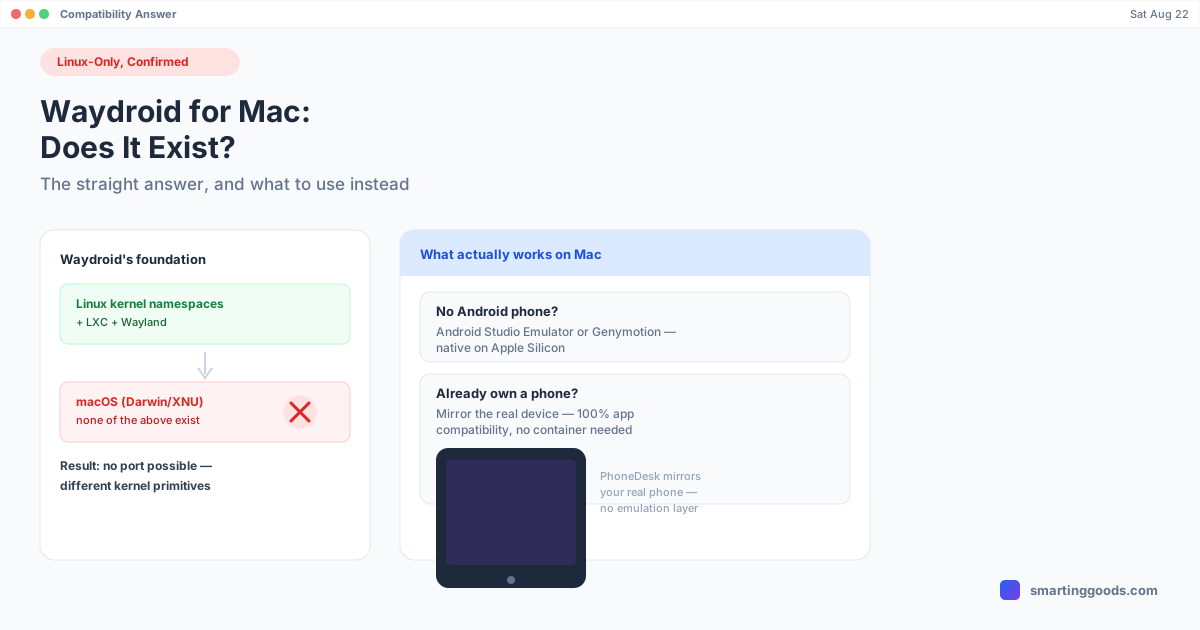
Waydroid for Mac: Does It Exist, and What Instead
Waydroid can't run on macOS — it depends on Linux-only kernel namespaces, LXC, and Wayland. Here's the technical reason why, and what to use on a Mac instead.
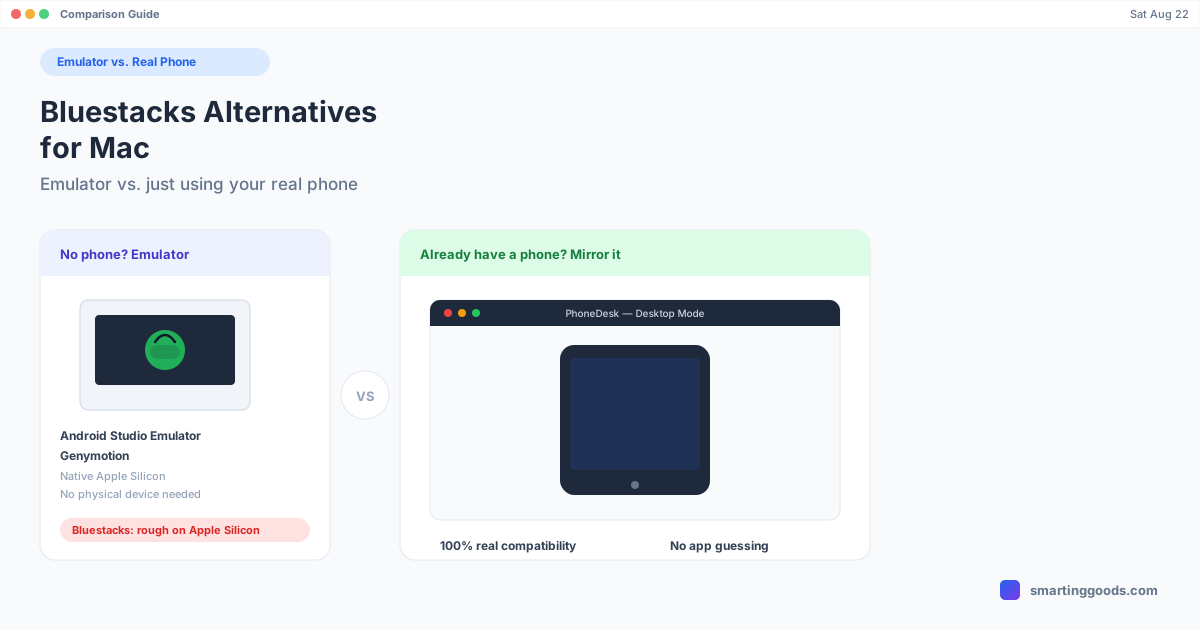
Bluestacks Alternatives for Mac: Emulator vs. Real Phone
Bluestacks barely runs on Apple Silicon. Here are the real Android emulators for Mac — plus why using the Android phone you already own beats emulating one entirely.
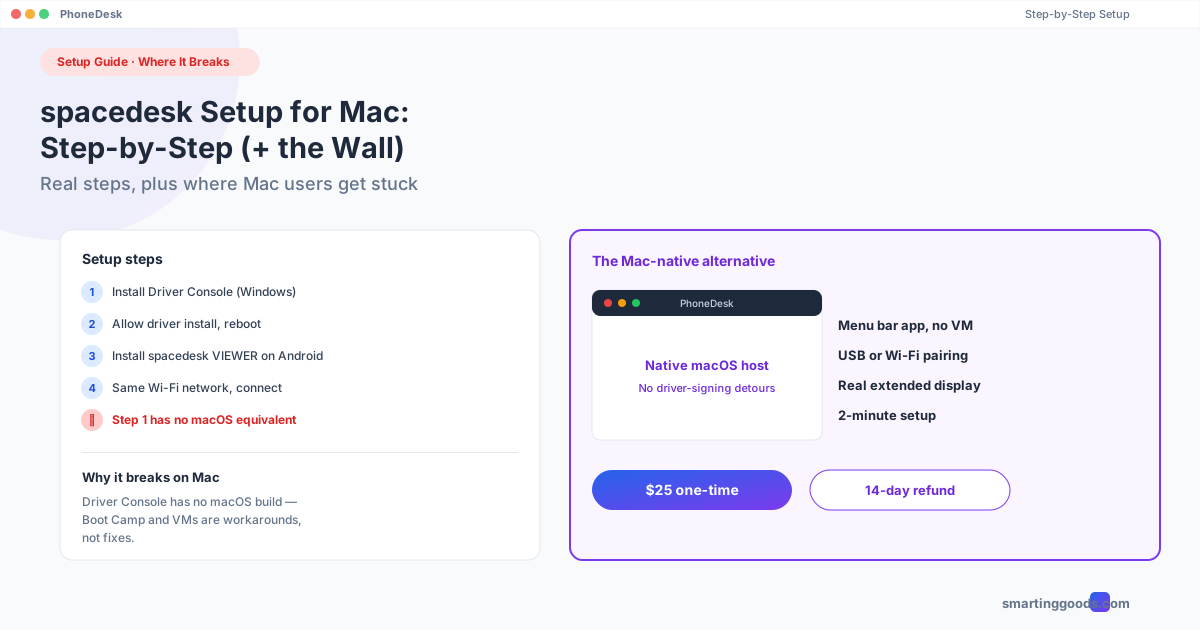
spacedesk Setup Guide for Mac: Step-by-Step (Where It Breaks)
The actual step-by-step spacedesk setup process, plus the exact point where Mac users hit a wall — and the Mac-native alternative that doesn't have one.
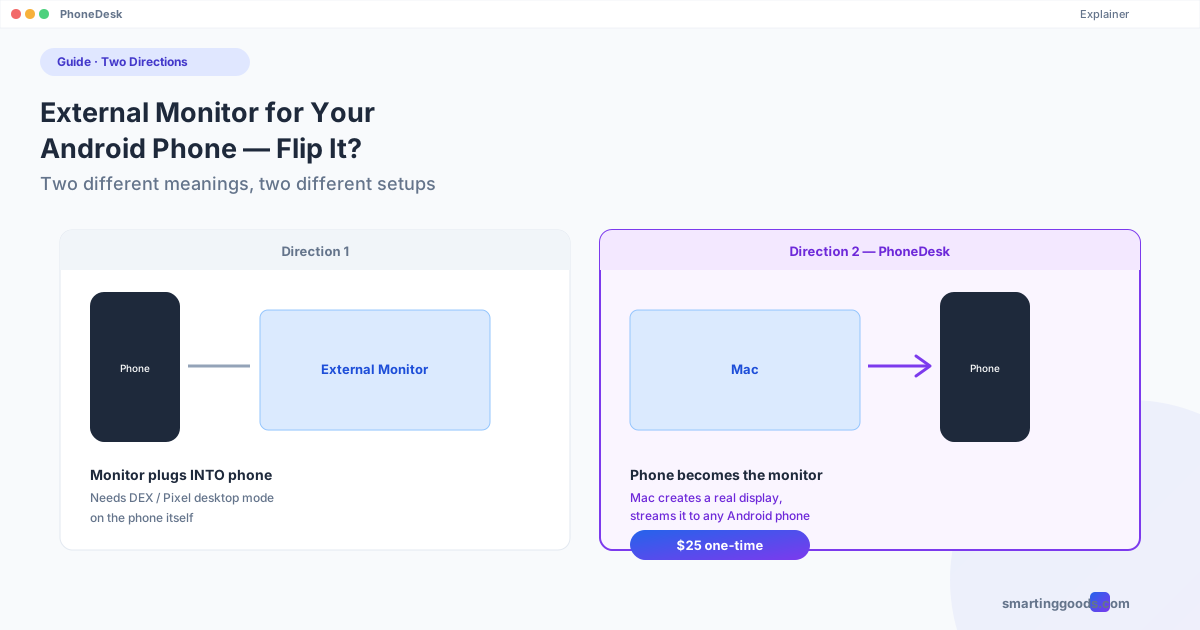
External Monitor for Android Phone: Flip It the Other Way?
"External monitor for Android phone" can mean two opposite things. Here's how to tell which one you actually need, and how to set up each direction.
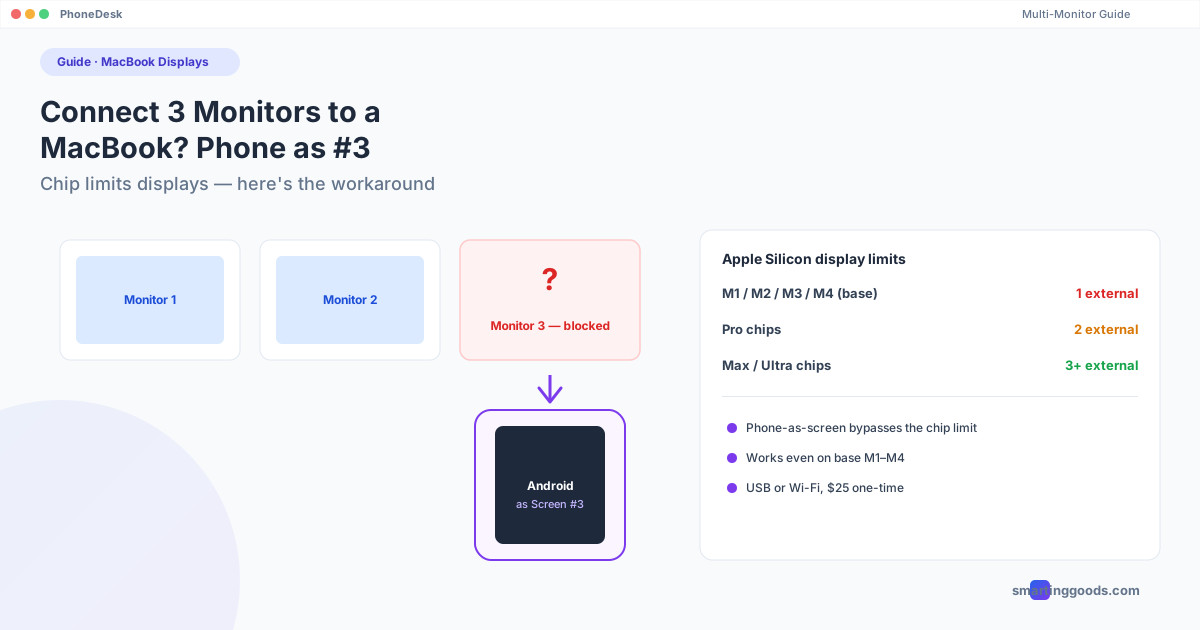
Connect 3 Monitors to a MacBook? Phone as the Third Screen
Most MacBook chips cap out at one or two external displays. Here's exactly which Apple Silicon chips support how many monitors, and how an Android phone can fill the gap.
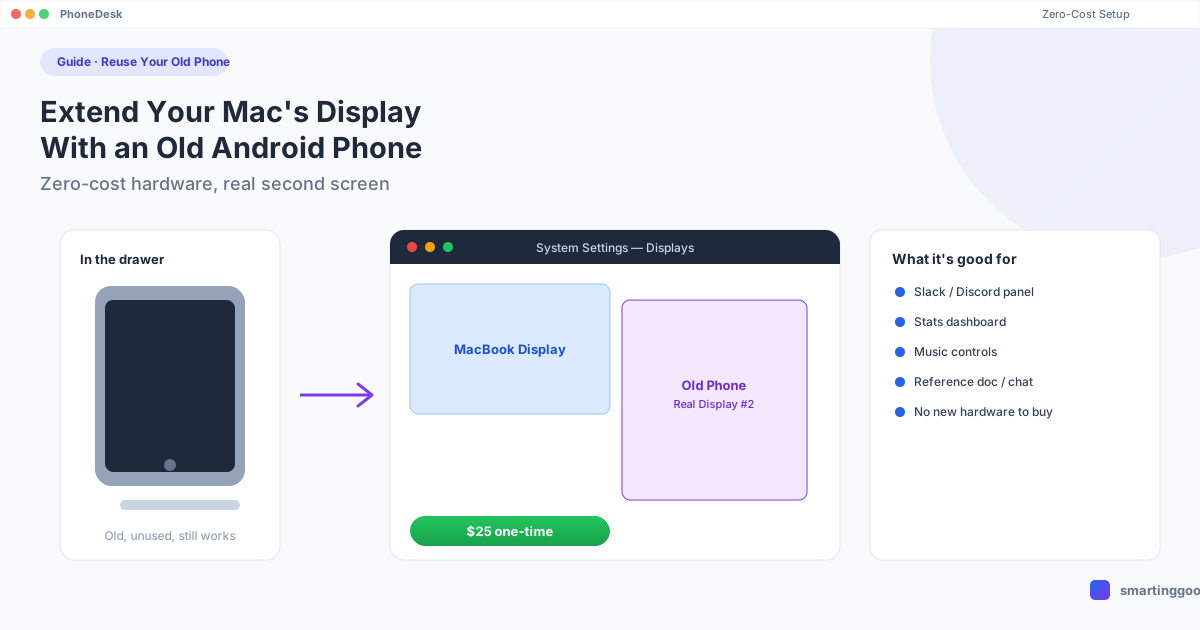
Extend Your Mac's Display With an Old Android Phone (Zero-Cost Setup)
That old Android phone in your drawer can become a real second monitor for your Mac. Here's the zero-cost-hardware setup, what's actually free, and where the free route breaks down.
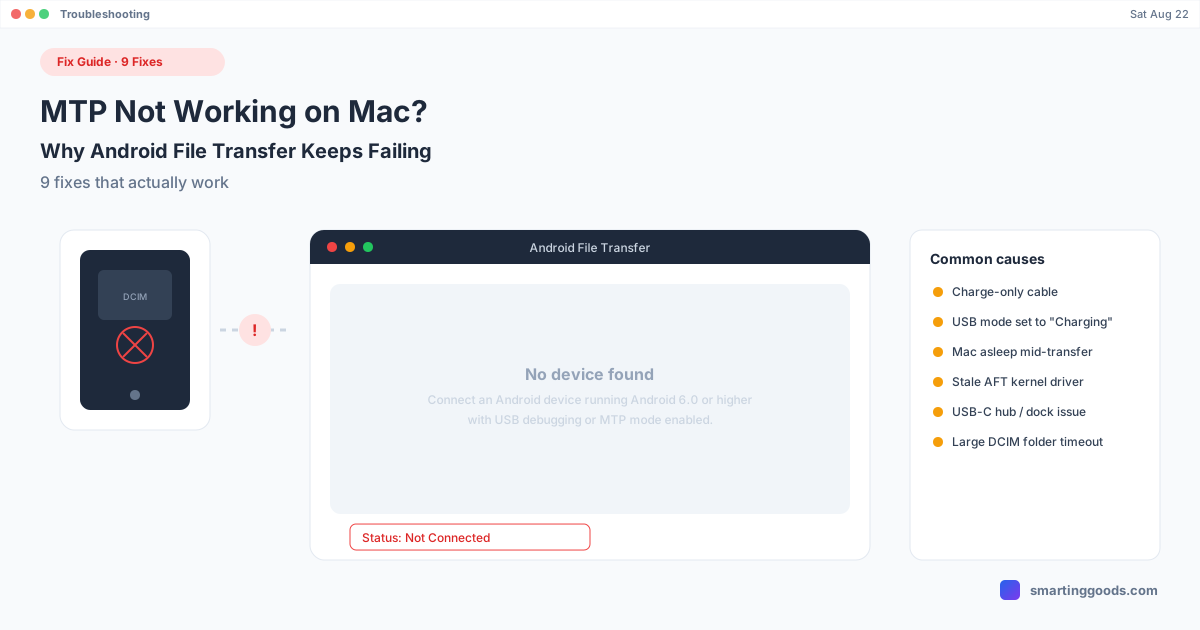
MTP Not Working on Mac? Why Android File Transfer Fails
"No device found," dropped transfers, MTP that just won't connect. Here are 9 fixes that actually work, plus why MTP is fragile on macOS in the first place.
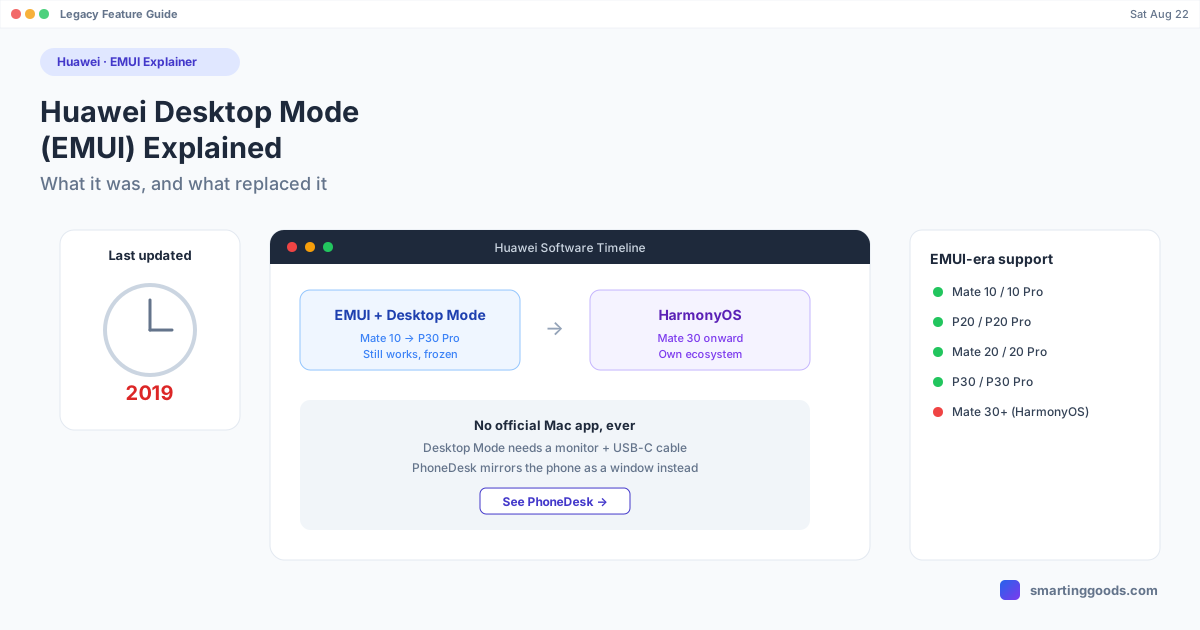
Huawei Desktop Mode (EMUI): How It Works and What Replaced It
Huawei's EMUI Desktop Mode still runs on the phones that shipped with it — but it stopped evolving years ago. Here's what it does, why it froze, and what replaced it.
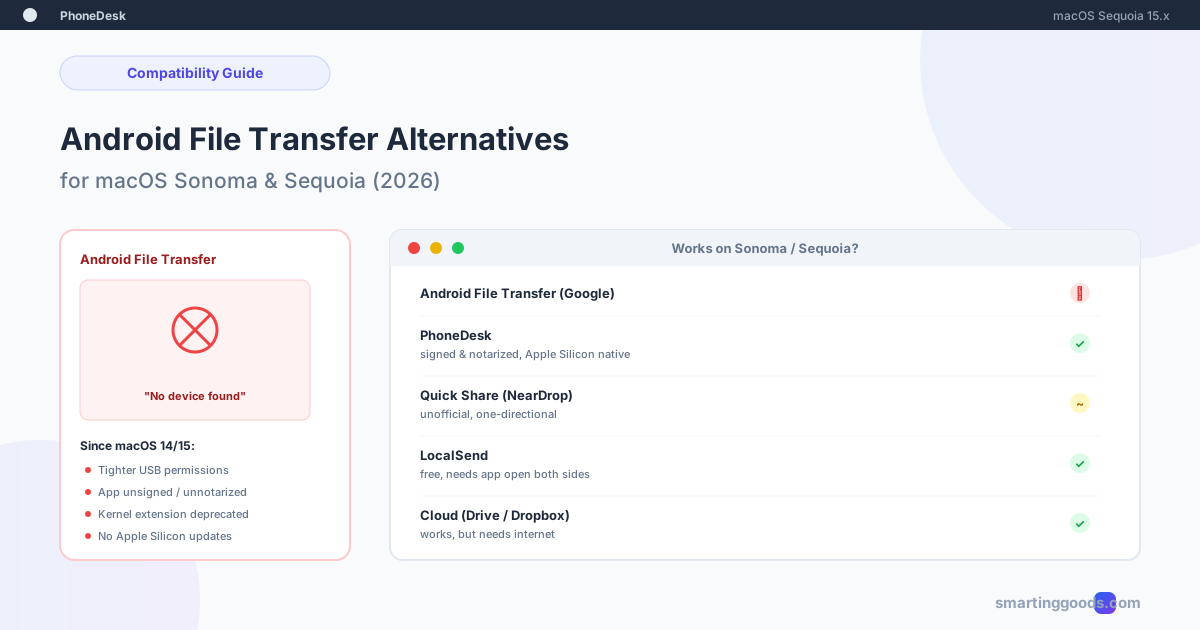
Android File Transfer Alternatives for macOS Sequoia
Android File Transfer broke after updating to macOS Sonoma or Sequoia? Here is why, and four alternatives that actually work on current macOS.
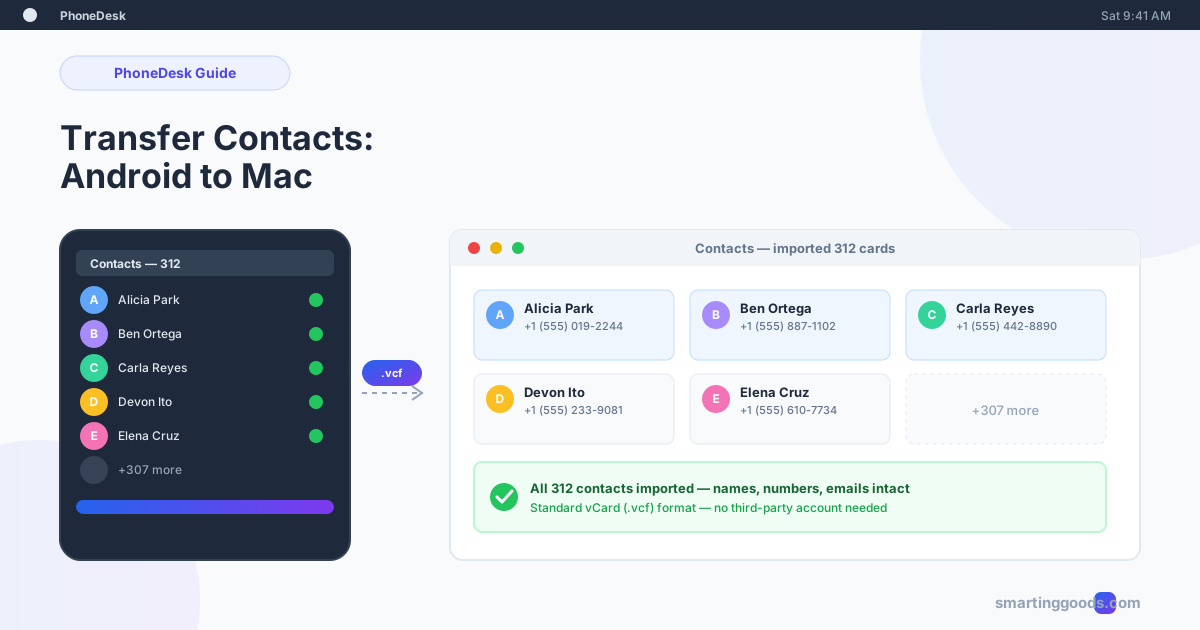
Transfer Contacts From Android to Mac: 3 Reliable Methods
Three reliable ways to move your Android contacts to a Mac — a one-time vCard export, ongoing Google sync, and how to catch contacts the other two miss.
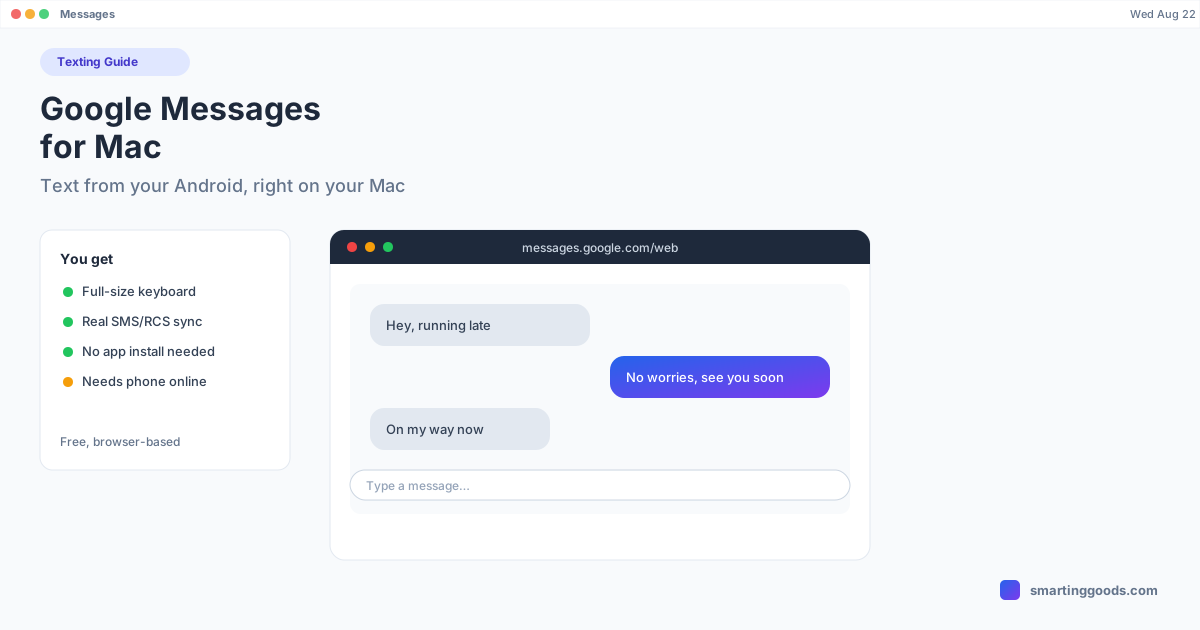
Google Messages for Mac: Text From Android on a Mac
Google's free browser tool lets you text from your Android phone right on your Mac — no app to install. Here's the full setup and the RCS details most guides skip.
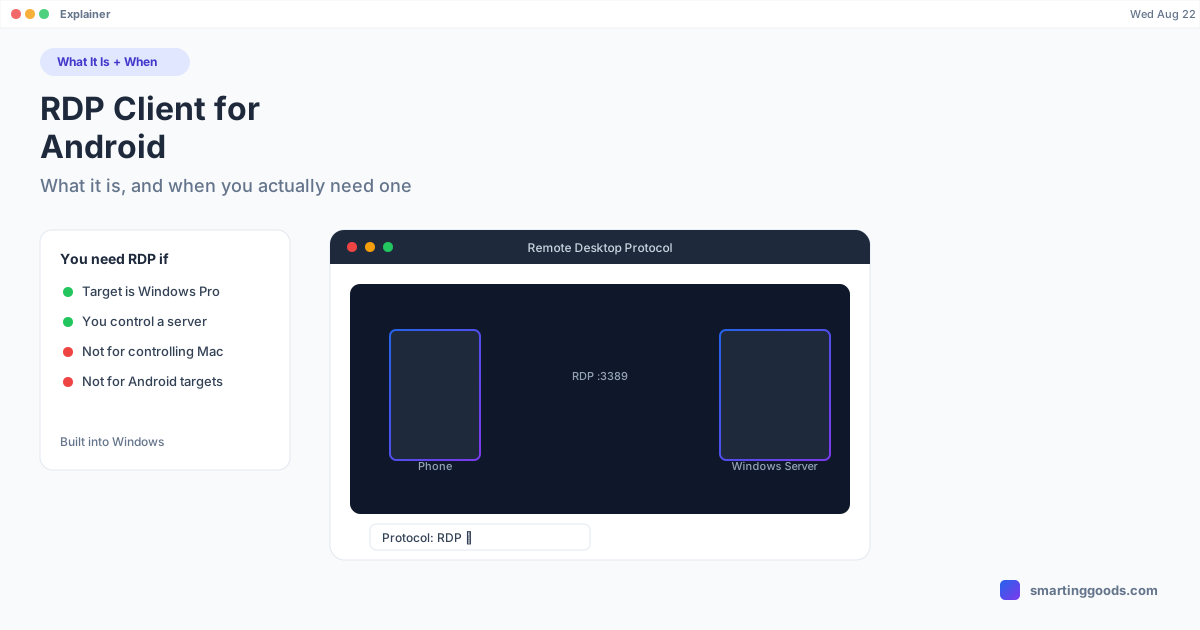
RDP Client for Android: What It Is and When You Actually Need One
An RDP client for Android connects your phone to a Windows machine — not the other way around. Here's what RDP actually does, the best Android clients, and what to use if you're on a Mac instead.
WhatsApp on Mac From an Android Phone: Setup Guide
WhatsApp's Mac app is great once it's set up right — but Android's battery optimization breaks the sync more than anything else. Full setup plus the fixes for every common problem.
Get Android Notifications on Your Mac: Methods Compared
Android doesn't mirror notifications to Mac the way iPhone does. Here's every real method — Google Messages, KDE Connect, Pushbullet, and screen mirroring — compared honestly.
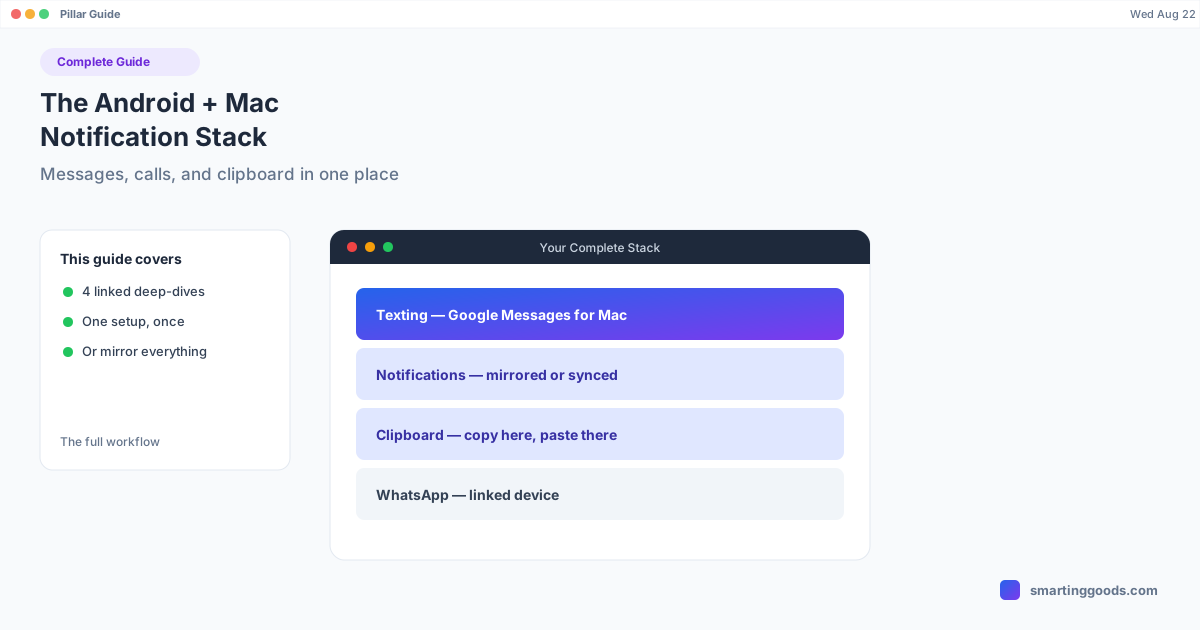
The Android + Mac Notification Stack: Full Guide
Texting, notifications, clipboard, and WhatsApp on a Mac from an Android phone each need a different tool. Here's the full stack, and when to just mirror the whole screen instead.
Chrome Remote Desktop for Android: Full Setup (and Its Limits)
Chrome Remote Desktop is Google's free way to access a computer from your Android phone, or a phone from a computer. Here's the full setup, plus where it stops being useful for Mac users.
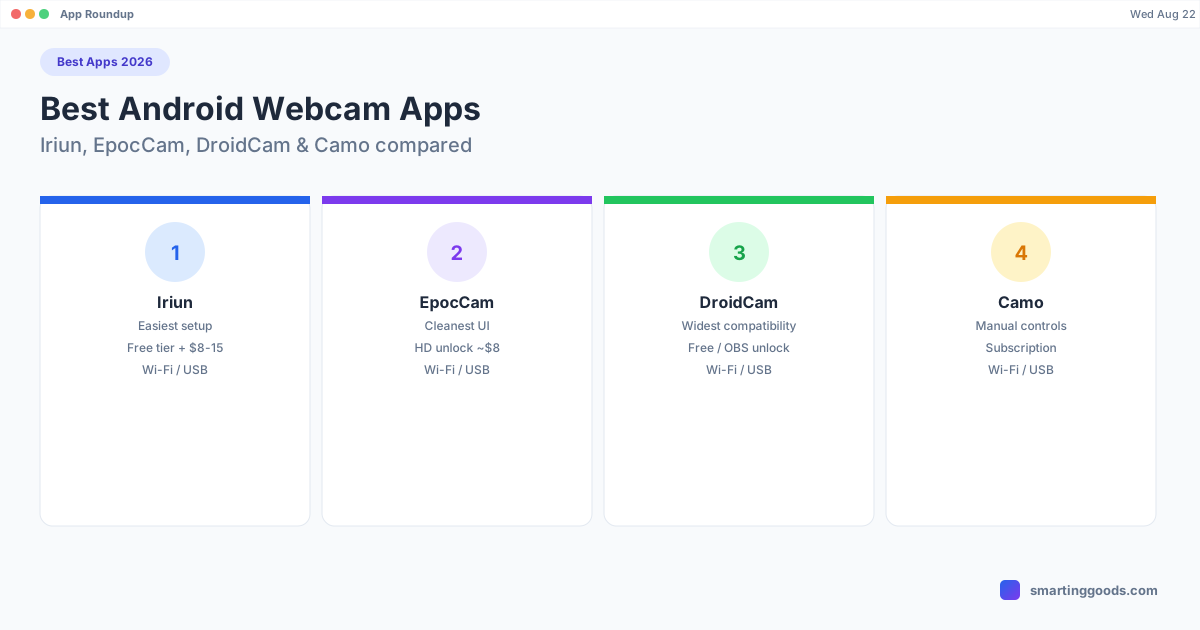
Best Apps to Use Your Android Phone as a Webcam (2026)
Iriun, EpocCam, DroidCam, or Camo — a current, tested roundup of the Android webcam apps that actually work on Mac in 2026.
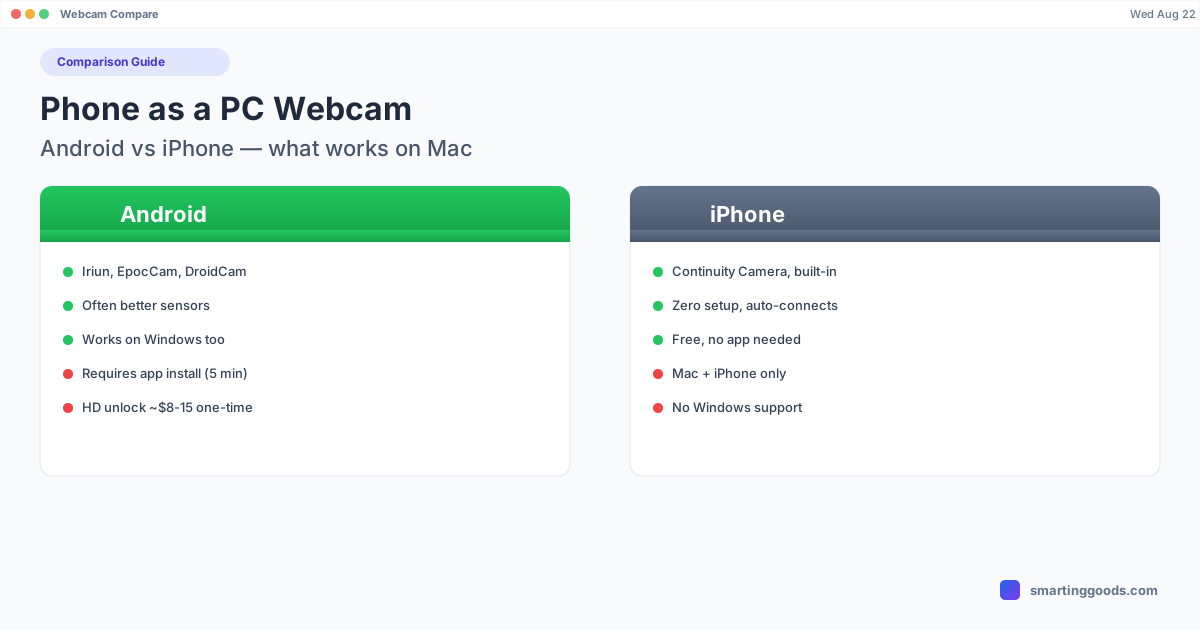
Phone as a PC Webcam: Android vs iPhone on Mac
iPhone has Continuity Camera built in. Android doesn't — but it still works, and sometimes looks better. Here's the honest comparison.
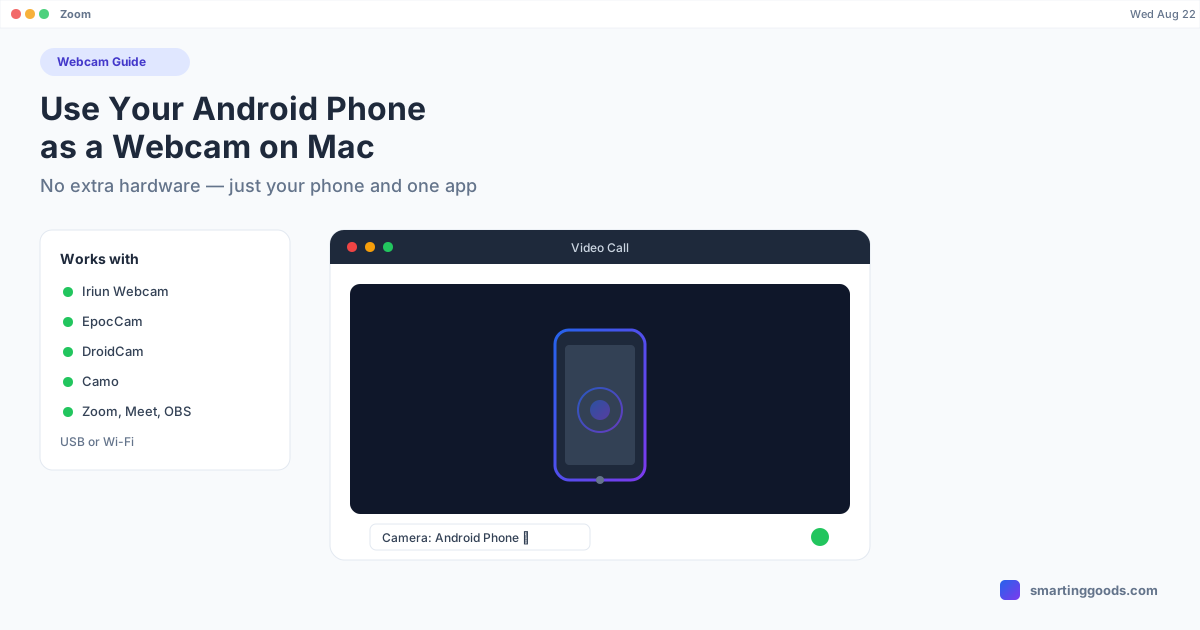
Use Your Android Phone as a Webcam on Mac (No Extra Hardware)
Your Android phone's camera is probably better than your Mac's built-in webcam. Here's how to actually use it — with real apps, not hacks.
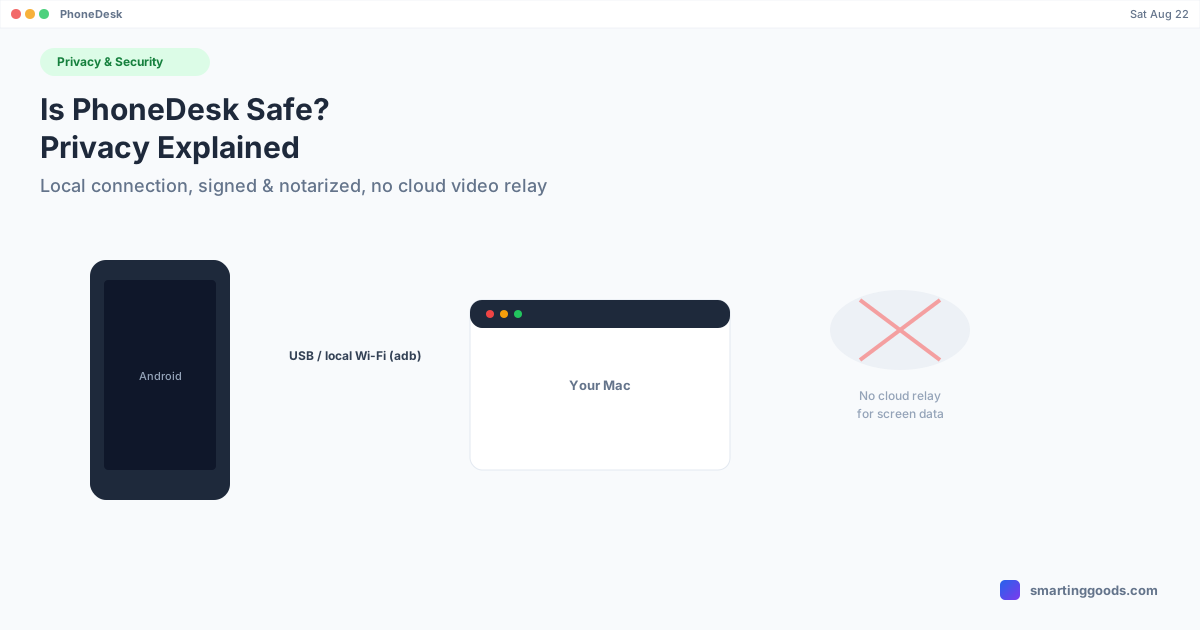
Is PhoneDesk Safe? Privacy and Security Explained
A straightforward look at what PhoneDesk actually connects to, how it moves your phone's screen and files, and what's verified about its architecture — no vague reassurances.
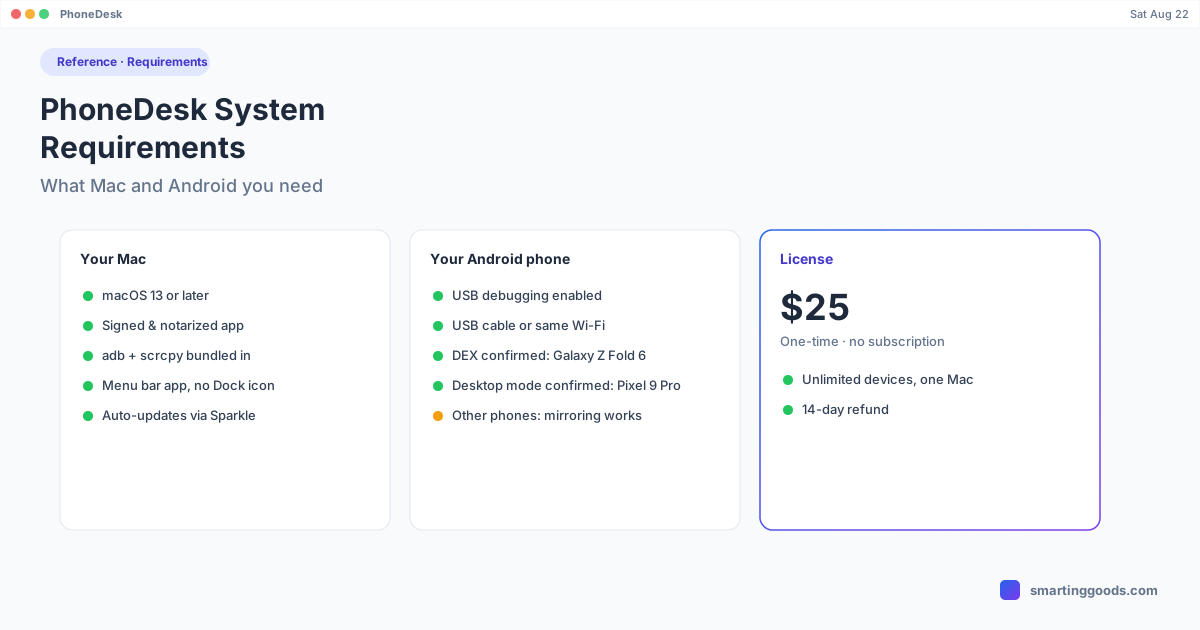
PhoneDesk System Requirements: What Mac and Android You Need
A straight reference on what Mac and Android setup PhoneDesk actually needs — macOS version, Android connection requirements, and which phones have confirmed desktop-mode support.
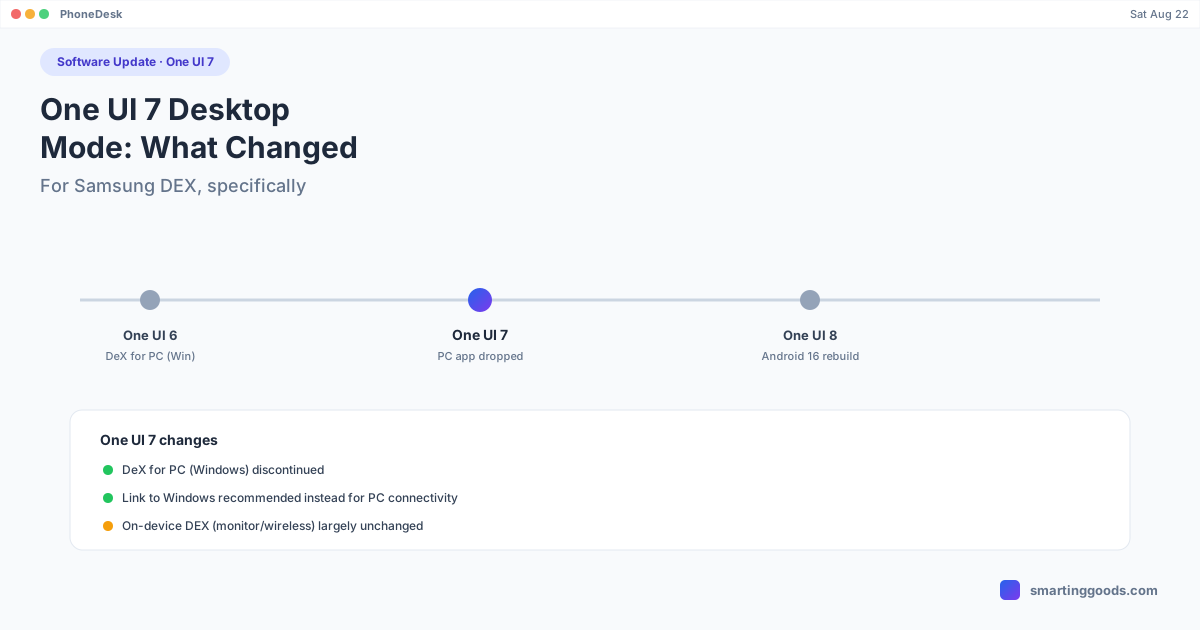
One UI 7 Desktop Mode: What Changed for Samsung DEX
One UI 7 quietly dropped a major DEX feature and pushed a replacement most people didn't ask for. Here's exactly what changed, what didn't, and what's coming next in One UI 8.
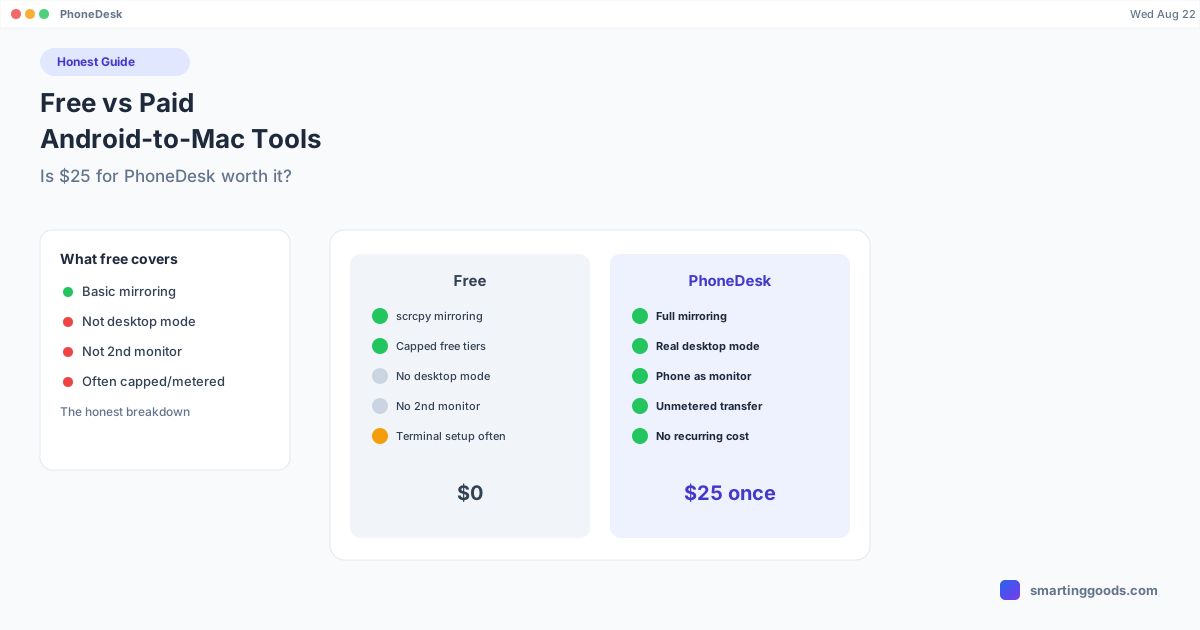
Free vs Paid Android-to-Mac Tools: Is $25 for PhoneDesk Worth It?
An honest breakdown of what free tools like scrcpy and Chrome Remote Desktop can and can't do, what subscriptions add, and where a one-time $25 purchase like PhoneDesk actually earns its price.
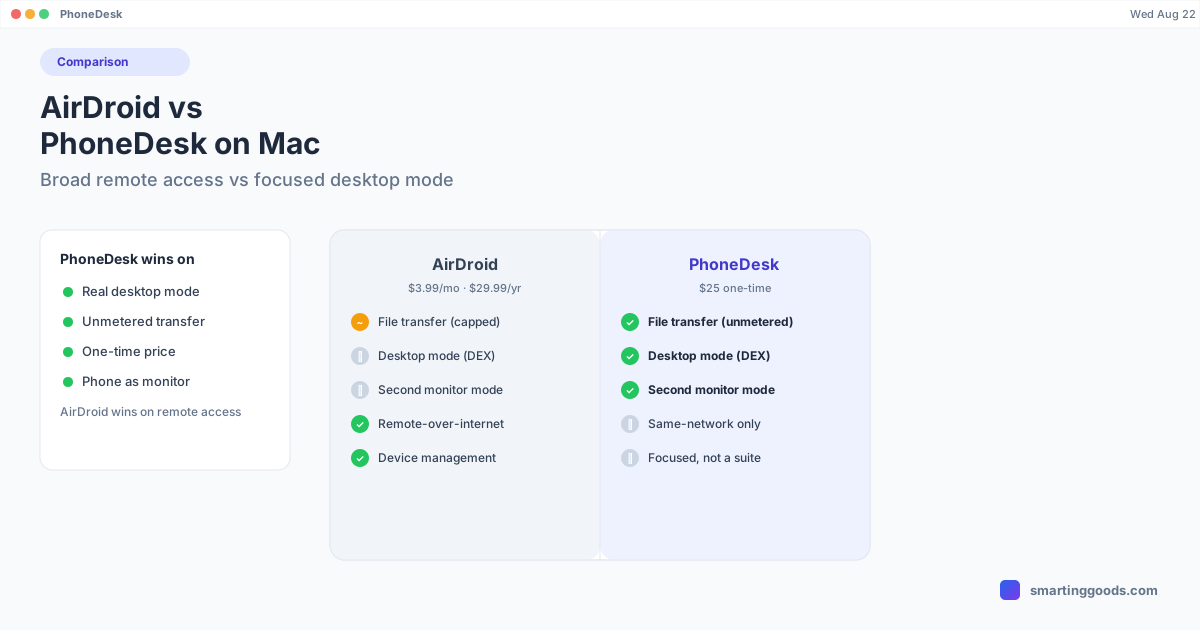
AirDroid vs PhoneDesk: Full Comparison for Mac Users
AirDroid covers file transfer, remote control, and mirroring with a metered free tier and a subscription. PhoneDesk focuses on real desktop mode, second-monitor mode, and unmetered file transfer for a $25 one-time price.
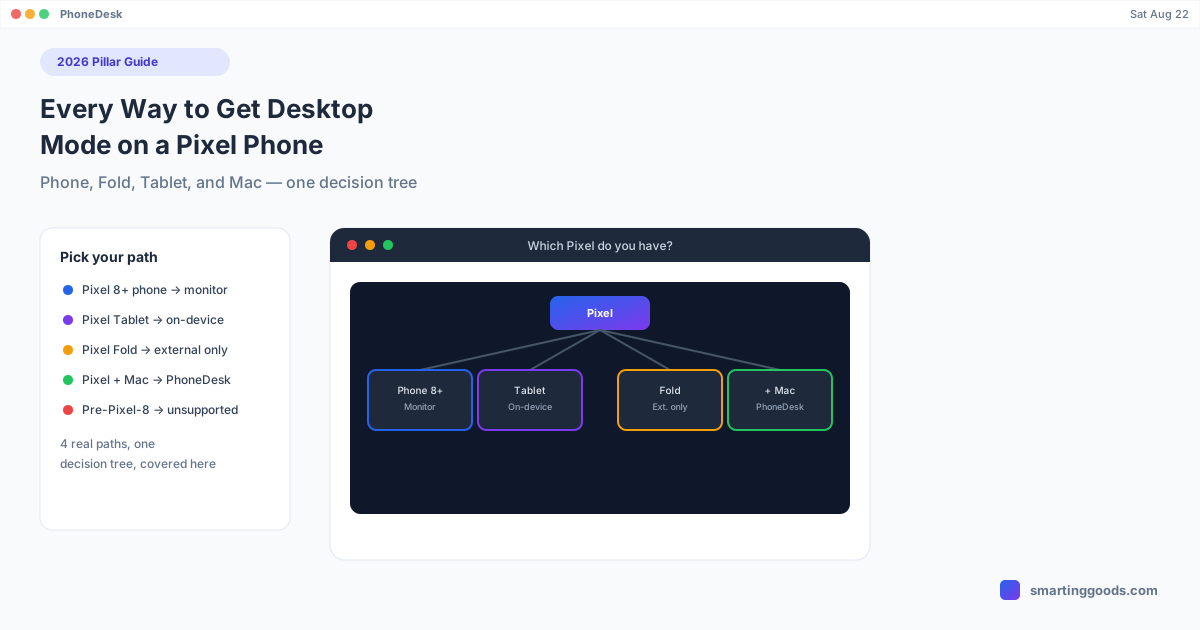
Every Way to Get Desktop Mode on a Pixel Phone (2026 Guide)
Pixel desktop mode isn't one path — it branches by device: phone, Fold, Tablet, and Mac each work differently. This decision-tree guide covers every real option in 2026.
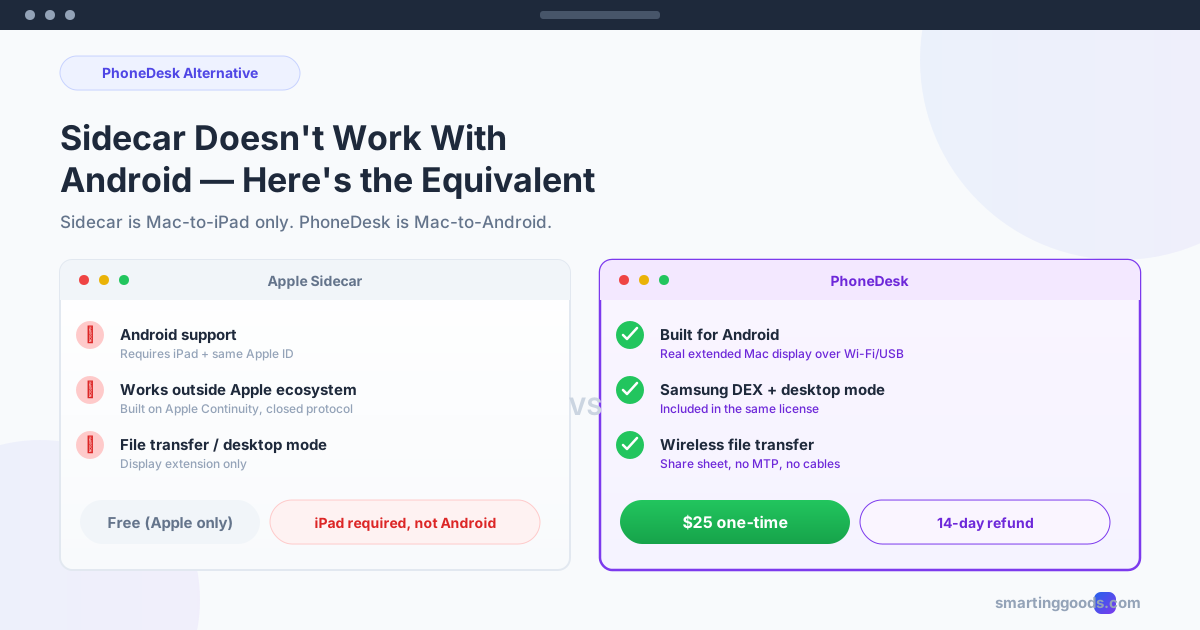
Sidecar Doesn't Work With Android — The Equivalent
Apple's Sidecar only pairs a Mac with an iPad. If your phone is Android, here's the direct equivalent for turning it into a real second Mac display.
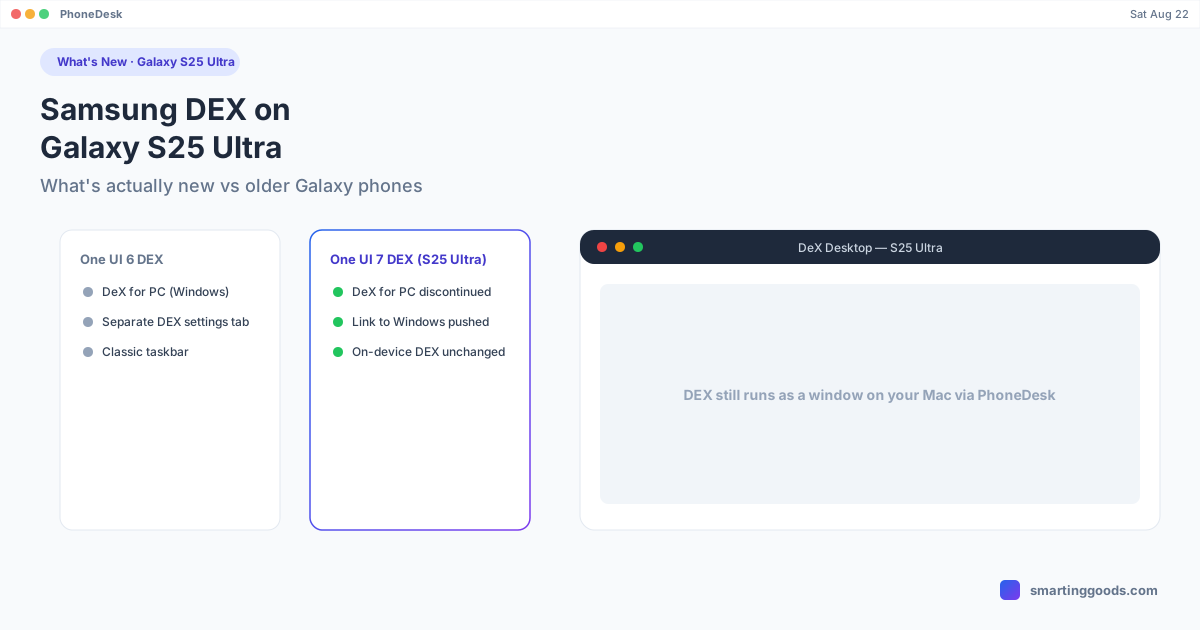
Samsung DEX on Galaxy S25 Ultra: What's New
The Galaxy S25 Ultra ships with One UI 7 — here's exactly what changed for Samsung DEX, what got dropped, and what still works the same as older Galaxy phones.
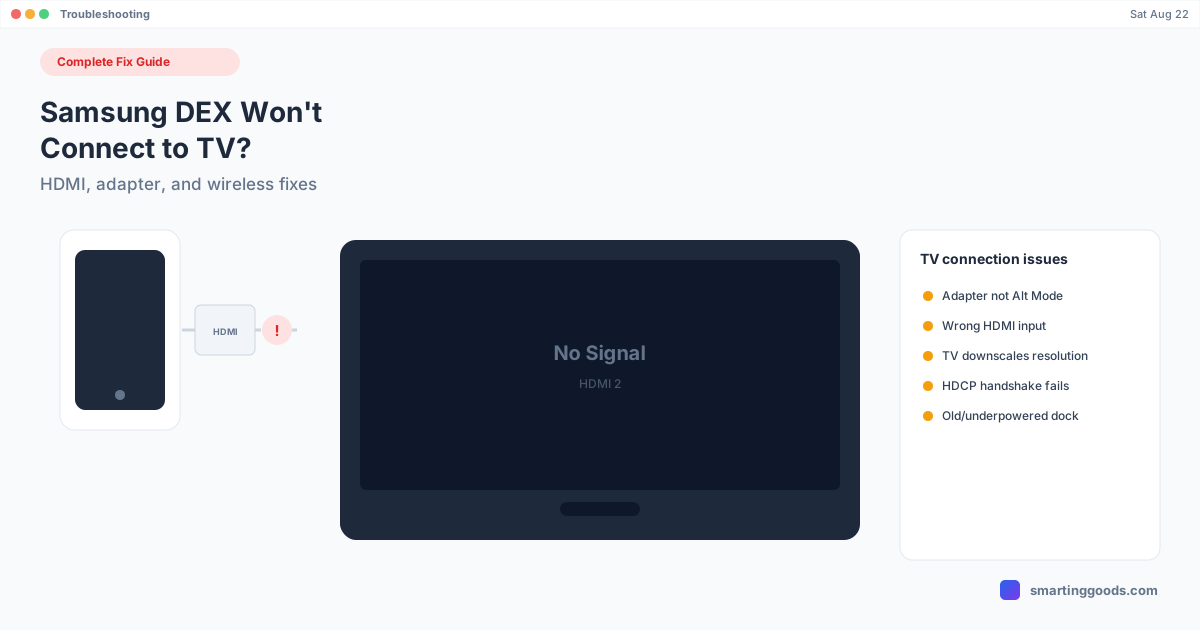
Samsung DEX Won't Connect to TV: Complete Fix Guide
DEX won't show up on your TV over HDMI or wirelessly? TVs fail differently than monitors — HDCP, input auto-switching, and downscaling all cause silent failures. Here's the full fix list.
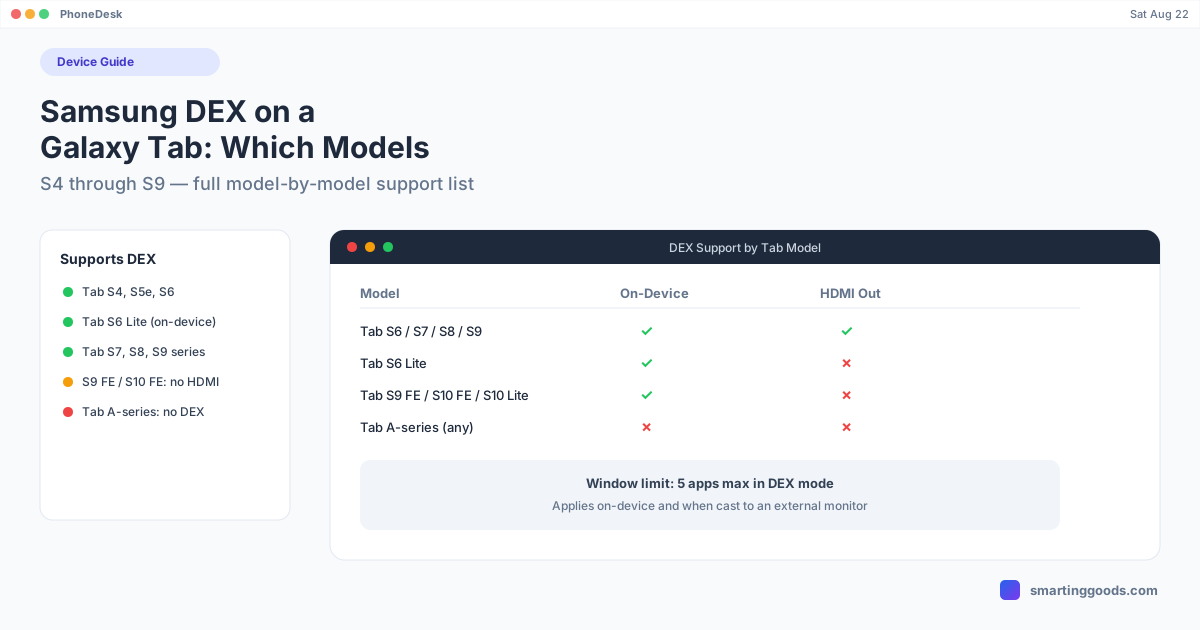
Samsung DEX on a Galaxy Tab: Which Tablets Support It
DEX runs on Galaxy Tabs from the S4 onward, with on-device desktop mode as a tablet-specific perk. Here's the full model-by-model support list, plus what's different on tablets.
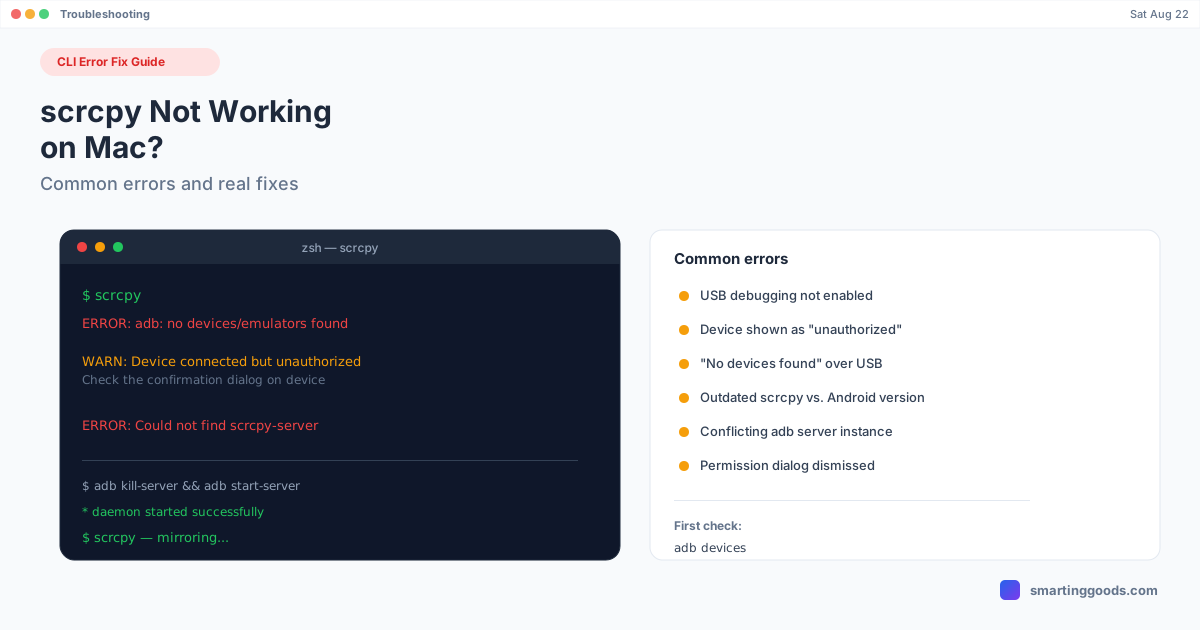
scrcpy Not Working on Mac? Common Errors and Fixes
"No devices found," "device unauthorized," or scrcpy just won't launch — here's what each error actually means and how to fix it, one cause at a time.
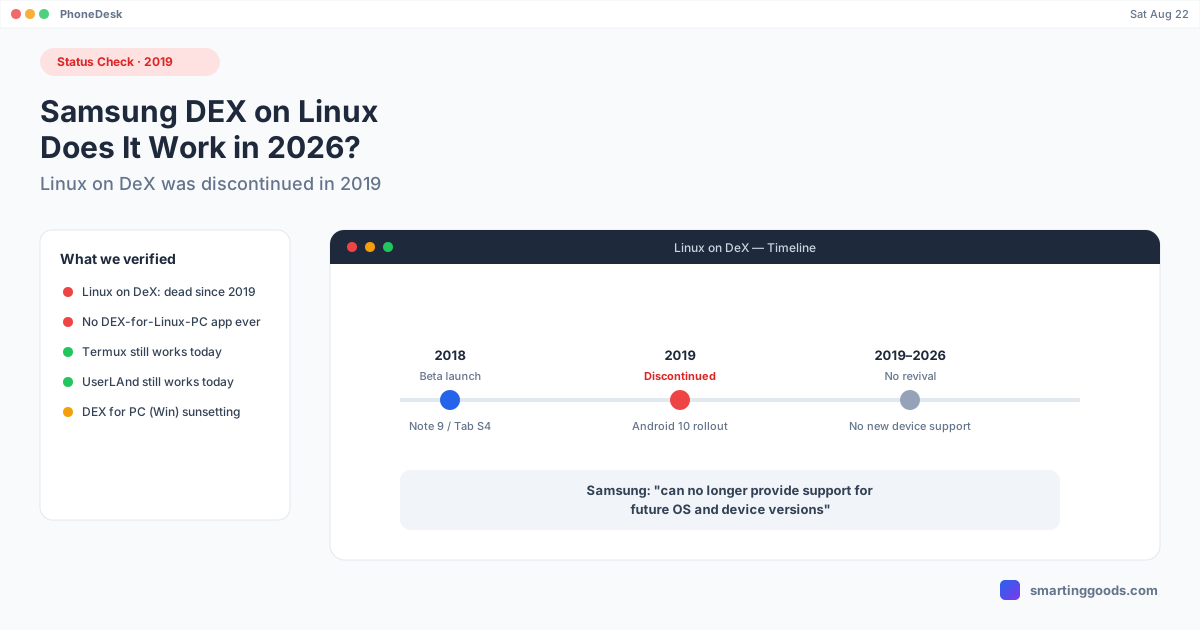
Samsung DEX on Linux: Does It Work, and How
Linux on DeX was a real Samsung feature — until Samsung killed it in 2019. Here's the verified timeline, what still works today, and why it's a different problem than DEX on Mac.
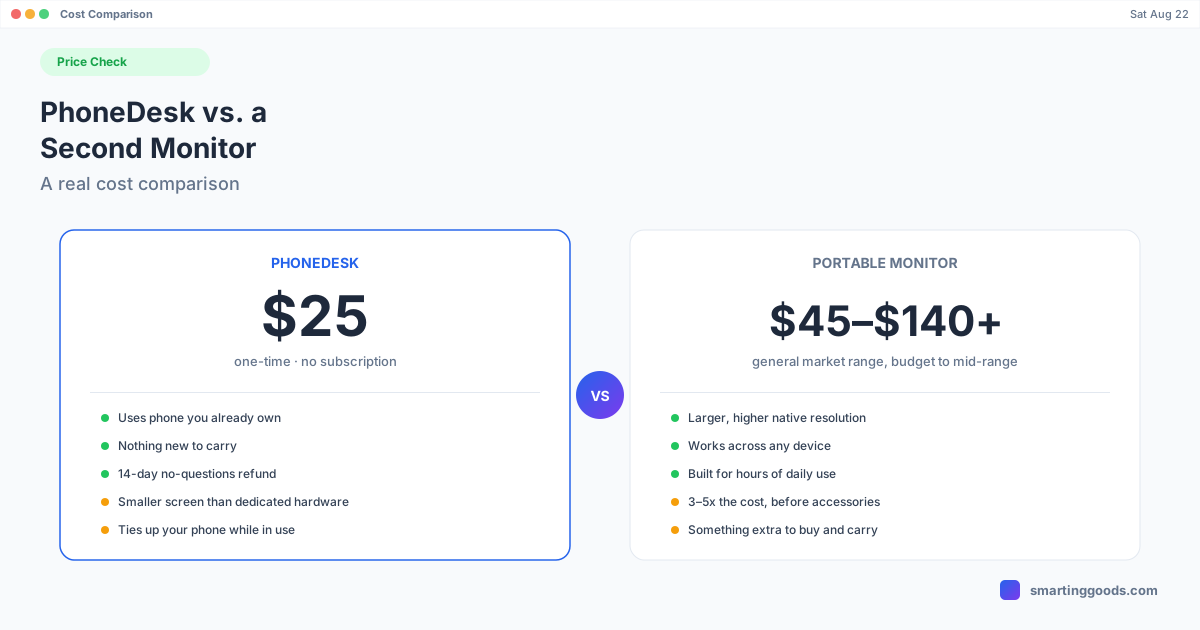
PhoneDesk vs. Buying a Second Monitor: A Real Cost Comparison
PhoneDesk costs $25 one-time; portable monitors run $45–$140+. An honest cost comparison, including when a real monitor is still the better buy.
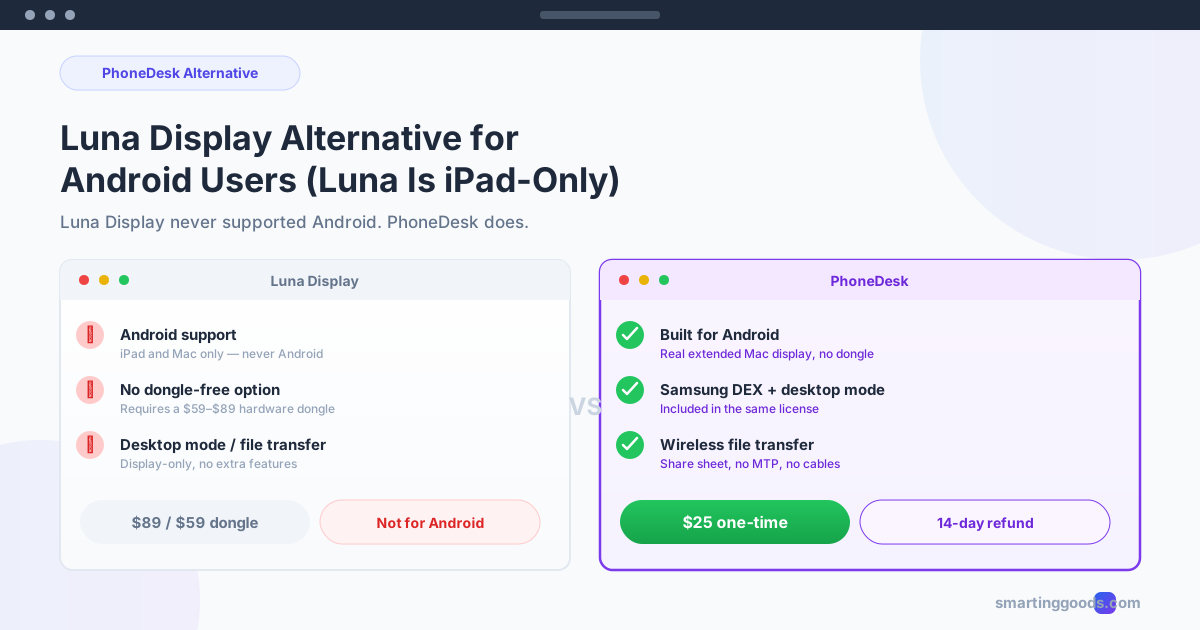
Luna Display Alternative for Android Users (iPad-Only)
Luna Display never supported Android — it's iPad and Mac only. Here's the direct alternative for Android owners who want the same second-screen experience.
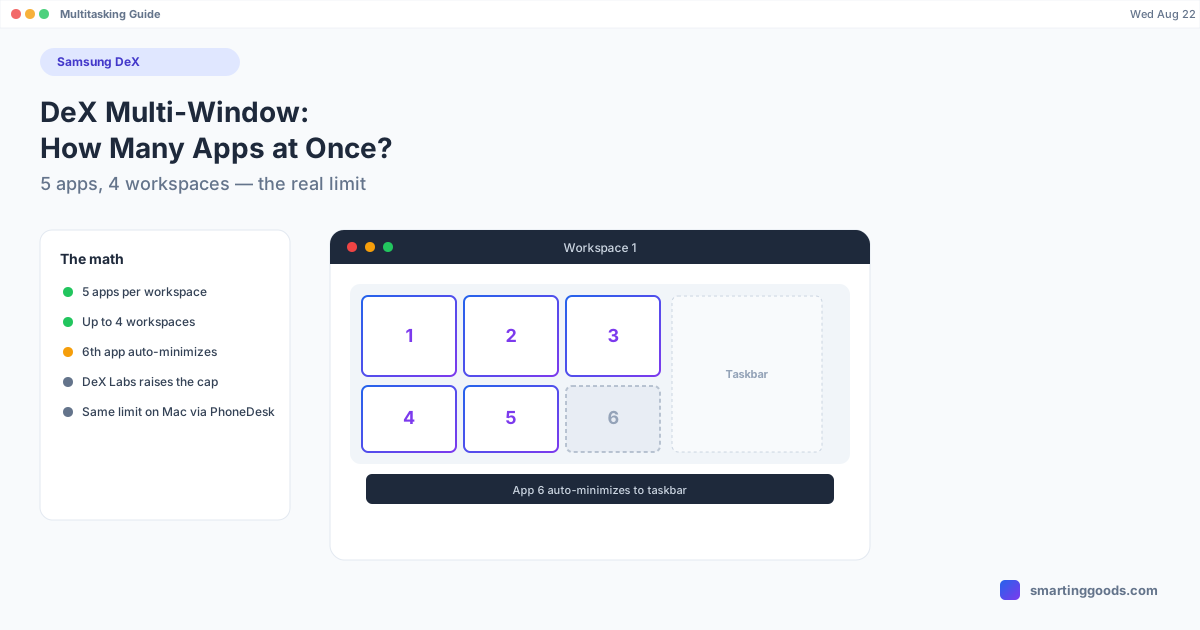
Samsung DEX Multi-Window: How Many Apps Can You Run
Samsung DeX caps you at 5 open apps per workspace, with up to 4 workspaces available. Here's exactly how the limit works, why apps auto-minimize, and how to raise it.
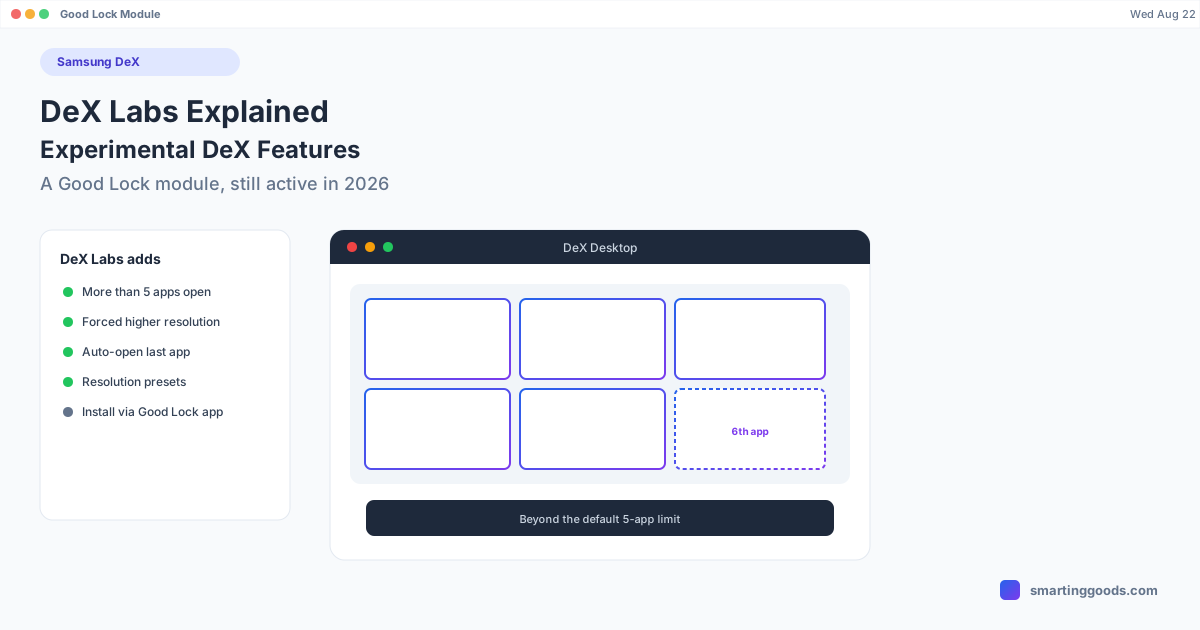
DeX Labs Explained: Samsung's Experimental DeX Features
DeX Labs is a Good Lock module that pushes Samsung DeX past its defaults — more open apps, forced resolution, auto-launch. Here's what it does and how to get it.
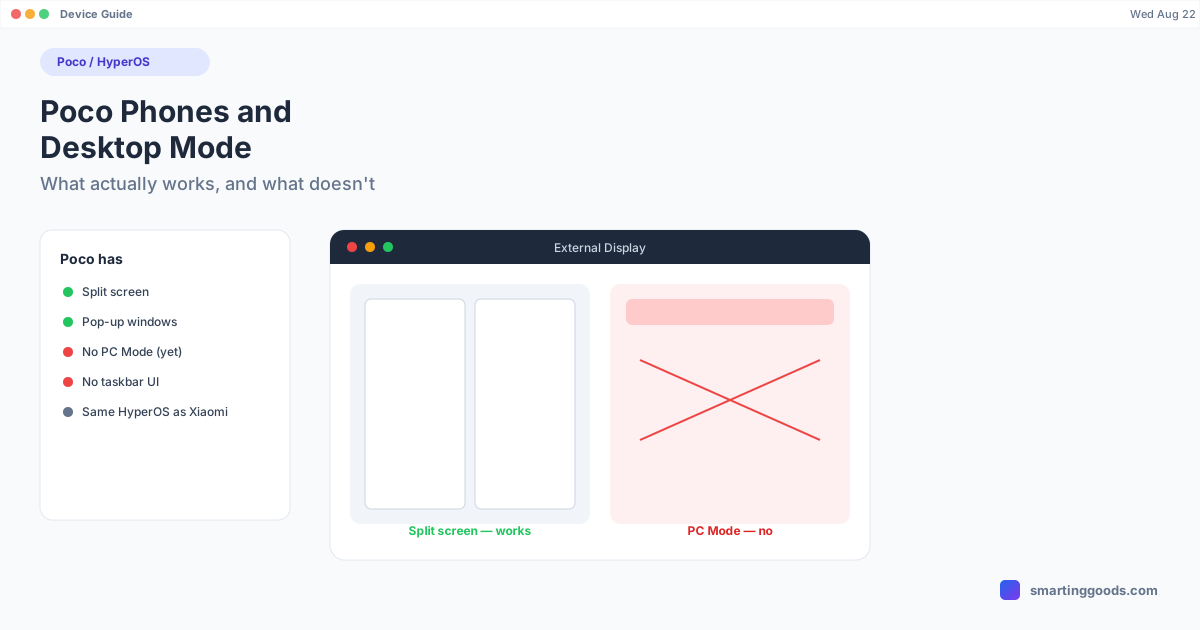
Poco Phones and Desktop Mode: What Actually Works
Poco runs Xiaomi's HyperOS but doesn't get PC Mode. Here's what desktop-style multitasking Poco phones actually support — and what to use instead.
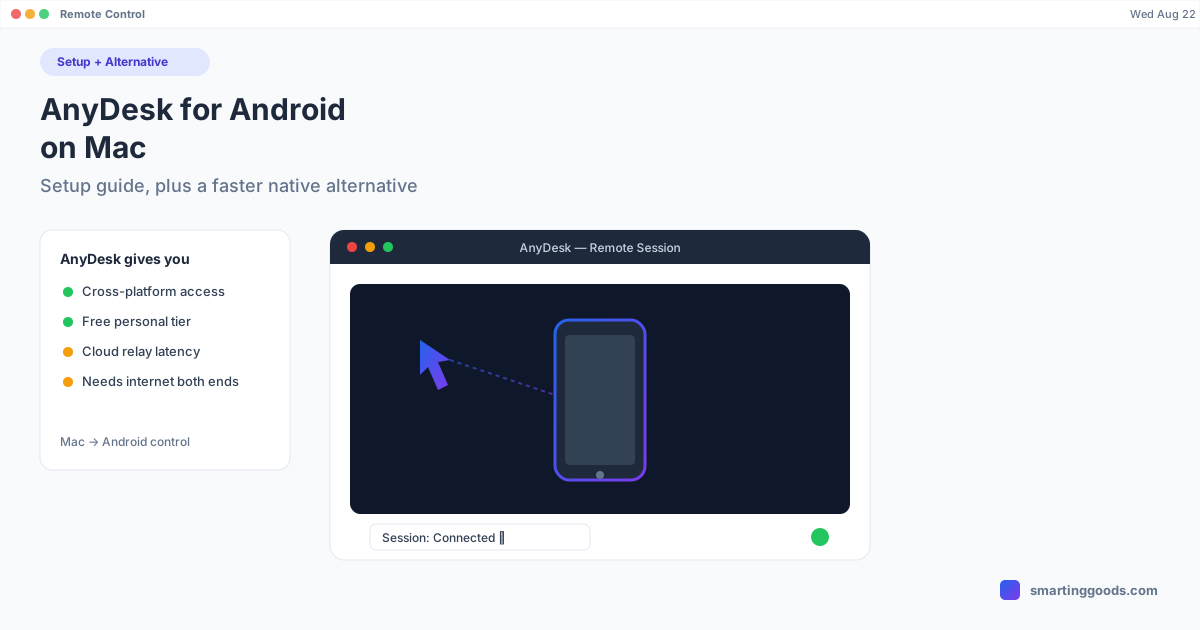
AnyDesk for Android on Mac: Setup Guide + a Faster Alternative
AnyDesk lets you control an Android phone from a Mac over remote desktop — here's the full setup, its real limits, and a native alternative that skips the remote-session lag.
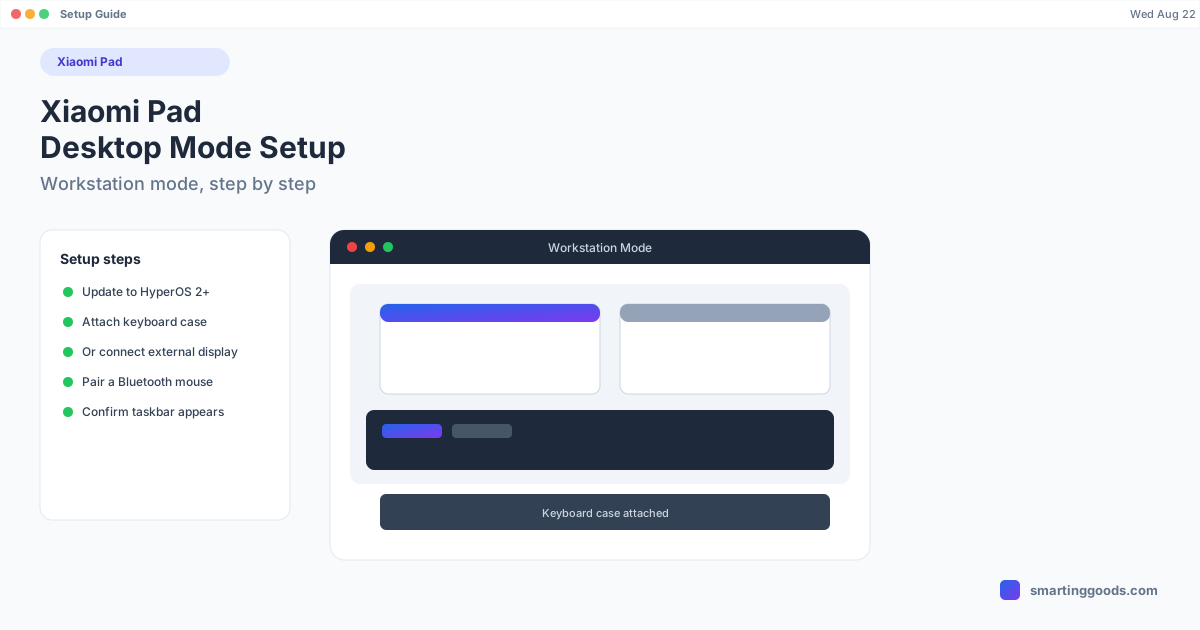
Xiaomi Pad Desktop Mode: Setup Guide
Xiaomi Pad's Workstation mode turns your tablet into a desktop-style layout with a keyboard and mouse. Here's how to check if your Pad supports it and set it up step by step.
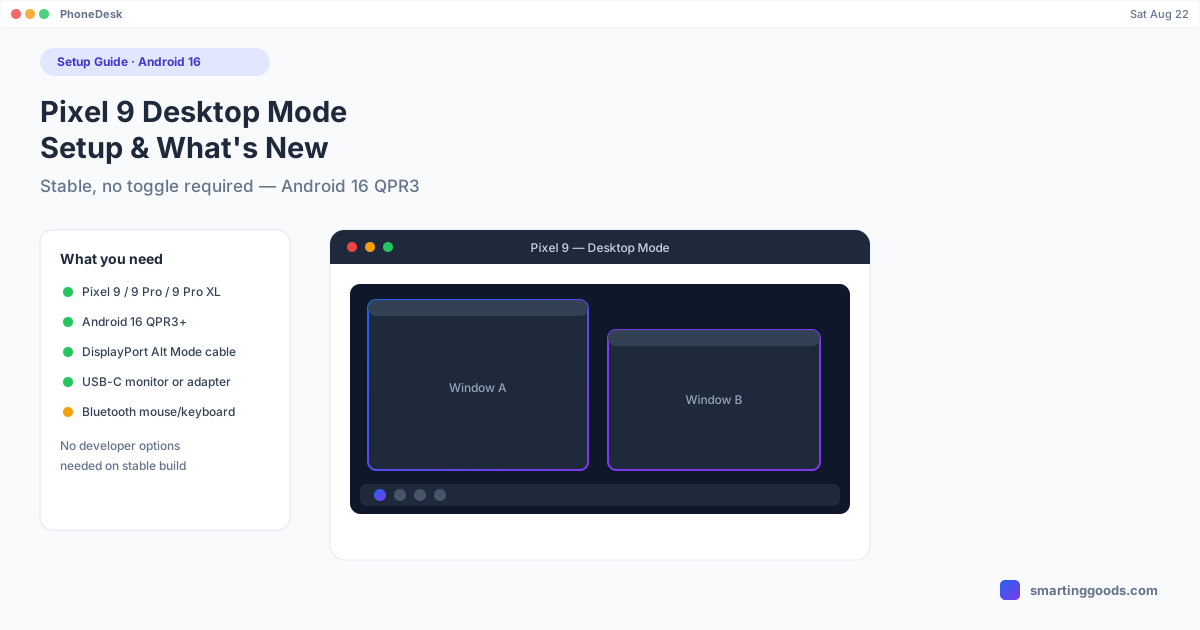
Pixel 9 Desktop Mode: Setup and What's New in Android 16
Pixel 9 desktop mode is now stable and enabled by default under Android 16 QPR3 — no developer options needed. Here's the full setup, cable requirements, and what changed since the beta.
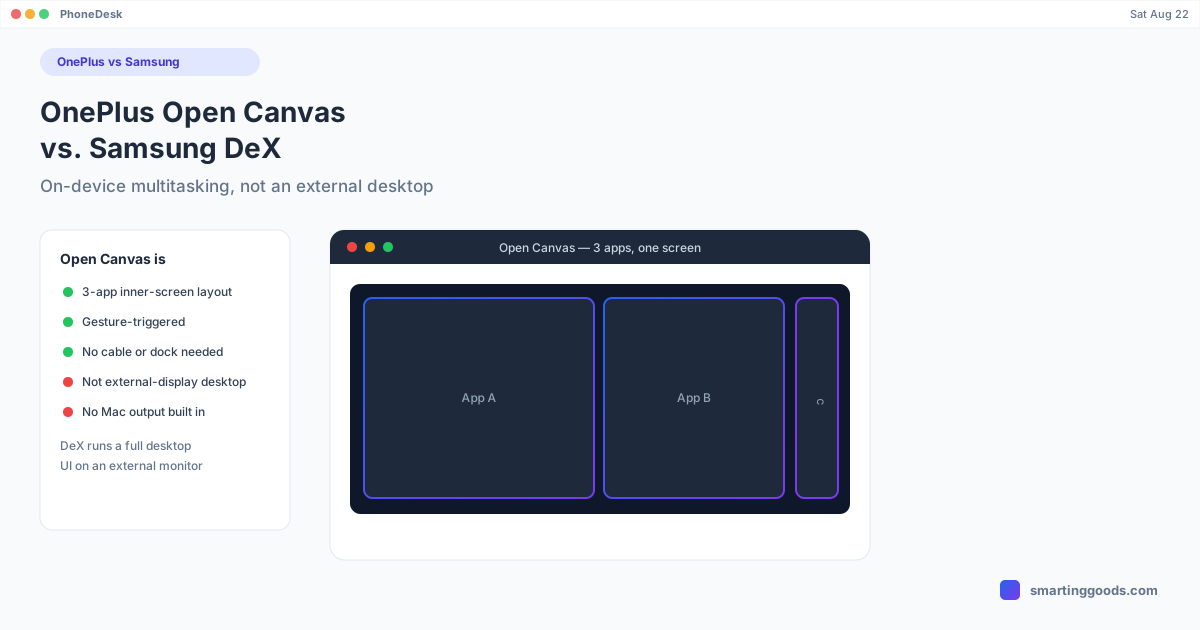
OnePlus Open Canvas: What It Is and How It Compares to Samsung DeX
OnePlus Open Canvas lets you run three apps on a foldable's inner screen — but it's not a Samsung DeX-style external desktop mode. Here's the real difference.
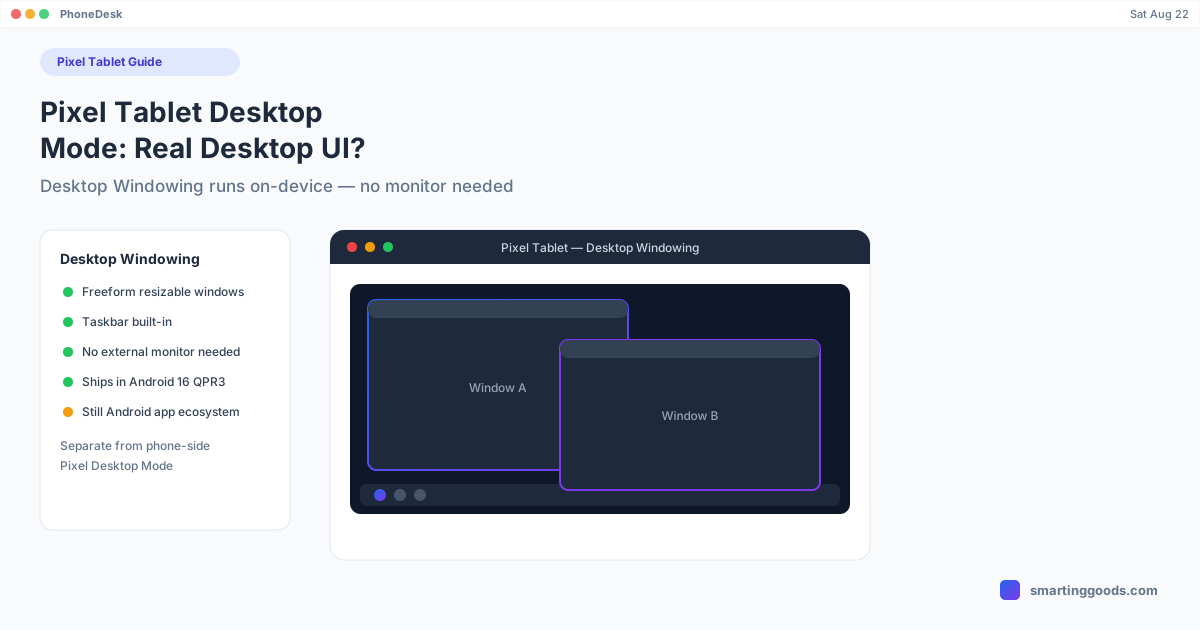
Pixel Tablet Desktop Mode: Does It Support a Real Desktop UI?
The Pixel Tablet's Desktop Windowing runs a real freeform windowed UI directly on-device, no external monitor needed — here's how it differs from Pixel phone desktop mode and what its limits are.
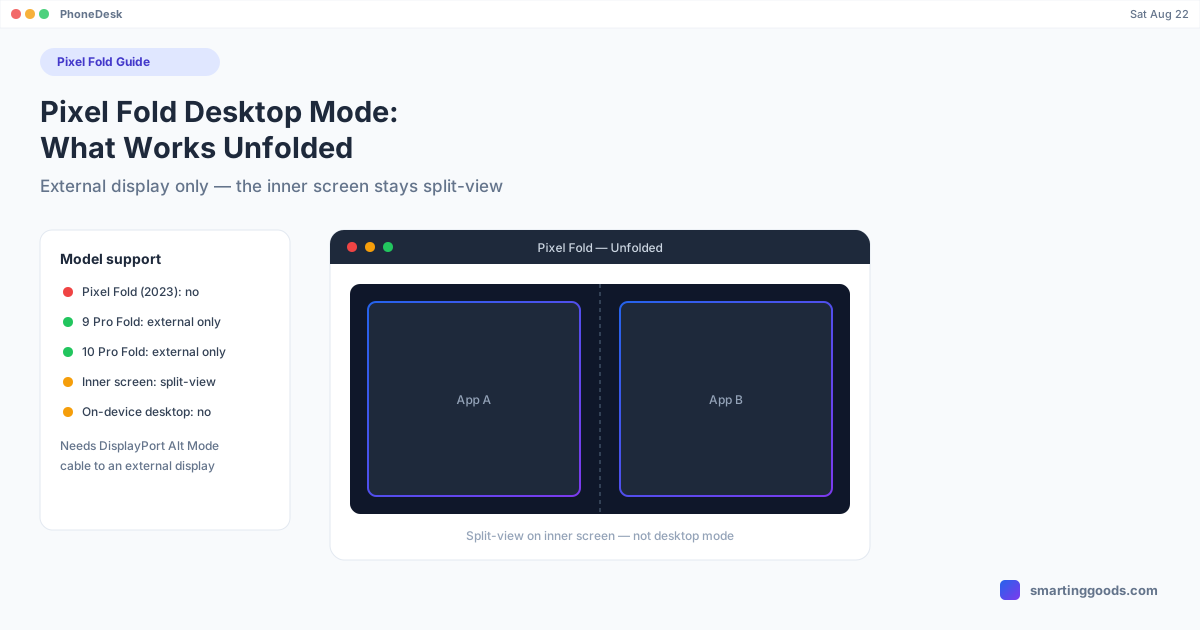
Pixel Fold Desktop Mode: What Works When You Unfold It
Unfolding a Pixel Fold doesn't turn on desktop mode — here's what actually happens on each Pixel Fold model, and how to get real desktop mode on an external display or a Mac.
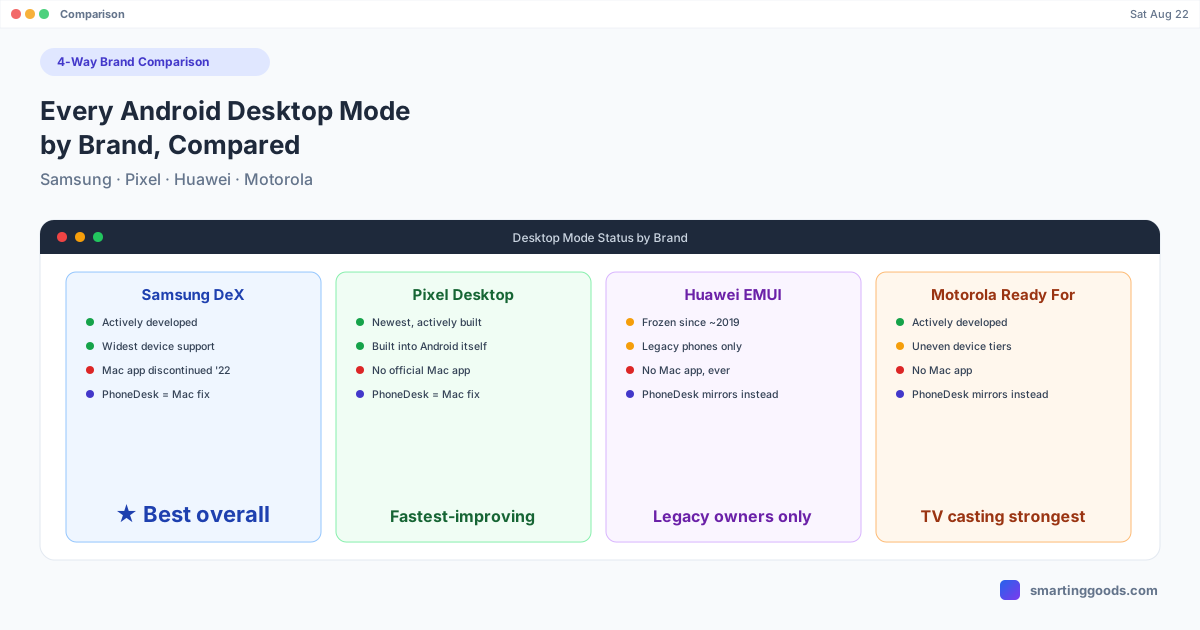
Every Android Desktop Mode by Brand: Samsung, Pixel, Huawei, Motorola Compared
Samsung DeX, Pixel desktop mode, Huawei EMUI, and Motorola Ready For — compared side by side, with what each does well and where they all fall short on Mac.
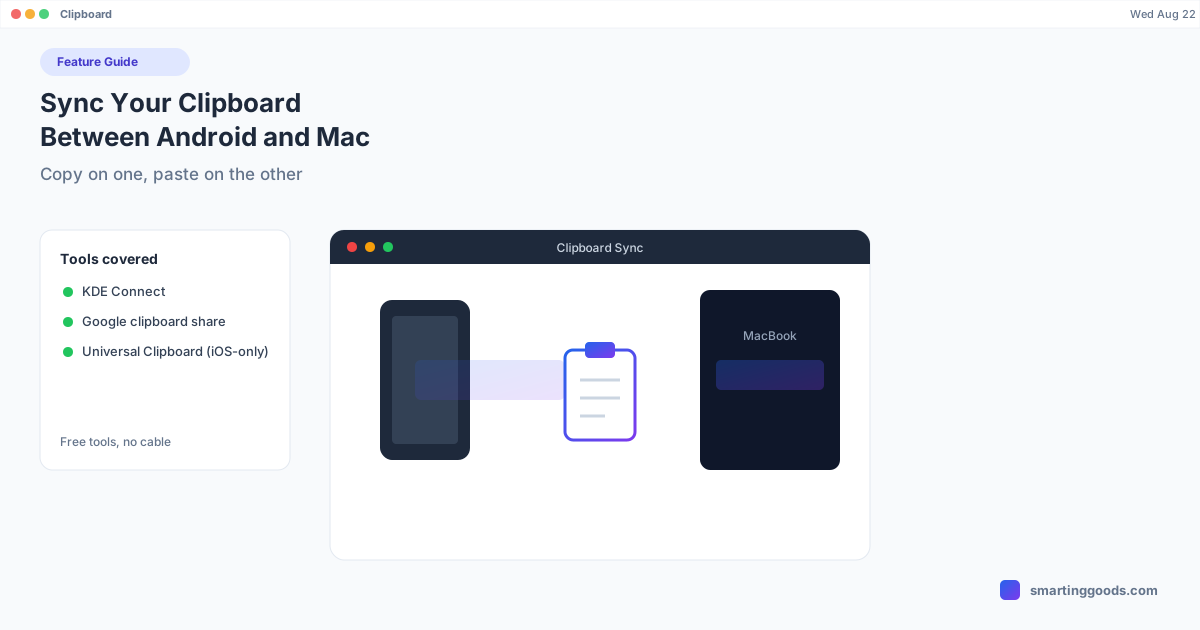
Sync Your Clipboard Between Android and Mac
Copy on your phone, paste on your Mac — Android and macOS don't do this by default, but KDE Connect and a couple of Google tools get you close. Here's what actually works.
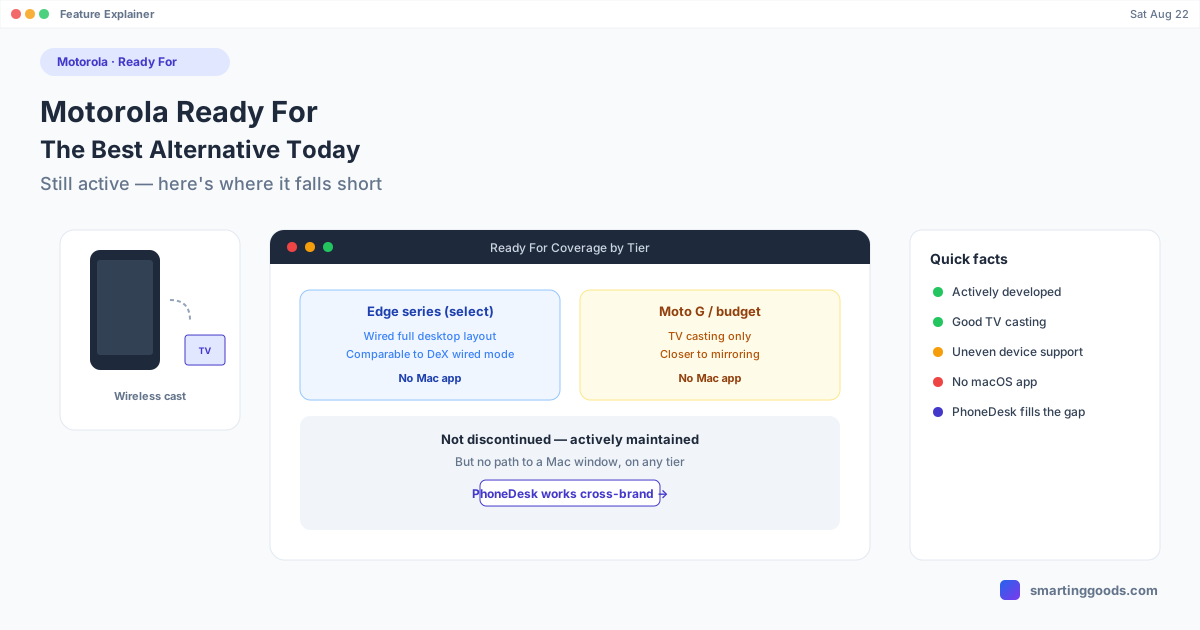
Motorola Ready For: What It Was and the Best Alternative Today
Motorola Ready For is still active and expanding — but it has real gaps for Mac users. Here's what it does today and the best way to fill those gaps.
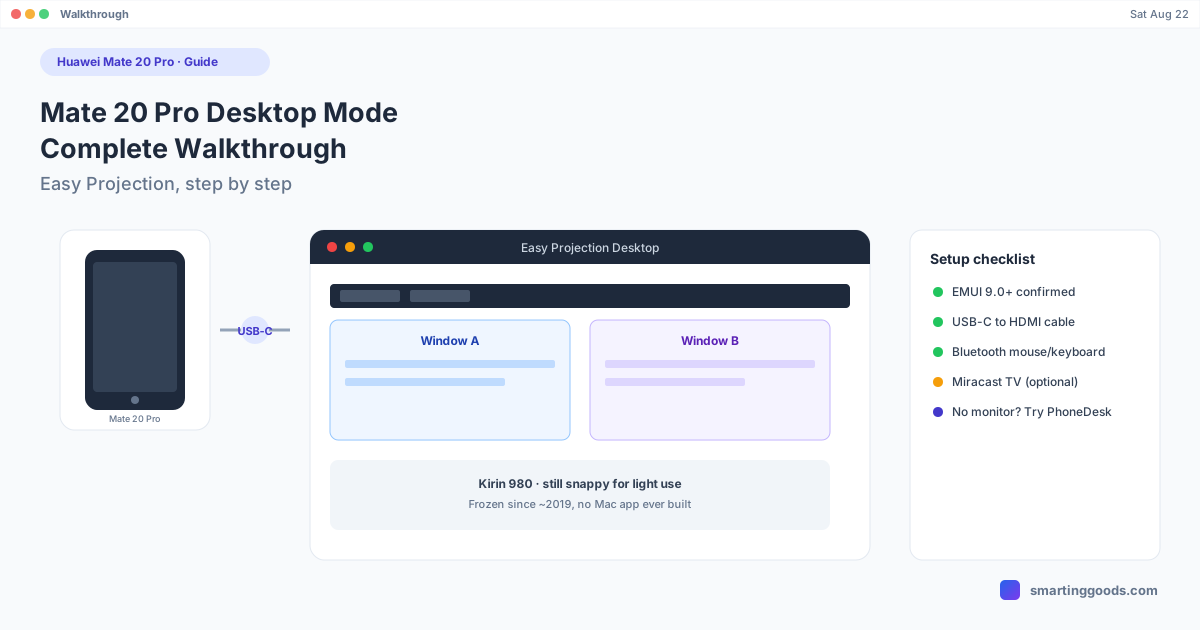
Huawei Mate 20 Pro Desktop Mode: Complete Walkthrough
The Huawei Mate 20 Pro's Easy Projection Desktop Mode still works today. Here's the complete setup walkthrough, from cables to peripherals.
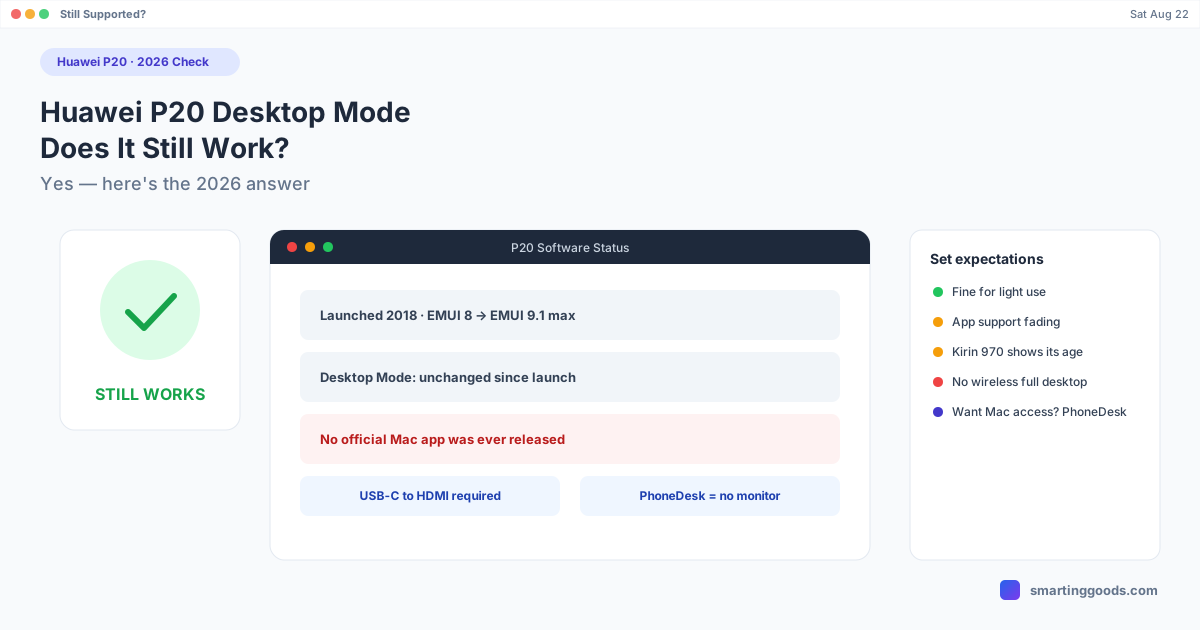
Huawei P20 Desktop Mode: Does It Still Work in 2026?
Yes, Desktop Mode still works on the Huawei P20 in 2026 — nothing was removed. Here's how to set it up and what to realistically expect from an aging flagship.
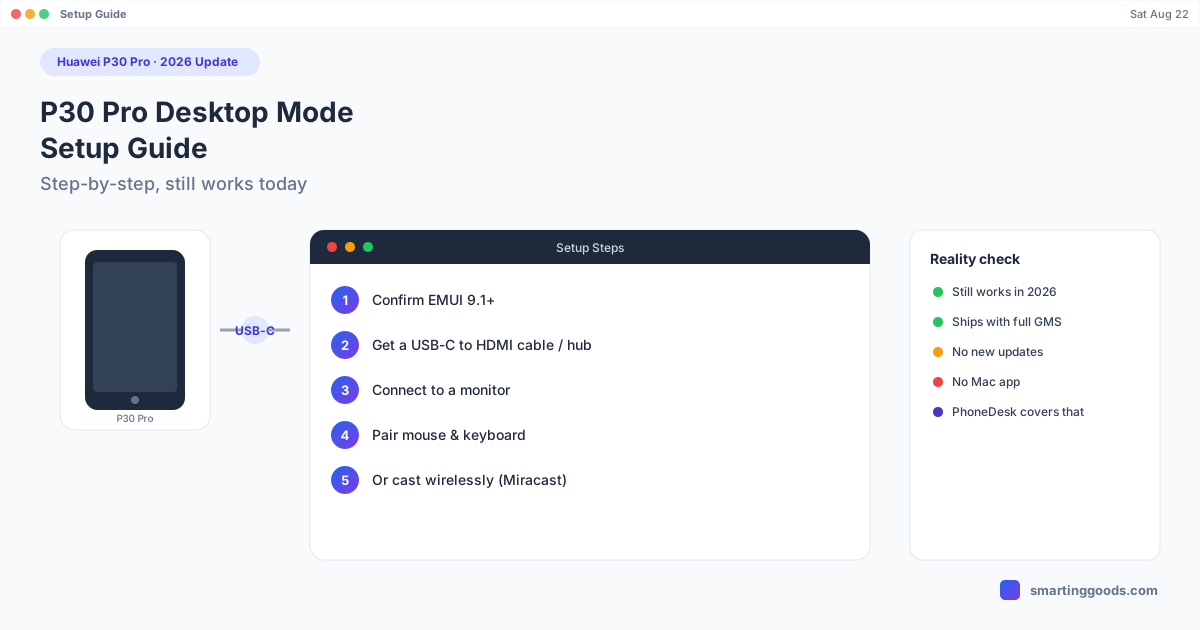
Huawei P30 Pro Desktop Mode: Setup Guide (2026 Update)
The Huawei P30 Pro's Desktop Mode still works in 2026. Here's the full setup — cables, display connection, and what to expect from a five-year-old flagship today.
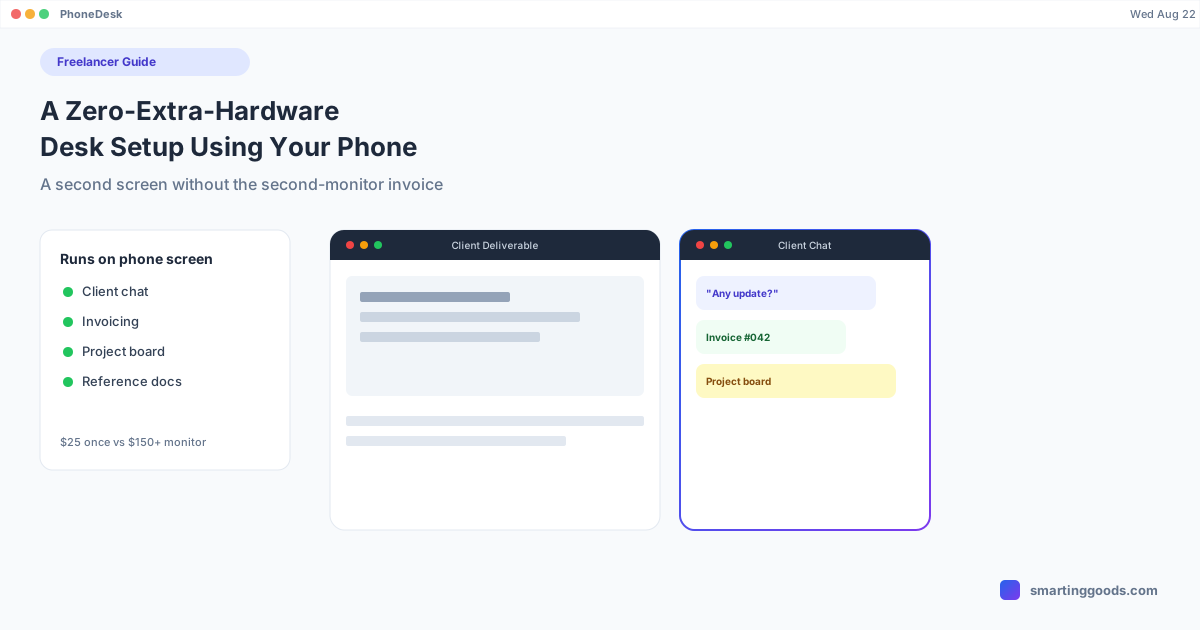
Freelancers: A Zero-Extra-Hardware Desk Setup Using Your Phone
A cost-conscious desk setup for freelancers: how an Android phone becomes a second screen for client comms and admin without buying a monitor.
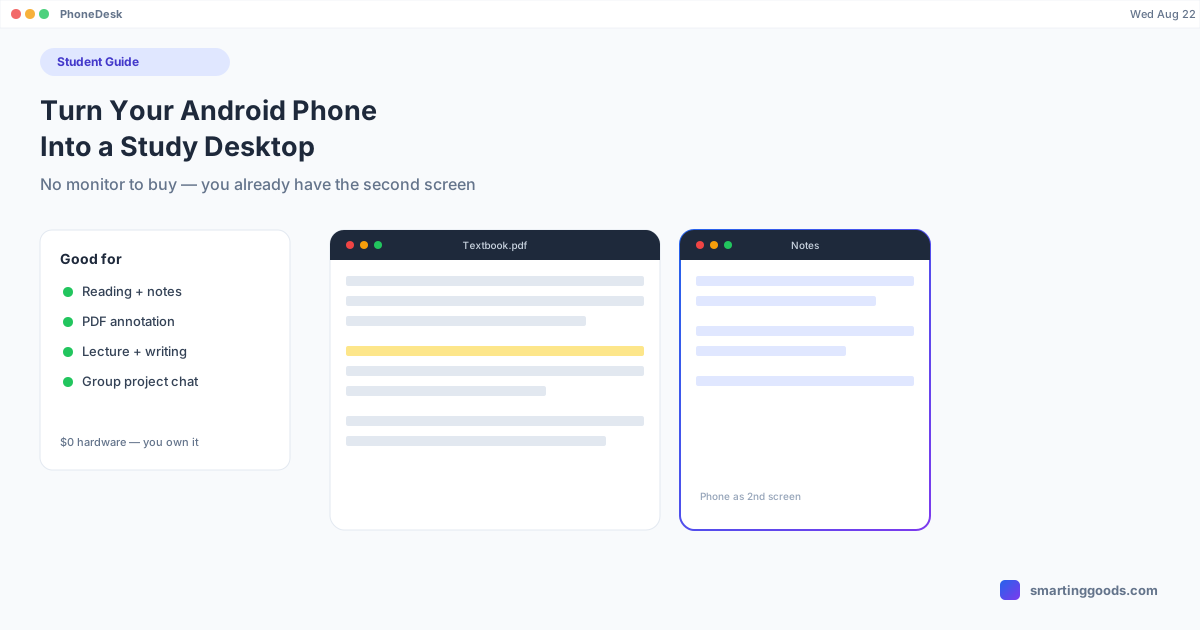
Students: Turn Your Android Phone Into a Study Desktop
How students can use an Android phone as a second screen next to a laptop for reading, note-taking, and PDF annotation — no monitor purchase required.
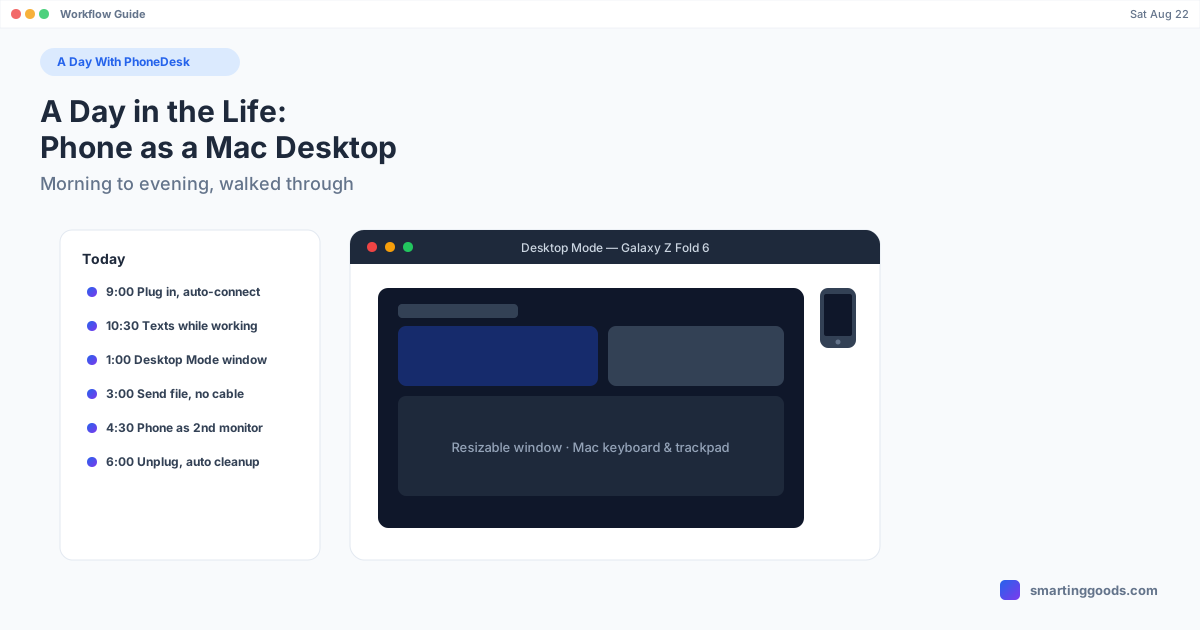
A Day in the Life: Running Your Android Phone as a Mac Desktop
A realistic morning-to-evening walkthrough of using PhoneDesk — desktop mode, second-monitor use, and file transfer — grounded only in its actual, shipped feature set.
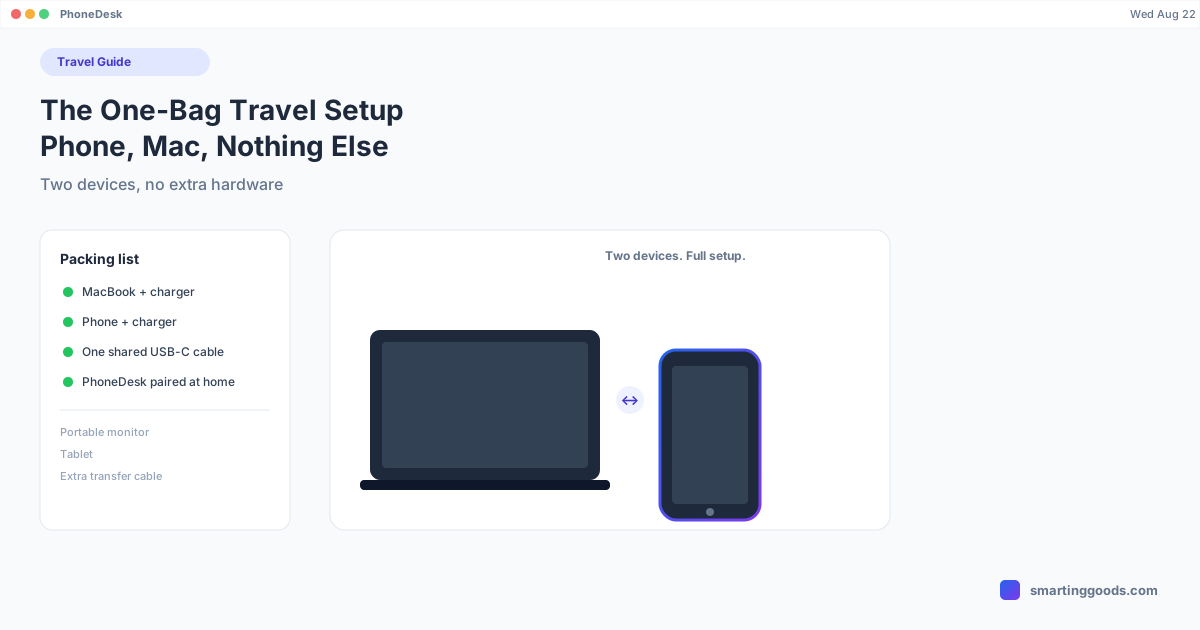
The One-Bag Travel Setup: Phone, Mac, and Nothing Else
A packing-light approach for travelers: how pairing your Android phone with your Mac replaces a portable monitor, a tablet, and a separate transfer cable, with an honest look at what it doesn't replace.
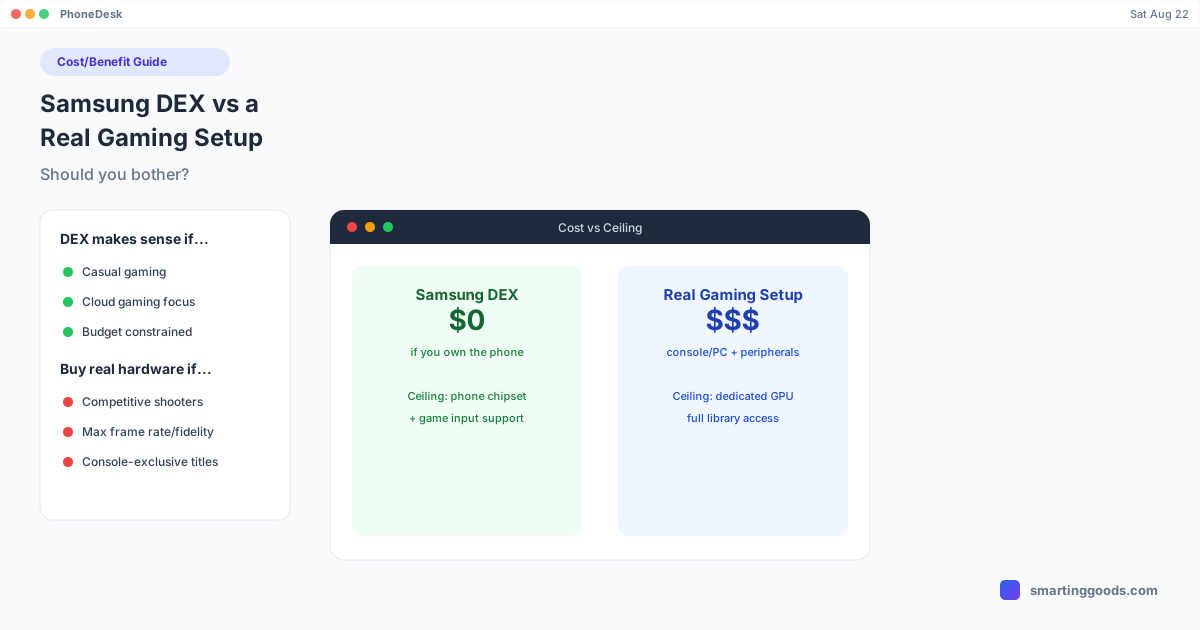
Samsung DEX vs a Real Gaming Setup: Should You Bother?
An honest cost/benefit breakdown of when Samsung DEX gaming makes sense (casual, cloud gaming, budget-limited) and when you should just buy real hardware.
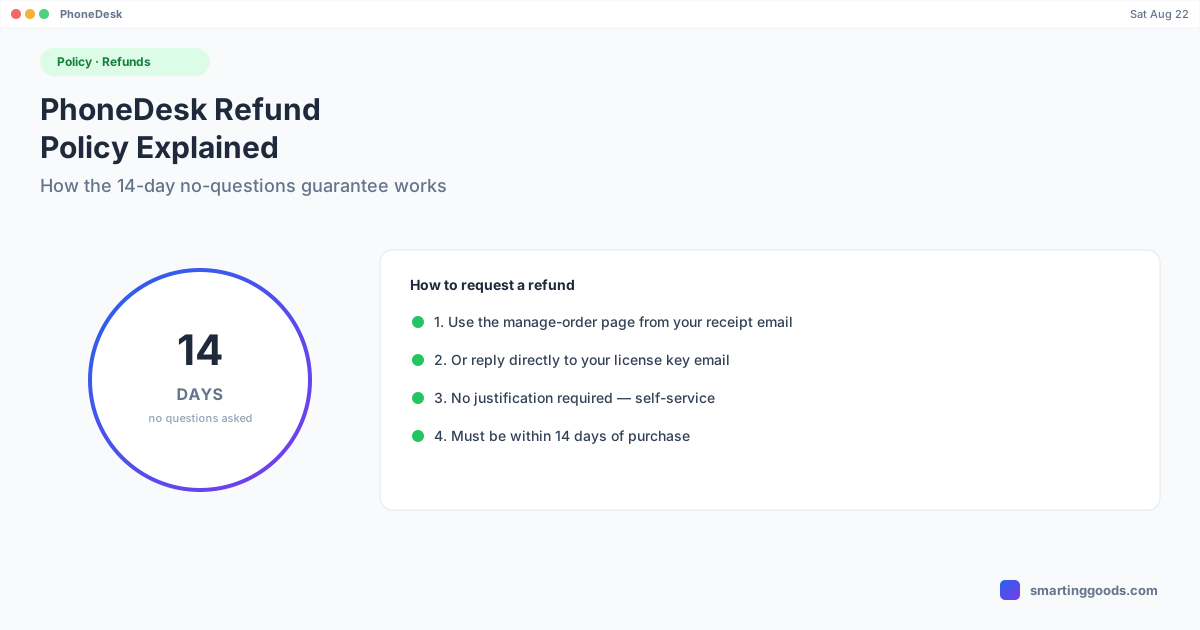
PhoneDesk Refund Policy: How the 14-Day Guarantee Works
PhoneDesk's refund policy in plain terms: 14 days, no questions, self-service. Here's exactly how to request one and what to expect.
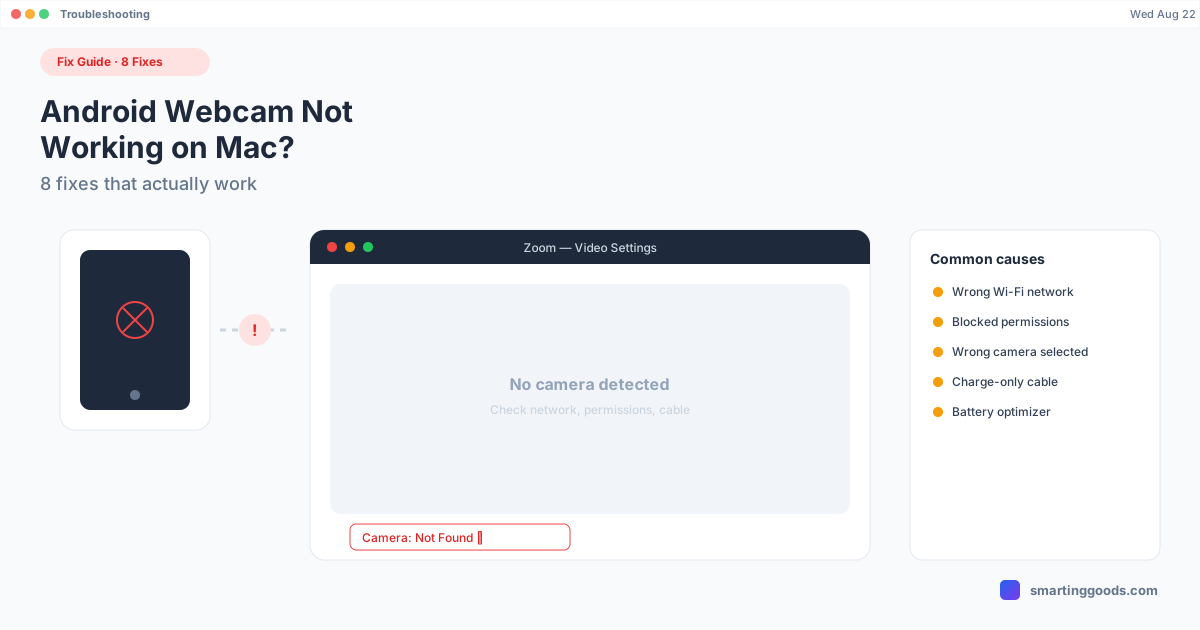
Android Webcam Not Working on Mac? 8 Fixes That Actually Work
Android phone won't show up as a webcam on Mac, or connects and then freezes? Here are 8 real fixes for the most common causes.
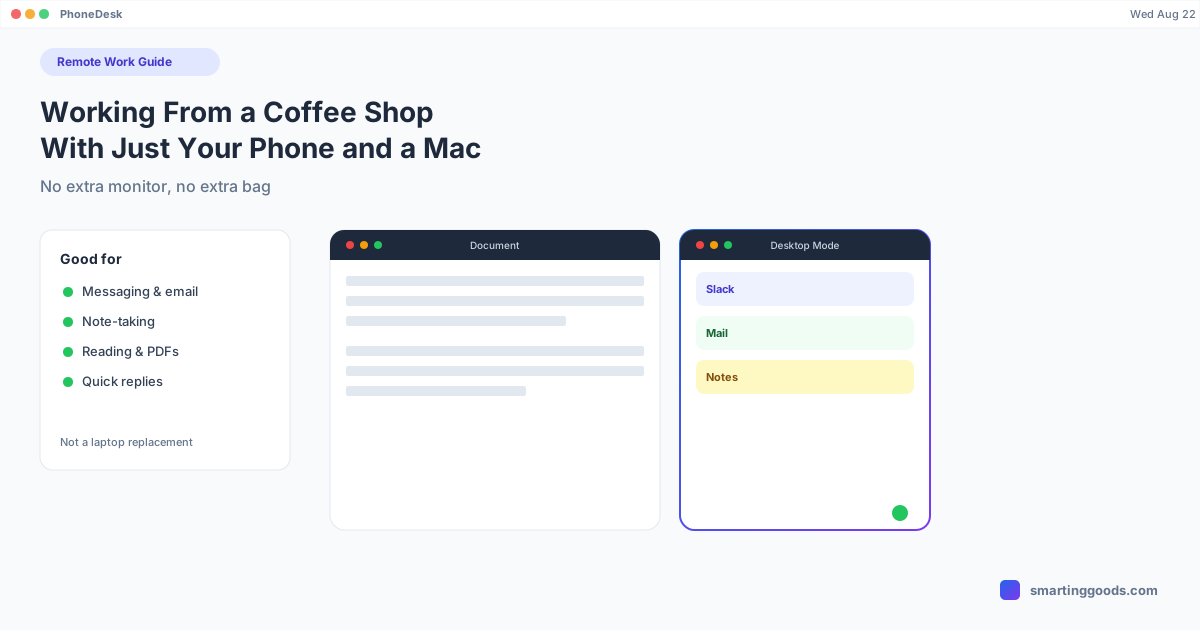
Working From a Coffee Shop With Just Your Phone and a Mac
How to turn your Android phone into a real second workspace next to your Mac for coffee-shop work sessions — no extra monitor, no extra bag, and an honest look at what this setup can and can't do.
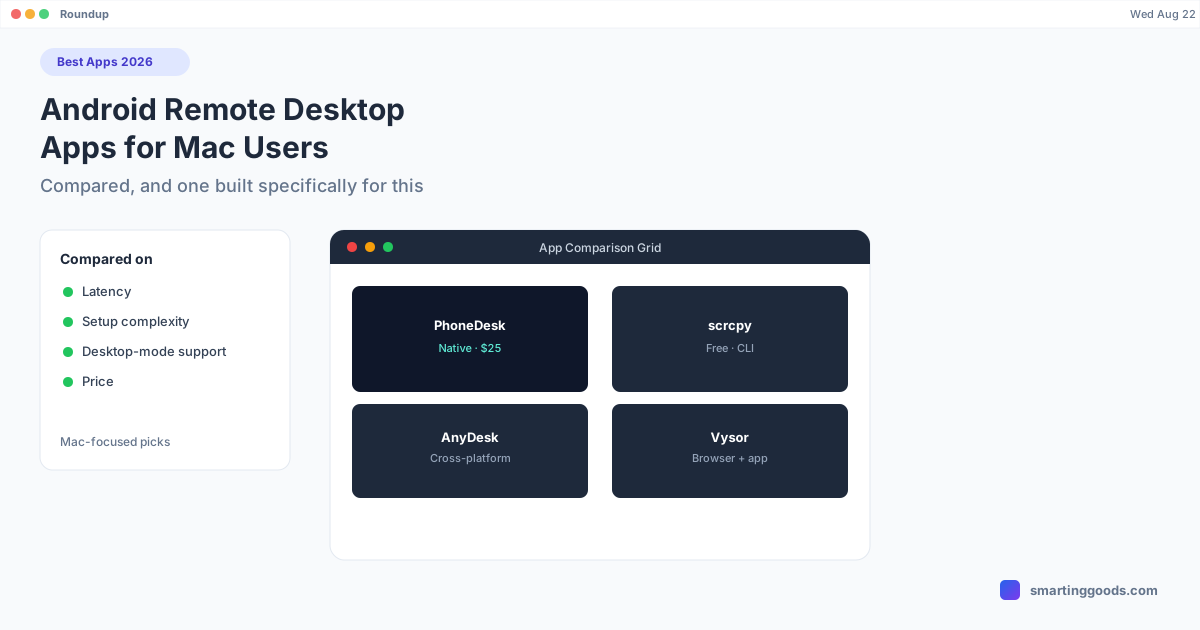
Best Android Remote Desktop Apps for Mac Users in 2026
A roundup of the best Android remote desktop and screen-control apps for Mac users in 2026 — free, paid, and the one built specifically for Samsung DEX and Pixel desktop mode on a Mac.
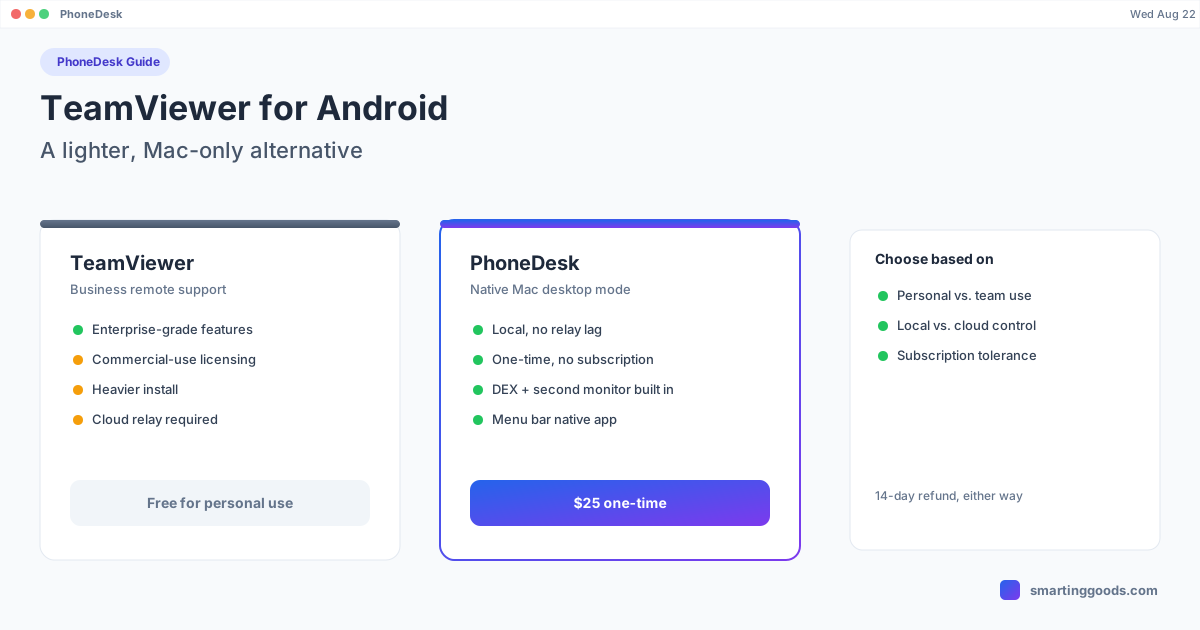
TeamViewer for Android: Is There a Lighter Mac-Only Alternative?
TeamViewer works for Android-to-Mac remote access, but its business-grade licensing and overhead are a lot for personal use. Here's what it costs, what it's built for, and a lighter option.
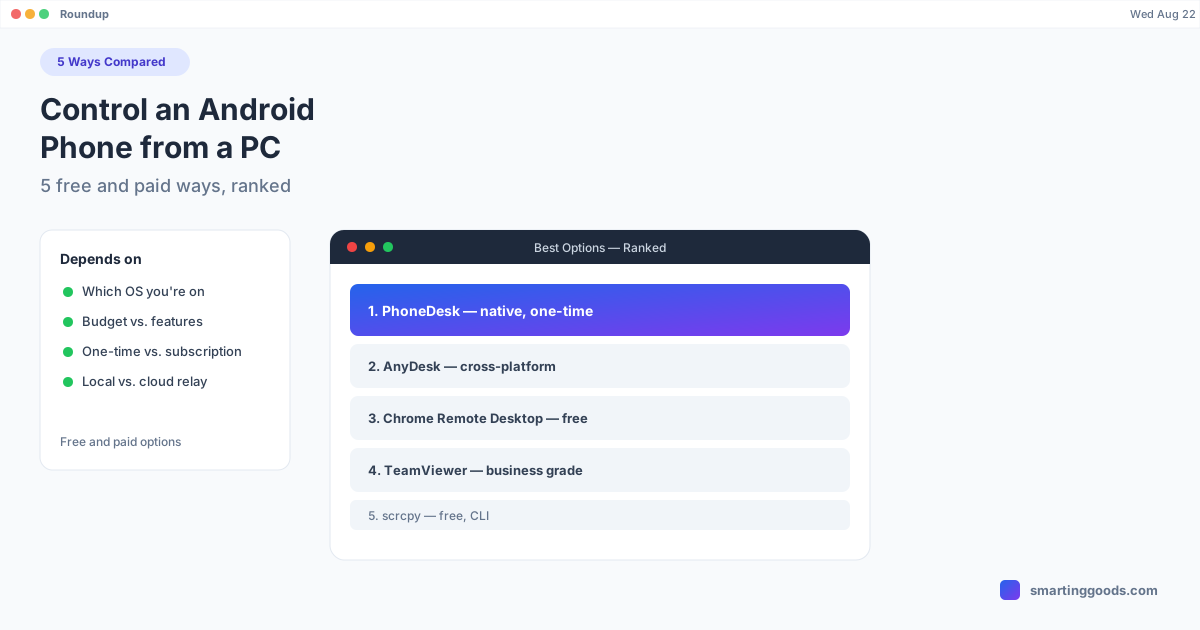
How to Control an Android Phone from a PC (5 Free & Paid Ways)
Five real ways to control an Android phone from a computer — scrcpy, Vysor, AnyDesk, Microsoft's Phone Link, and PhoneDesk for Mac users — compared on price, latency, and what each is actually built for.
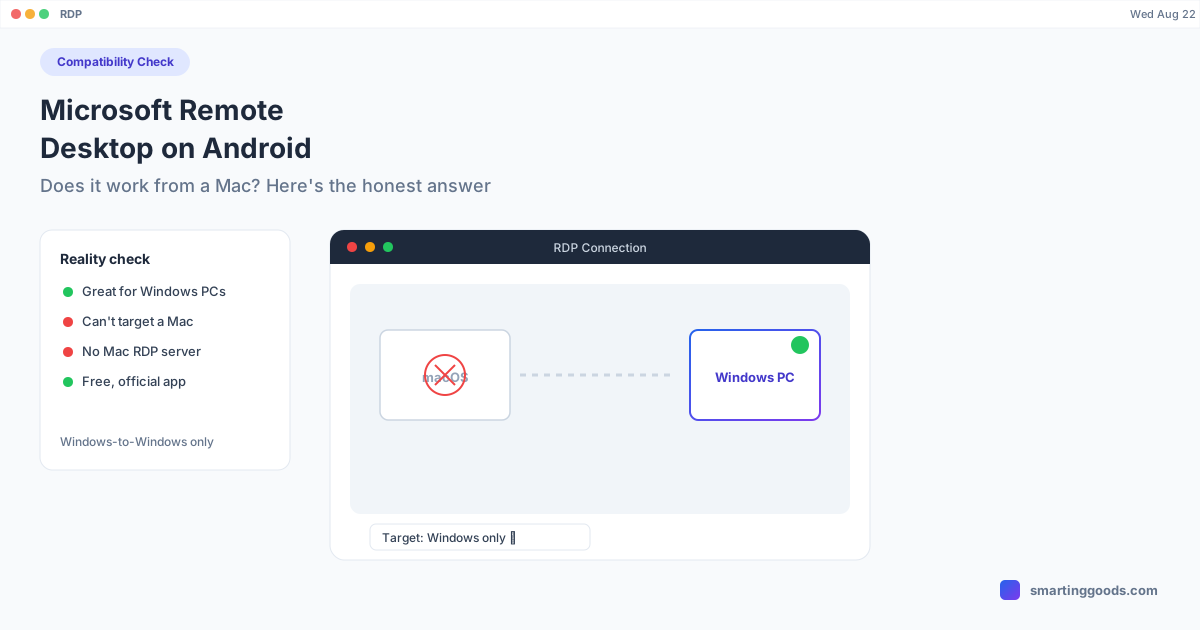
Microsoft Remote Desktop on Android: Does It Work From a Mac?
Microsoft Remote Desktop's Android app connects phones to Windows PCs and RDP servers — not to Macs, and not to control the phone itself. Here's what it actually does and what to use instead.
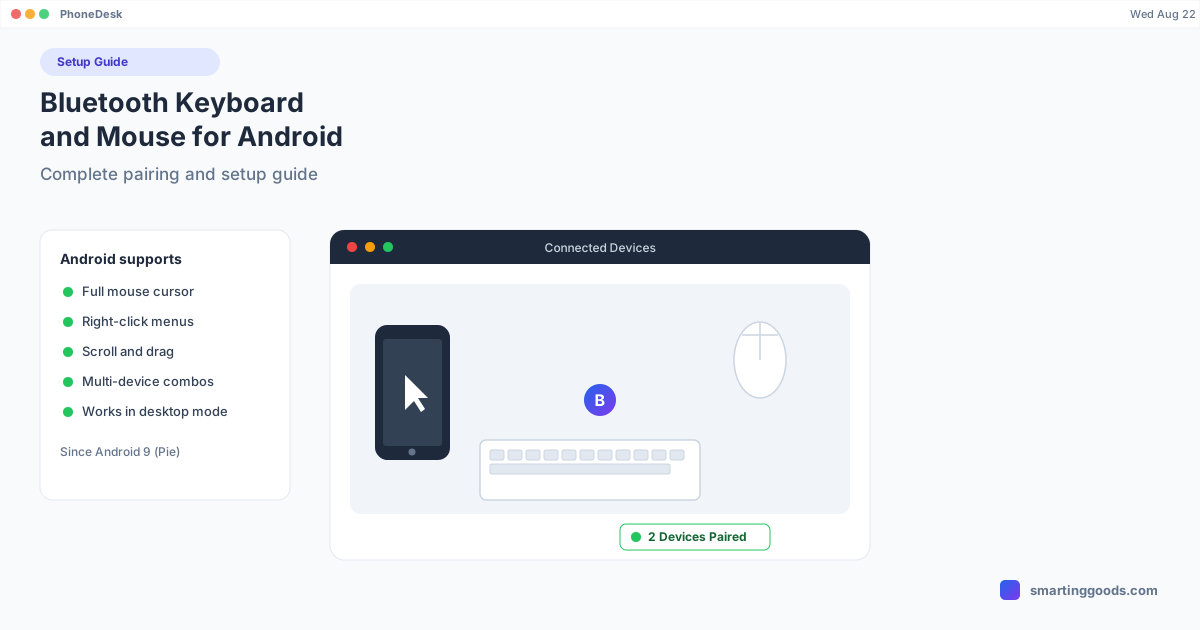
Bluetooth Keyboard and Mouse for Android: Complete Setup Guide
Pair a keyboard and mouse with your Android phone and it starts acting like a real computer. Full setup steps, combo picks, and how it plugs into a desktop-mode workflow.
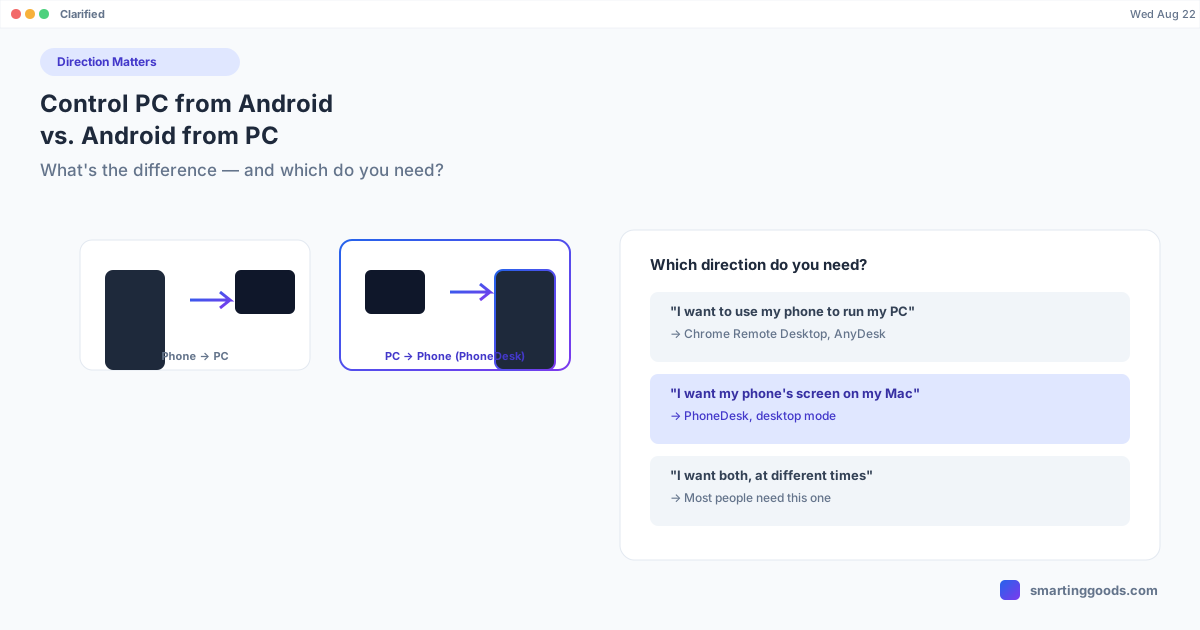
Control PC From Android vs. Control Android From PC: What's the Difference
These two searches sound similar but point to completely different tools. Here's how to tell which direction you actually need — and where to go once you know.
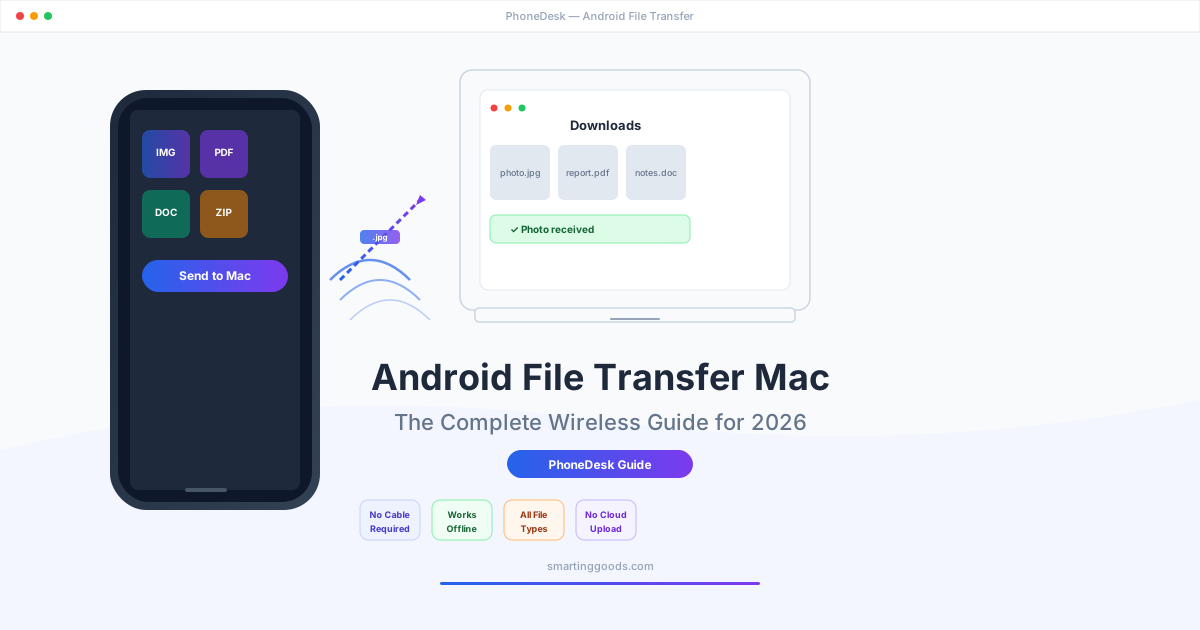
Android File Transfer Mac: The Complete Wireless Guide for 2026
Tired of Android File Transfer failing on your Mac? Here's every wireless method to transfer files from Android to Mac in 2026 — Nearby Share, LocalSend, Snapdrop, cloud services, and PhoneDesk for offline, no-subscription transfers.
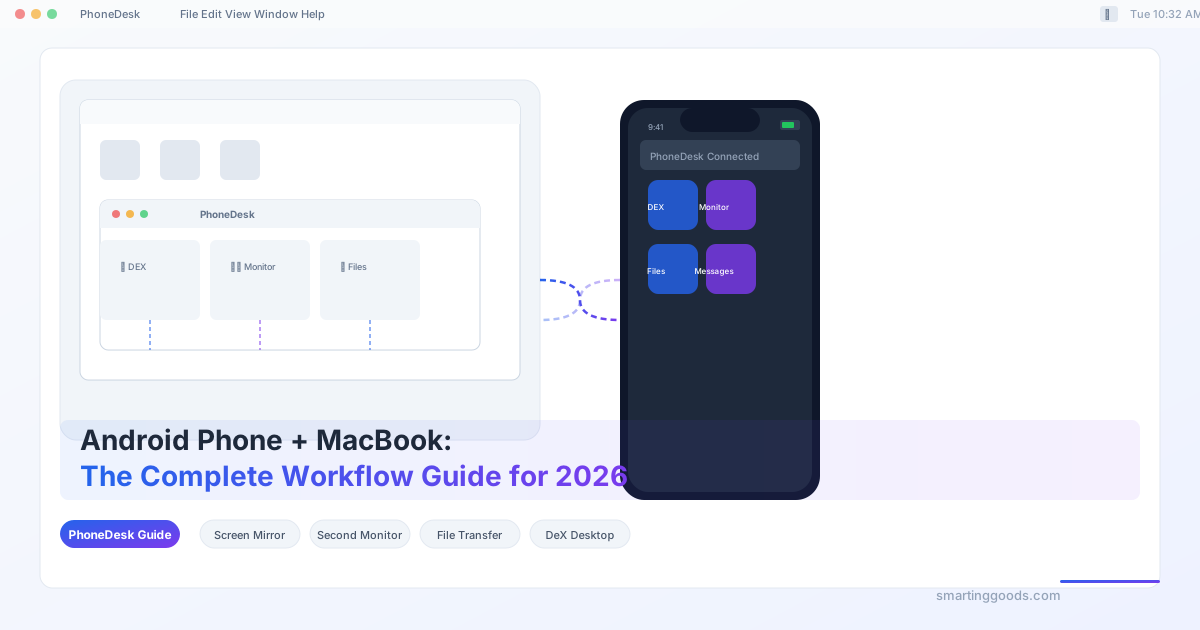
Android Phone + MacBook: The Complete Workflow Guide for 2026
The ultimate guide to using an Android phone with a MacBook in 2026. Covering screen mirroring, DeX desktop mode, second monitor, file transfer, messages, and contacts sync — with PhoneDesk as the essential hub.
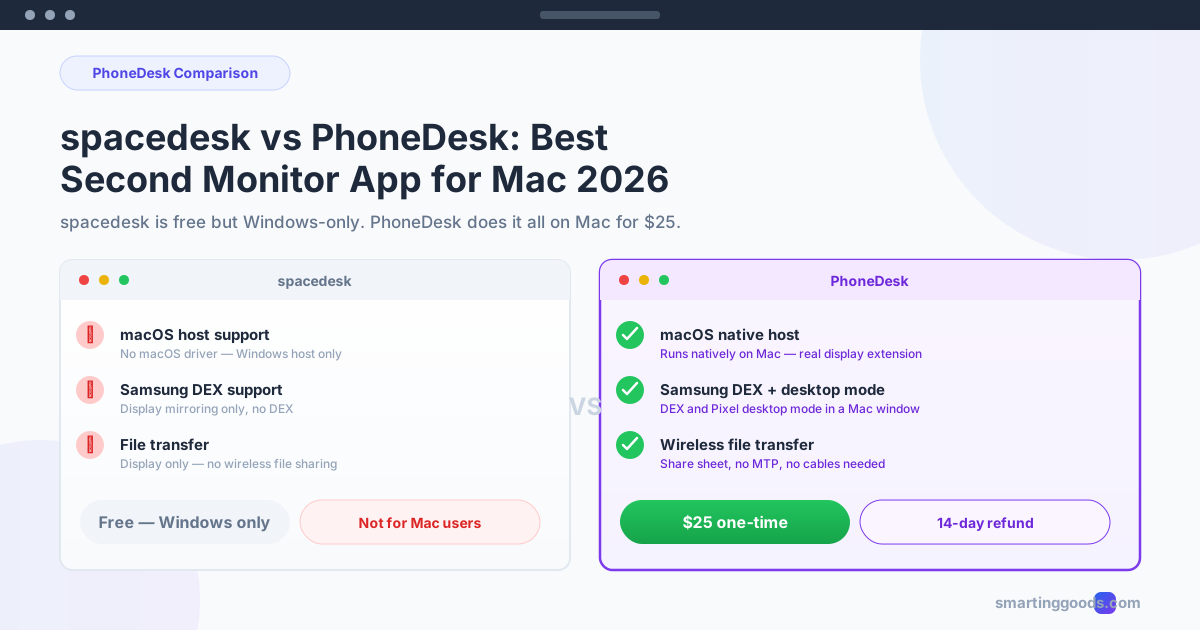
spacedesk vs PhoneDesk: Best Second Monitor App for Mac in 2026
spacedesk is free but Windows-only, leaving Mac users with no second monitor option. PhoneDesk fixes that — native macOS, Samsung DEX support, file transfer, and more for $25 one-time.
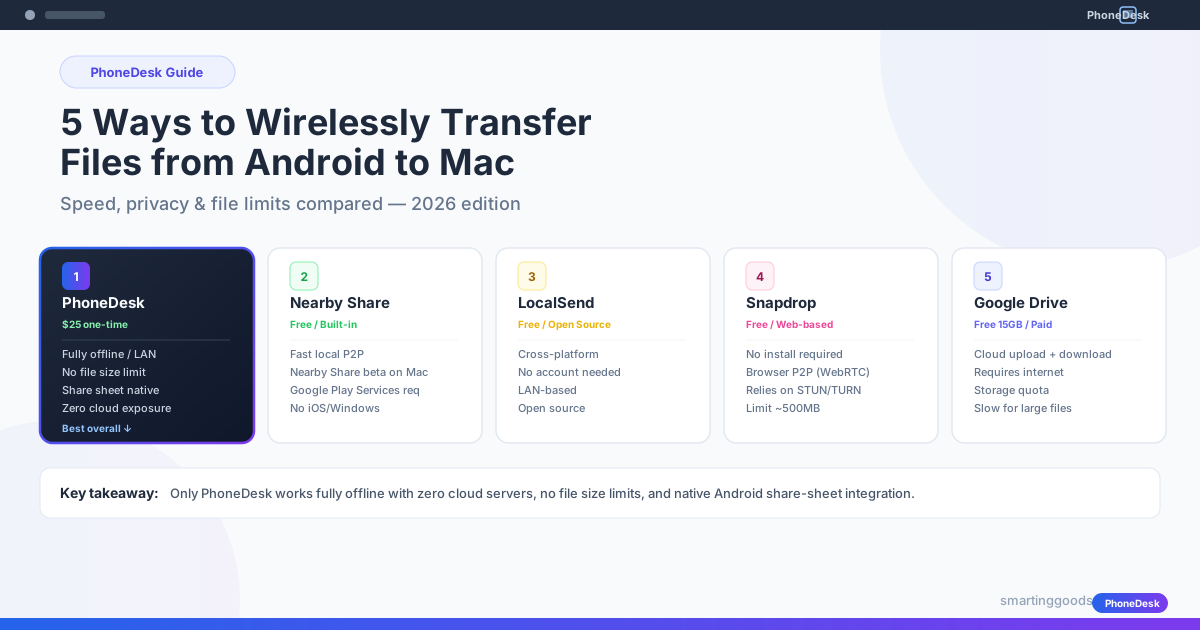
5 Ways to Wirelessly Transfer Files from Android to Mac in 2026
Need to transfer files from Android to Mac wirelessly? We compare 5 methods — PhoneDesk, Nearby Share, LocalSend, Snapdrop, and Google Drive — on speed, privacy, and ease of use. No USB cables, no MTP hassle.
Pixel Desktop Mode on Mac: How to Connect Your Google Pixel (Android 16 Guide)
Android 16 finally brings a proper desktop mode to Pixel phones. Here's how to connect your Google Pixel to a Mac and get the most out of it — with or without an external monitor.
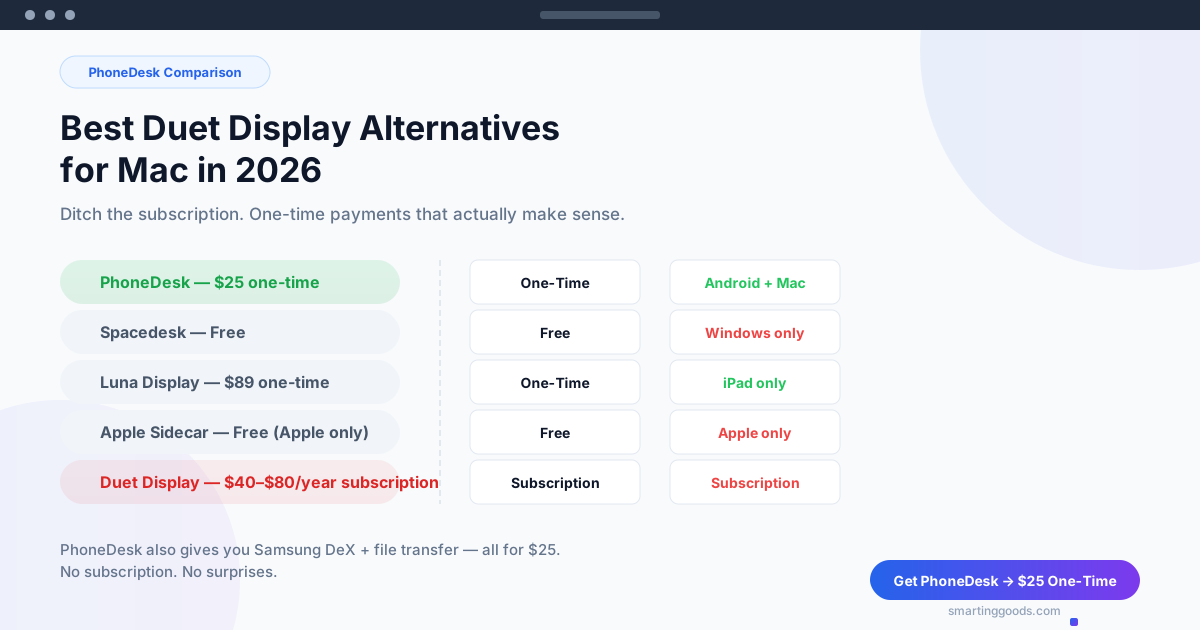
Best Duet Display Alternatives for Mac in 2026 — Ditch the Subscription
Looking for the best alternative to Duet Display for Mac in 2026? Compare PhoneDesk ($25 one-time), Spacedesk, Luna Display, and Sidecar. Ditch the subscription.
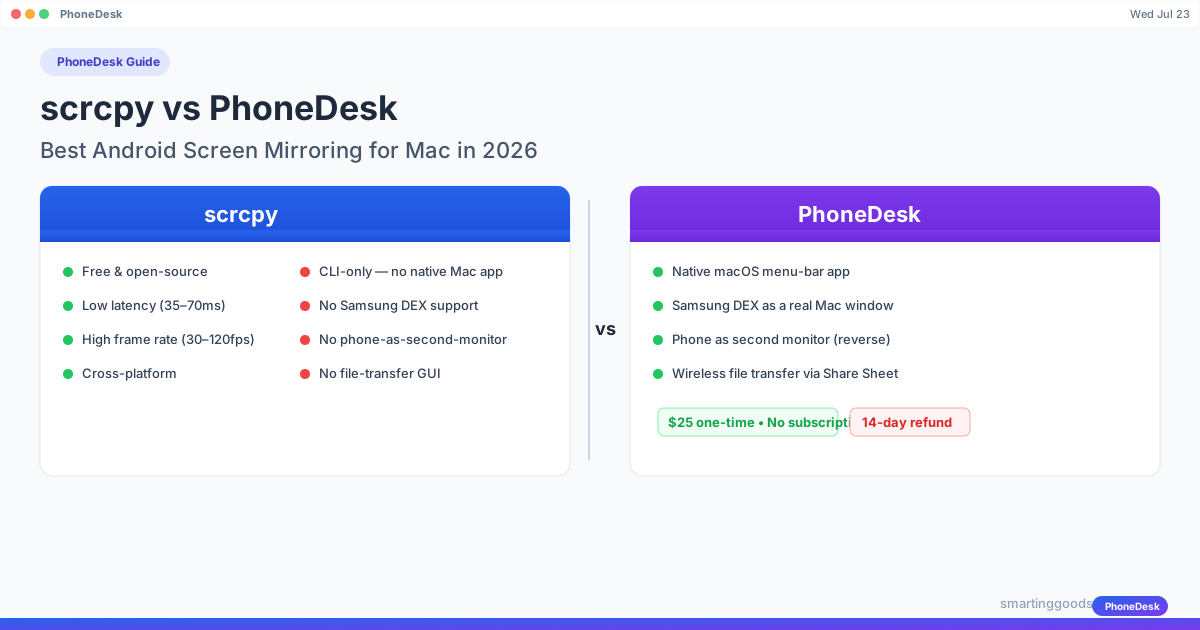
scrcpy vs PhoneDesk: Best Android Screen Mirroring for Mac in 2026
Compare scrcpy vs PhoneDesk for Android screen mirroring on Mac in 2026. scrcpy is free but CLI-only. PhoneDesk is a $25 native macOS app with DEX, second-monitor, and file transfer.
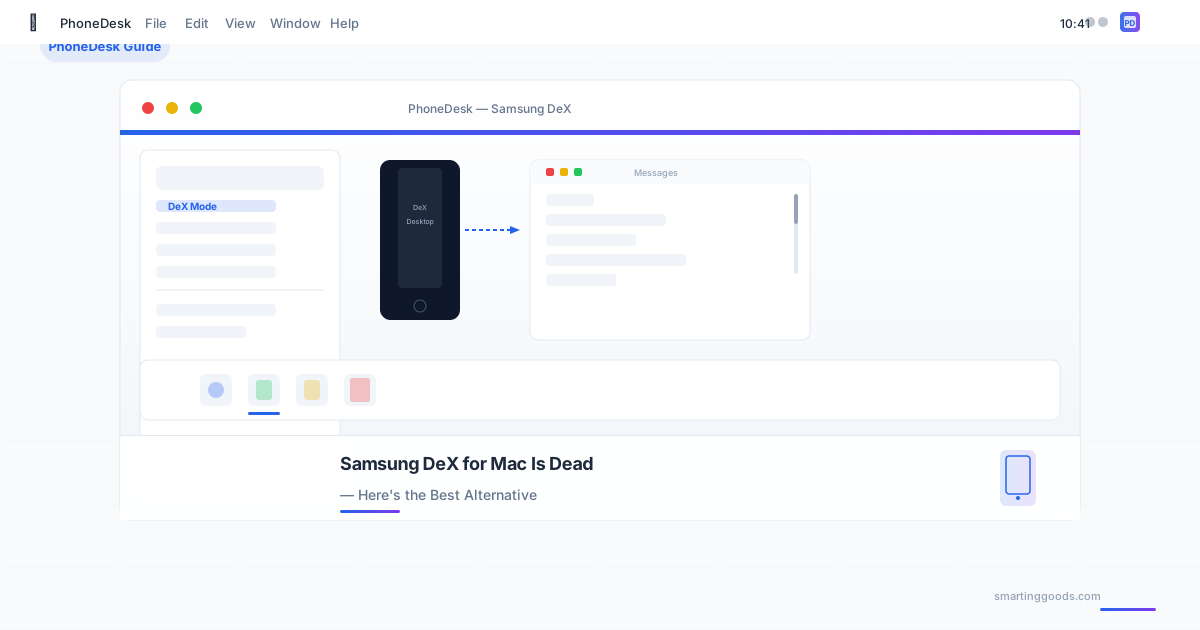
Samsung DeX for Mac Is Dead — Here's the Best Alternative
Samsung killed DeX for Mac in January 2022. If you're looking for a way to run Samsung DeX or Pixel desktop mode on your Mac, here are the alternatives that actually work — including one that does it better than Samsung ever did.
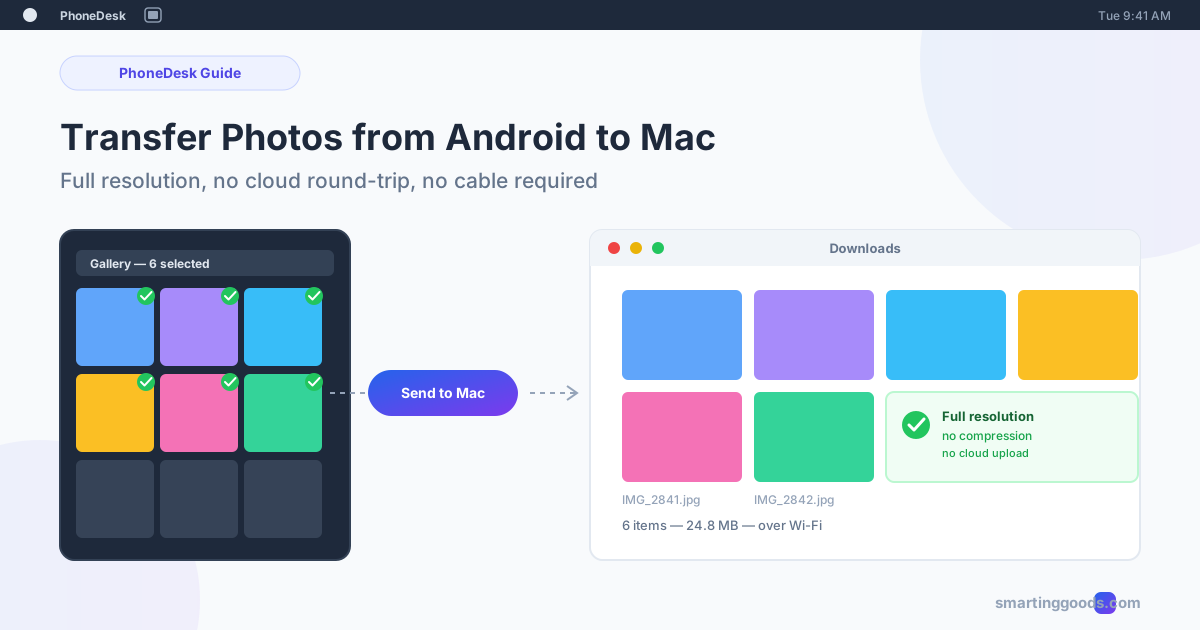
How to Transfer Photos from Android to Mac (2026 Guide)
Google Photos, Android File Transfer, and messaging apps all move photos from Android to Mac eventually — but each costs you time, quality, or storage. Here is what actually works, and a faster alternative.
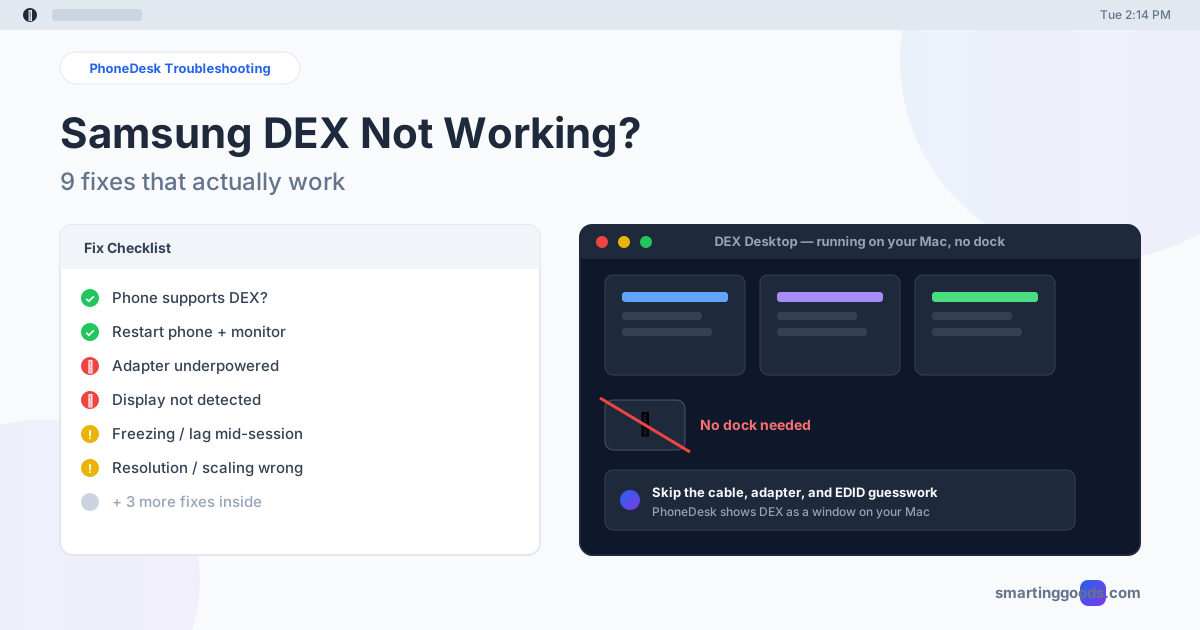
Samsung DEX Not Working? 9 Fixes That Actually Work
Samsung DEX won't connect, freezes, or shows a black screen? Here are 9 real fixes for the most common DEX failures — plus a way to skip the dock entirely.
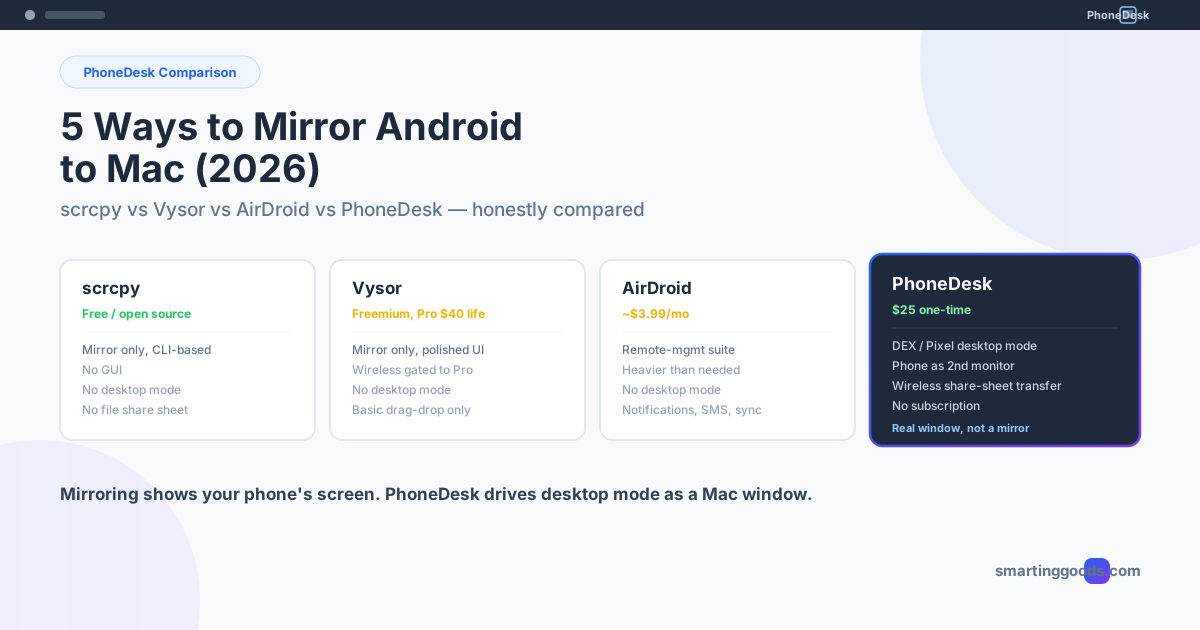
5 Ways to Mirror or Control Your Android Phone from a Mac (2026)
scrcpy, Vysor, AirDroid, and PhoneDesk compared honestly — which one actually mirrors your Android phone to Mac, and which one drives Samsung DEX or Pixel desktop mode as a real window instead.
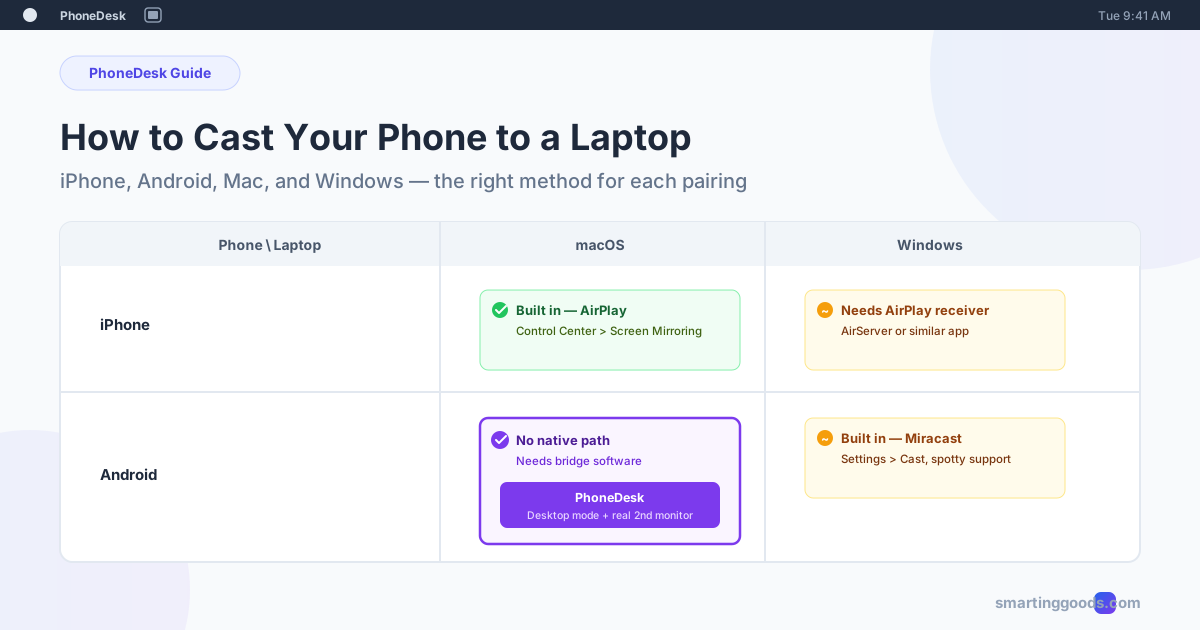
How to Cast Your Phone Screen to a Laptop (2026 Guide)
A laptop can't receive a cast like a TV can. Here is the right method for every phone-and-laptop pairing — iPhone, Android, Mac, Windows — and where PhoneDesk fits for Android + Mac.
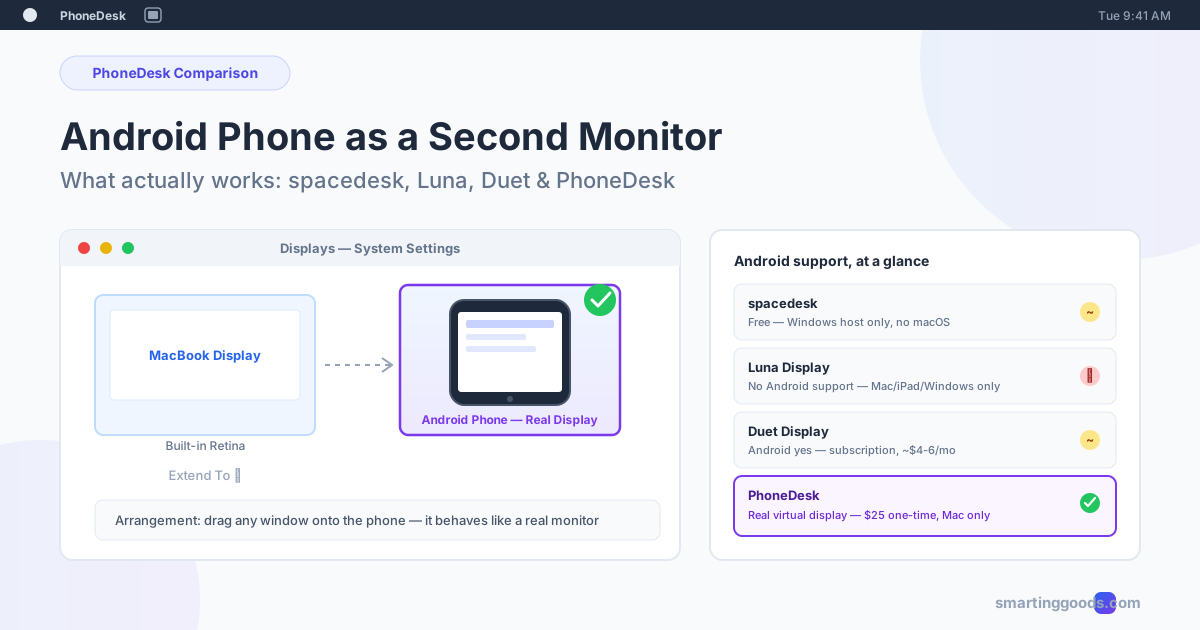
Android Phone as a Second Monitor: What Actually Works
Can you really use an Android phone as a second monitor? Here's the honest 2026 breakdown of spacedesk, Luna Display, Duet Display, and PhoneDesk — what's free, what's Windows-only, and what actually creates a real second display on a Mac.
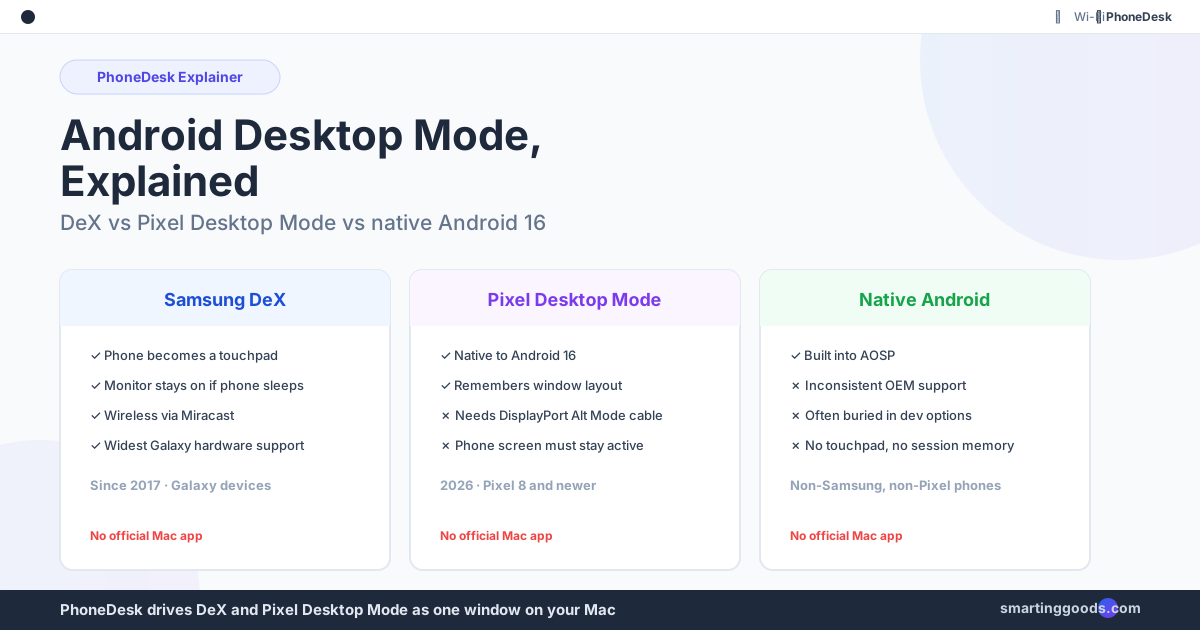
Android Desktop Mode Explained: DEX vs Pixel vs Native
Android desktop mode isn't one feature — it's Samsung DeX, Google's Pixel desktop mode, and native Android 16 windowing, each with different hardware requirements. Here's how to tell which one you have and what each can do.
How to Use Samsung DEX on Mac (2026 Guide)
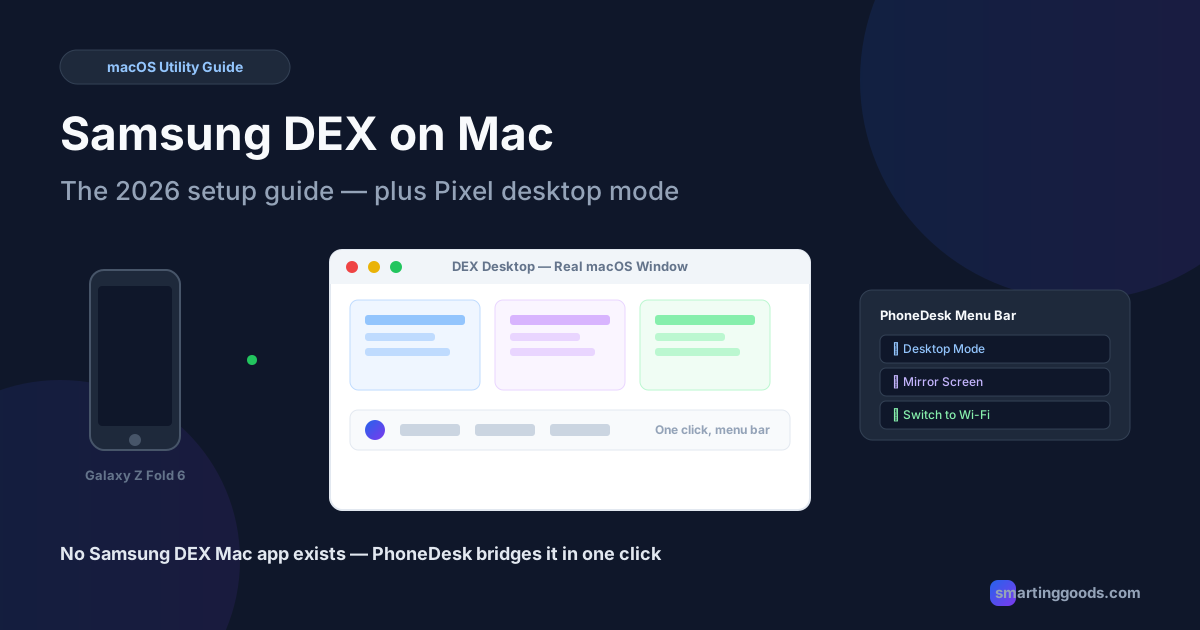
Samsung never shipped Samsung DEX for Mac. Here's how DEX actually works, why Mac got left out, and how to get a real DEX (or Pixel desktop mode) window running on your Mac with PhoneDesk.